The short answer
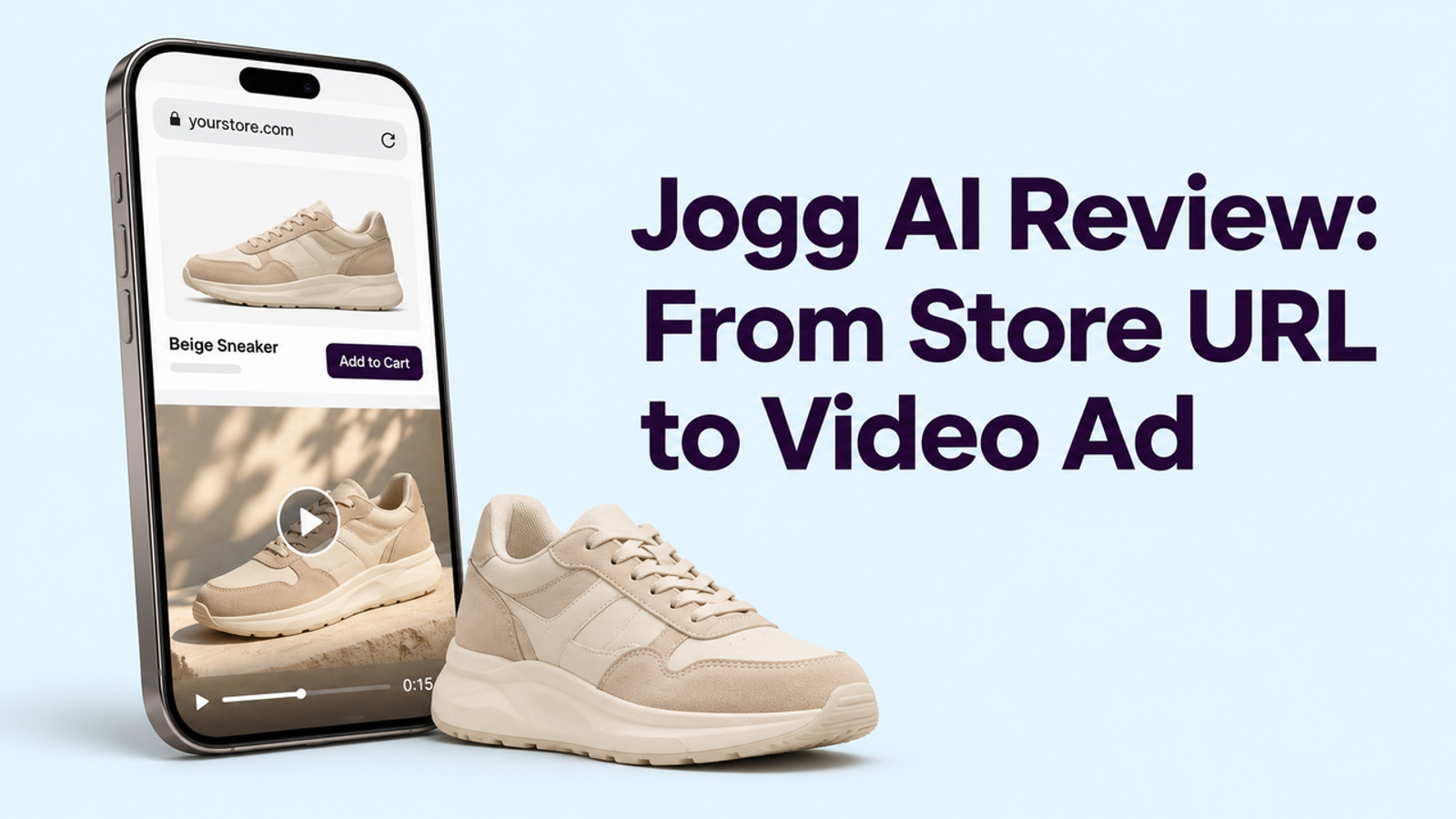
Jogg AI’s URL-to-video tool can turn a store listing into an editable ad draft. It fits teams with accurate product pages and approved assets. Before running the ad, a reviewer needs to verify the product facts, presenter consent where applicable, and media rights in the context of the final cut.
Quick Verdict for Product-Link Ads
For this Jogg AI review, I’d use one store page for a 350 mL travel mug and one vertical ad placement. Give the team an approved product photo, the exact variant, and one feature to explain. Before drafting, agree on how many renders the team will pay for and how much time it can spend correcting and reviewing the ad.
Make a second cut in your editor using the same product photo, approved copy, duration, and placement. Check both cuts for accurate product details, readable captions, and a crop that leaves the mug and offer visible. The Jogg AI cut earns its place if the presenter makes the flip lid easier to understand and the team can approve it within both limits. If the ad only needs to show the mug and its price, the cut made from the photo may already meet the brief.
What Does Jogg AI Build From a Store URL?
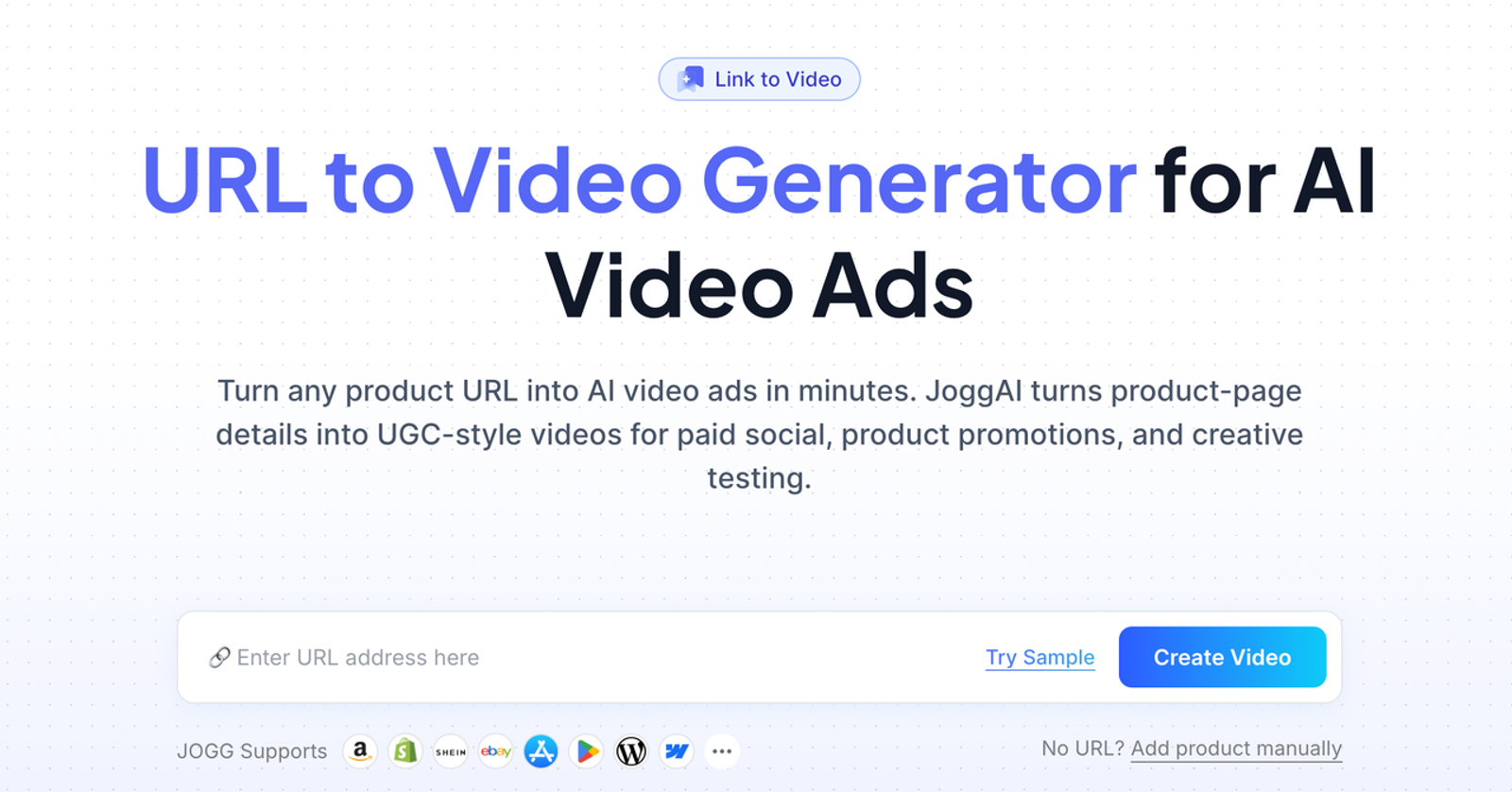
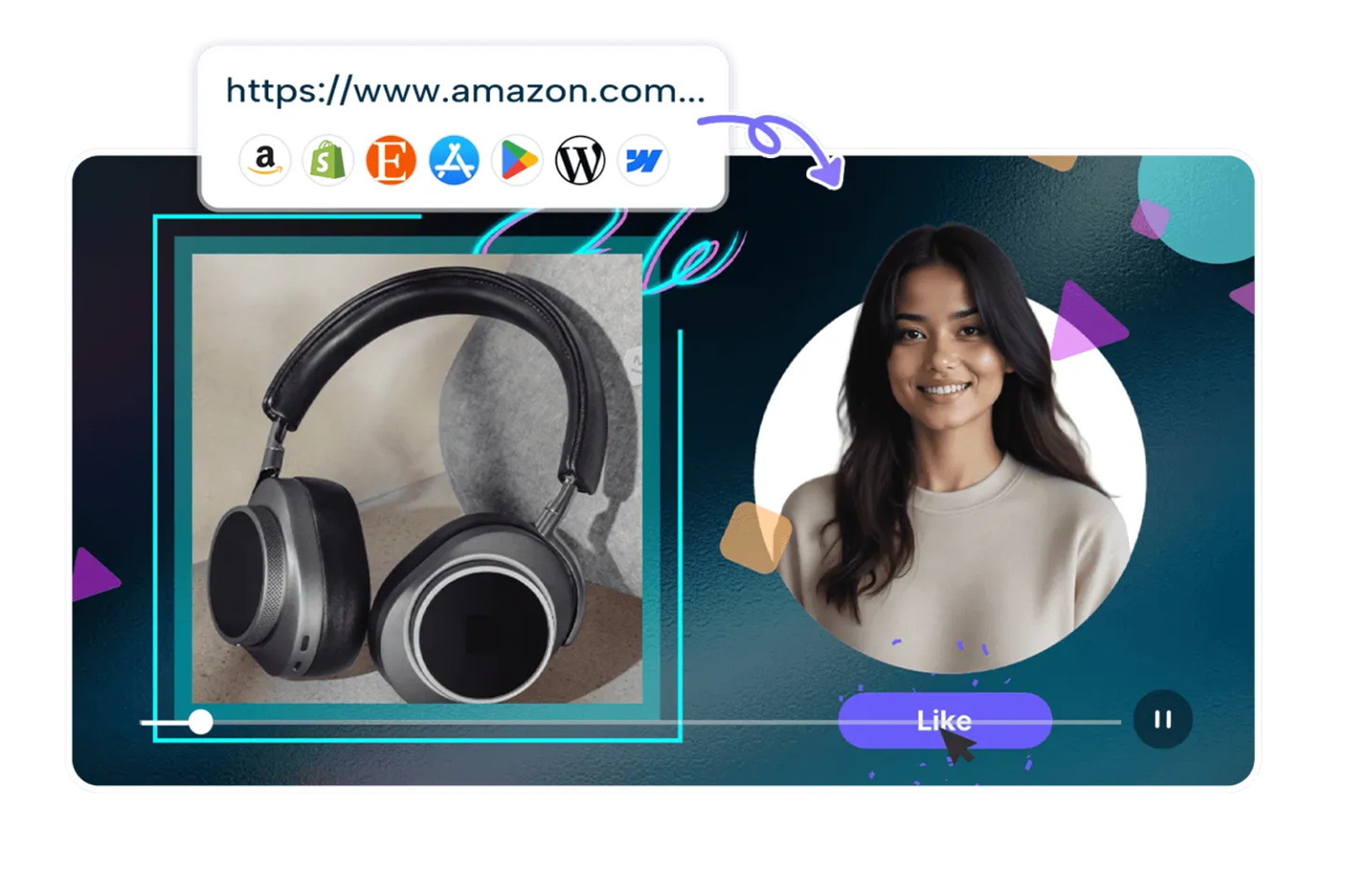
Jogg AI pulls product information and visuals from the page to assemble a scripted ad draft. In the Jogg AI URL to Video workflow, you can choose an avatar, voice, language, duration, and aspect ratio. You can use a generated script or supply your own.
Product Details, Script, and Creative Choices
Paste the product link and compare the imported details with the variant the ad will sell. If the 350 mL and 500 mL mugs share a gallery, select the approved media for the smaller one. Correct the product name and highlights before generating scripts so a wrong size doesn’t make its way into the voiceover and captions.
Use the product fact sheet from the Amazon image guide as a starting point. For the mug, record the capacity, color, and included lid so the editor can check each imported image against the same variant. A line like “This is the 350 mL travel mug with a flip lid” can be checked against the listing and shown on screen. A promise that the mug will never leak needs separate evidence and approval.
The First Ad Draft and Available Edits
Preview the draft at the intended aspect ratio before rendering. Jogg AI lists changes to script, avatar, subtitles, voice, and music in Quick Edit. Its URL-to-video guide also names ProEdit for further adjustments.
The next edit is part of the cost. If the wrong mug comes through, correct the image and script in the same pass. Then preview the updated voiceover and captions together so the correction reaches both. Log the time spent on those fixes alongside the number of renders.
How Should a Brand Review a Jogg AI Ad?
Review what the ad says about the product and what it implies about the presenter. Make both checks on the final cut before submitting it for the intended placement.
Product Claims, Labels, and Presenter Context
I’d check the capacity on the label before judging the presenter’s delivery. Compare the listing, script, captions, and product image at the moment the capacity is mentioned. If the script says 350 mL while a 500 mL label flashes on screen, replace the shot. Even a brief mismatch can leave the shopper unsure which mug will arrive.
For Jogg AI avatar ads, pay attention to first-person lines. “I take this mug on every commute” reads like a customer’s account of using it. The Arcads review for product campaigns covers the same script decision for AI actors. For the mug ad, give the presenter a line about how the lid opens and show the action on screen.
For a real spokesperson’s likeness, the custom avatar consent process is one step. Check that the campaign release also covers the script, use of their voice and likeness, and the planned paid placements.
Hook, Pace, Captions, and Placement Crop
If the presenter starts explaining the lid before the viewer sees the mug, move the product shot earlier so the line has something to point to. Apply the checklist to the exported file, since the crop and timing can change in the final edit.
| Check | What to verify before approval |
| Product facts | Match each claim and offer to the approved listing for the exact variant. |
| Packaging text | Freeze the closest product shot and read the capacity and branding on the label. |
| Hook and pace | Play the opening muted at normal speed. Check that the viewer can identify the product and read the first line before the next cut. |
| Captions | Listen to the export while reading the captions. Check the brand name, capacity, and offer against the approved copy. |
| Placement crop | Open the mobile placement preview and confirm that platform buttons and captions leave the capacity mark and call to action visible. |
When Is Jogg AI a Good Fit for a Product Team?
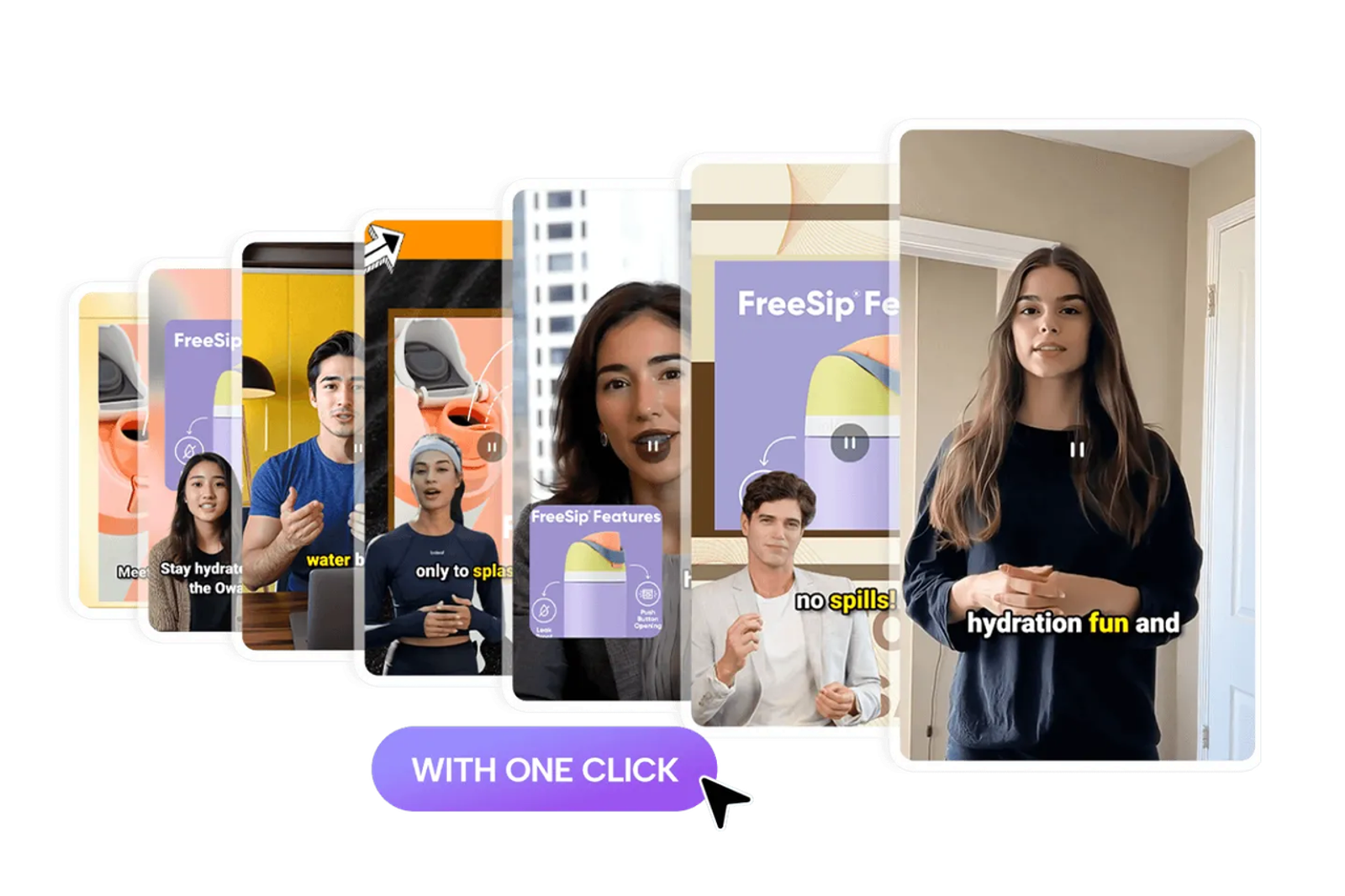
Jogg AI fits a team that needs several short drafts from the same accurate listing and has someone who can approve the result. If the team has to correct most product details or replace most images after import, the URL saves less work. If import is the deciding factor, compare Jogg AI with Waymark alternatives for video ads using the same mug link. Record how many details and images each tool leaves you to correct.
Repeatable Short Ad Variants
When comparing two Jogg AI product ads, change the opening line and keep the presenter, product shots, offer, and final shot fixed. One version could open with the mug’s capacity and the other with the flip lid. Save the approved script and export for each. If both cuts go live, use the UGC ad creative testing workflow to log the hook, product demonstration, audience, and spend window for each version.
Work That Still Needs a Human Reviewer
Assign someone to check the selected variant, landing page, and media rights. A publicly accessible store page can contain supplier photography with limited reuse rights. For each approved export, record the source URL, variant, script version, and sign-off. If the listing or offer changes, that record shows which ads need a fresh review.
Conclusion
Keep the approved product facts, final cut, render count, and review time together. Use that record to decide which products suit the same workflow and how much review time to budget for the next batch.
FAQ
- Which store platforms can Jogg AI read from a product link?
- Jogg AI names Shopify, Amazon, WooCommerce, and Etsy as examples. Check the exact product URL you plan to use, especially if the page changes images or prices when a shopper selects a variant. Correct any missing details and select the right media before creating the script.
- How are Jogg AI credits charged for previews and exports?
- Previews and ordinary edits use no credits. Jogg AI’s URL-to-video credit rates list script generation as free and generated videos at 50 credits each. At that rate, generating two candidates costs 100 credits. When exporting, check whether the action downloads an existing file or triggers a new render. If at least one ad passes review, divide the total Jogg AI video credits spent by the number approved.
- Can Jogg AI use a brand's authorized spokesperson likeness?
- Yes, through its custom Video Avatar workflow. Jogg AI requires a consent video featuring the same person shown in the avatar footage. Before uploading, check the current privacy terms and confirm who on the team can use the avatar and which campaigns the spokesperson has approved.
- Which languages are available for Jogg AI video narration?
- Jogg AI lists English, French, Spanish, and Portuguese among the languages supported in its video workflow. Select the script language first, then use the Voice Library’s language filter to find compatible narrators. Before rendering a localized cut, have a fluent reviewer listen to the brand name, the pronunciation of “350 mL,” and the wording of the offer.
- What commercial-use terms apply to Jogg AI exports?
- Under Jogg AI’s output terms, users can generally use outputs commercially, subject to exceptions in the terms or service. The terms also require users to have the rights and permissions needed for submitted content. Please refer to the latest official documentation and verify asset licenses, consent, privacy, and the destination’s AI disclosure rules before publishing. This is general information and does not constitute legal advice.