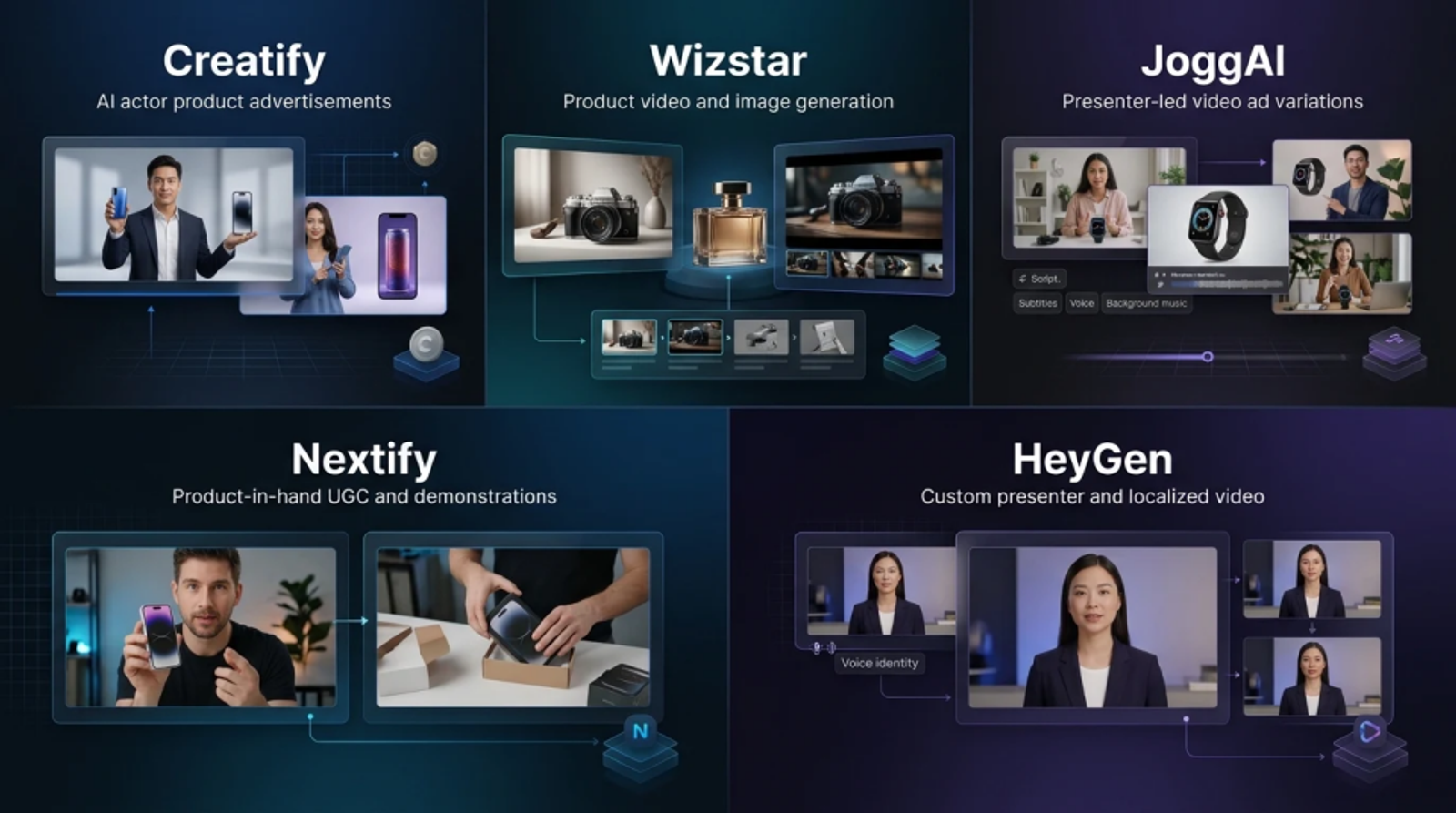
Creatify and JoggAI are direct Pippit alternatives for turning product links into video ads. Wizstar suits campaigns that require both product videos and still images, while Nextify targets product-in-hand UGC demonstrations. HeyGen fits brands that need a recurring personal presenter using their own voice and likeness alongside video localization.
I would start with your existing source material and the specific edits you need next. JoggAI’s Quick Edit covers scripts, avatars, subtitles, voice, and music, whereas Wizstar’s E-commerce Agent accepts a product link or at least three photos with built-in script, storyboard, and scene review. Keep in mind that Wizstar's current Agent workflow operates in English, while cloned avatars and video translation use separate tools. Compare monthly plans against these workflow requirements and their model-specific output allowances—the real question is how much relevant content your budget actually produces, rather than how many raw credits a plan advertises.
Which Pippit tasks do you need to replace?
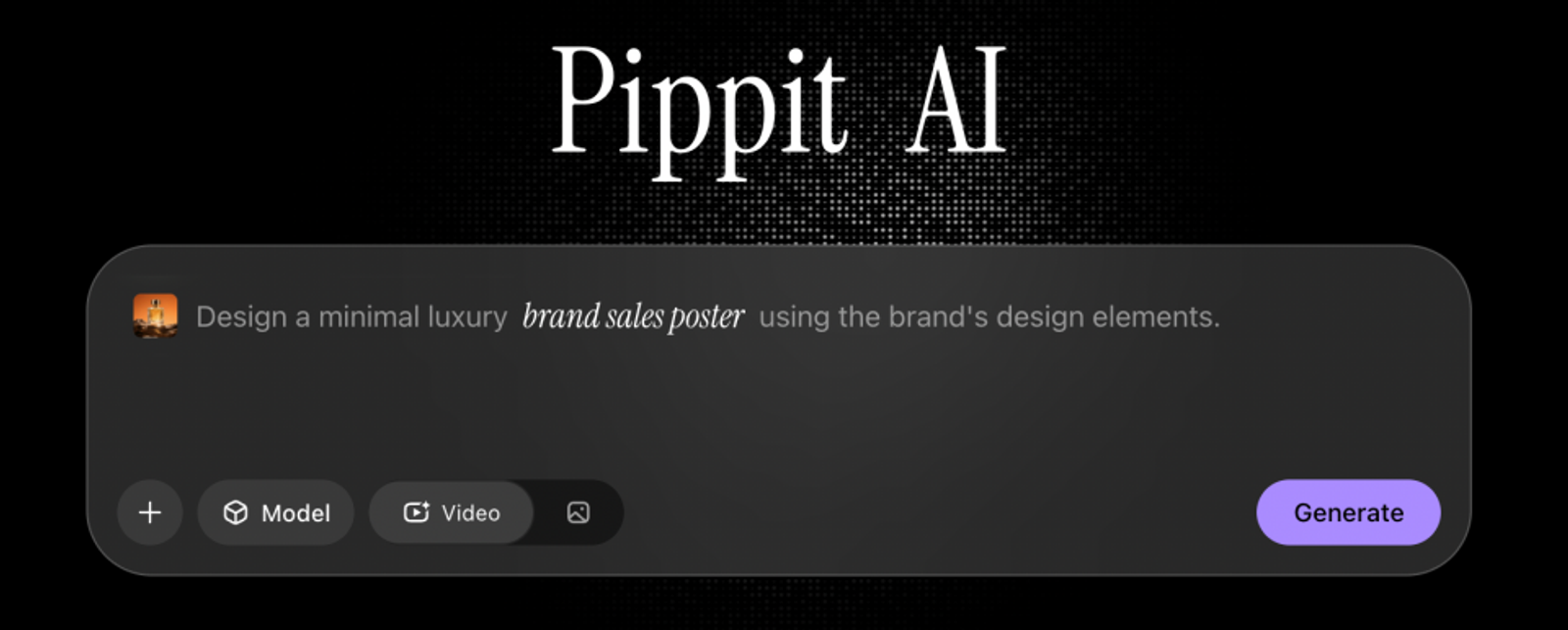
Focus on replacing the exact Pippit creation task your campaign depends on: product ads, product images, digital avatars, or localized video. Pippit generates videos from links, media, files, and prompts alongside its Image Agent and Digital Avatars. Replacing content creation alone does not automatically replace Pippit's publishing or analytics tools, which require a separate decision.
A product URL points toward listing-based advertising, whereas three product photos point toward a different starting workflow, and a recurring presenter puts voice and likeness at the center. I'd narrow your shortlist around the material you already have on hand and the exact scene you need to build, keeping the comparison tied to a real creative assignment.
These five alternatives cover distinct parts of that workflow:
| Tool | Starting material | Best-fit deliverable | Replacement boundary |
| Creatify | Product URL | Product ads with AI actors | Product-page ad creation |
| Wizstar | Product link or at least three photos | Product videos and images | Avatar and translation use independent tools |
| JoggAI | Product URL | Revisable UGC video ads | Script, avatar, and template workflow |
| Nextify | Product material | Product-in-hand UGC and ad variations | Specific demonstration and variation tools |
| HeyGen | Your likeness and voice | Recurring presenter and localized videos | Presenter and localization work |
Narrow your options by deliverable before comparing monthly credit allowances.
A required hand-held demonstration makes Nextify's specialist tools relevant, while frequent subtitle or music tweaks give JoggAI's Quick Edit a clear job. Those operational details tell you far more than the total feature count inside a subscription.
Creatify for product-page ads and AI actors
Creatify turns a product URL into videos and product ads powered by AI actors and an Ad Agent, making it a direct candidate for converting an existing listing into ad creatives. I'd consider it for an occasional product-page ad as well as a recurring listing-based assignment.
Keep the actor's role focused: put a person on screen to explain one specific product benefit, then build the ad direction around that explanation. For sellers preparing multiple listing ads, keep each brief focused without giving every item the exact same presentation. The starting information may come from a product page, but the finished ad still needs a distinct point of view.
I'd keep Creatify on the shortlist whenever a product page supplies the starting material and an actor-led ad is the goal. If named controls for script, subtitle, or music edits decide the choice, JoggAI's Quick Edit gives you a stronger reason to look there.
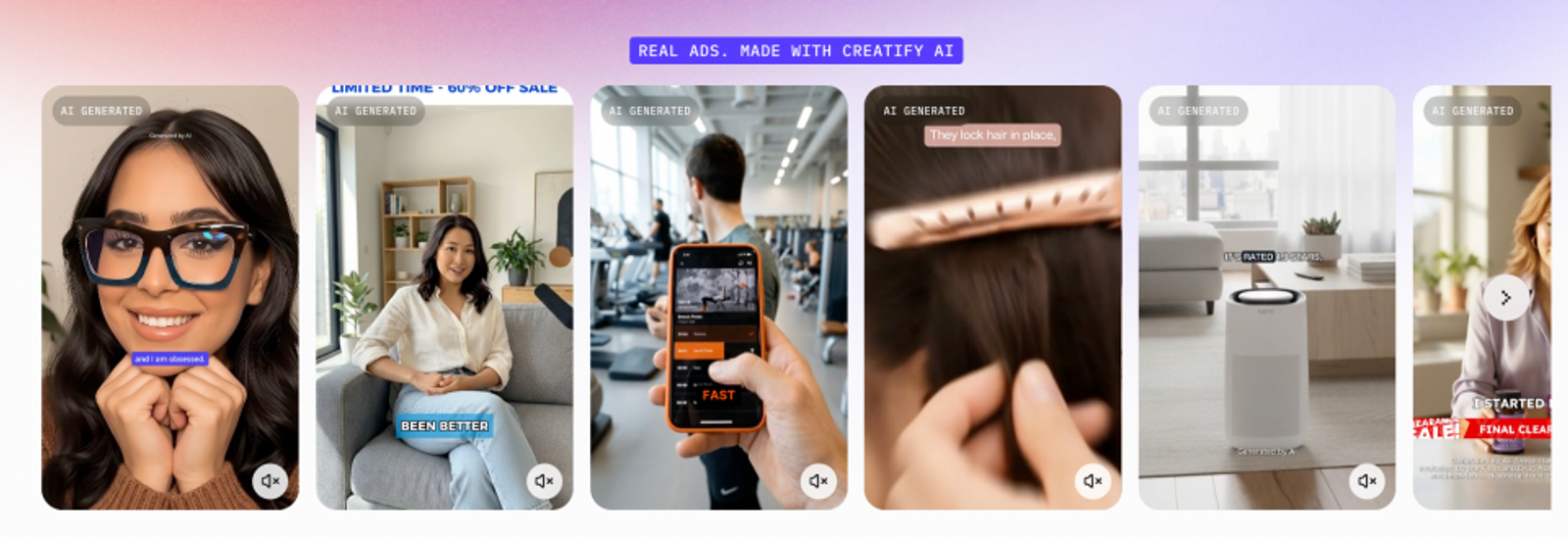
JoggAI for link-to-video ads you can revise
JoggAI pairs a product URL with script, avatar, and template controls to generate UGC video ads. Its Quick Edit controls let you adjust the script, avatar, subtitles, voice, and background music, while the Starter plan includes Product Ad Tools to keep listing-based ad creation within reach.
Post-generation revision is the deciding attraction here. I'd prioritize JoggAI for an ad that needs a sharper opening line, updated subtitle styling, or a different music track—concrete adjustments backed by named controls rather than a vague request to polish the clip. Keep the core product claim steady when testing different hooks.
Give each ad variation one deliberate change: keep the opening hook and swap the presenter, or keep the presenter fixed and revise the script so each test isolates a clear variable. JoggAI earns its spot through this combination of a product-page starting point and targeted editing controls, especially when iterative ad revision sits at the center of your workflow.
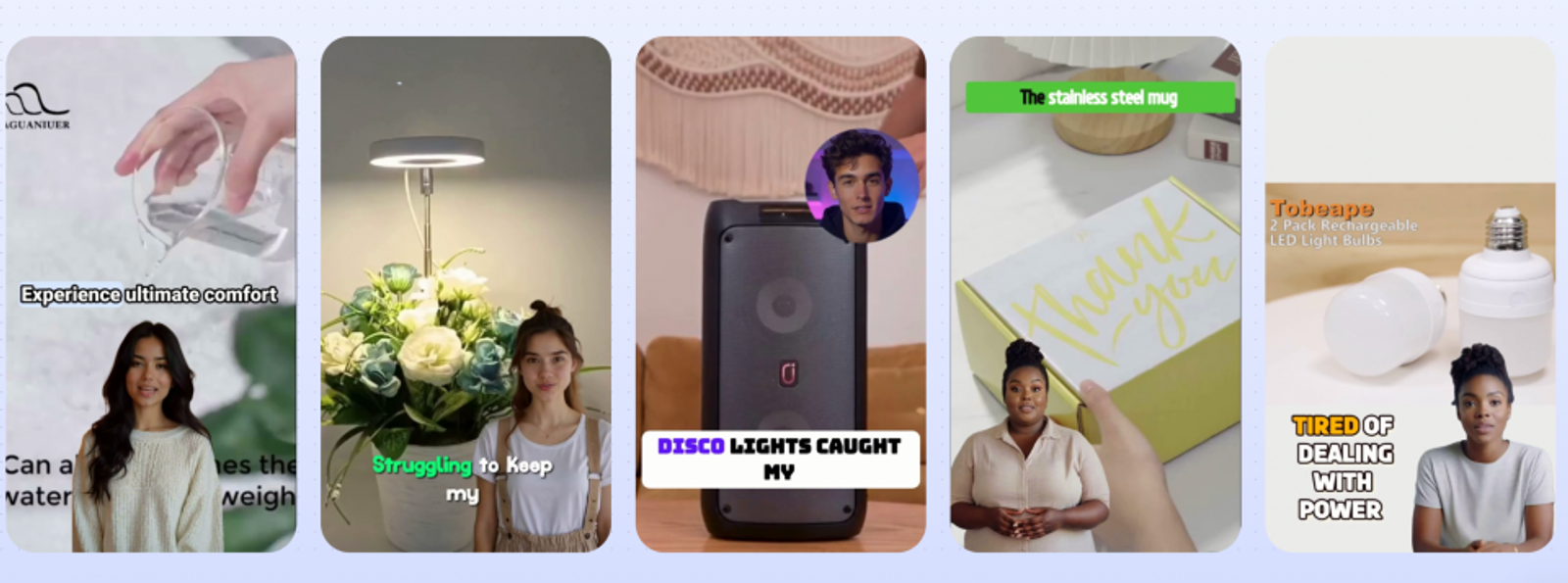
Nextify for product-in-hand UGC and ad variations
Nextify is the default option here for product-in-hand UGC. Its Product-in-Hand, Unboxing POV, and Ad Remix features directly address physical demonstrations and ad variations. When your creative brief requires a presenter holding the product, Nextify's named demonstration tools give that shot a clear direction.
I'd distinguish a simple holding scene from a full unboxing before choosing your format. Decide whether viewers need to see the item held in use, unboxed step by step, or repackaged into another ad variation, as each format asks the visual sequence to do something different. Let the required demonstration carry the core message rather than treating a hands-on shot as filler behind a generic voiceover.
For a standard product-URL ad without a physical holding requirement, Creatify or JoggAI offers a more direct starting point. Nextify's specialist value comes from the demonstration itself, so budget around the exact feature that serves it—note that the Sora 2 output example in the pricing table reflects a separate model allowance and cannot stand in for a Product-in-Hand quota.
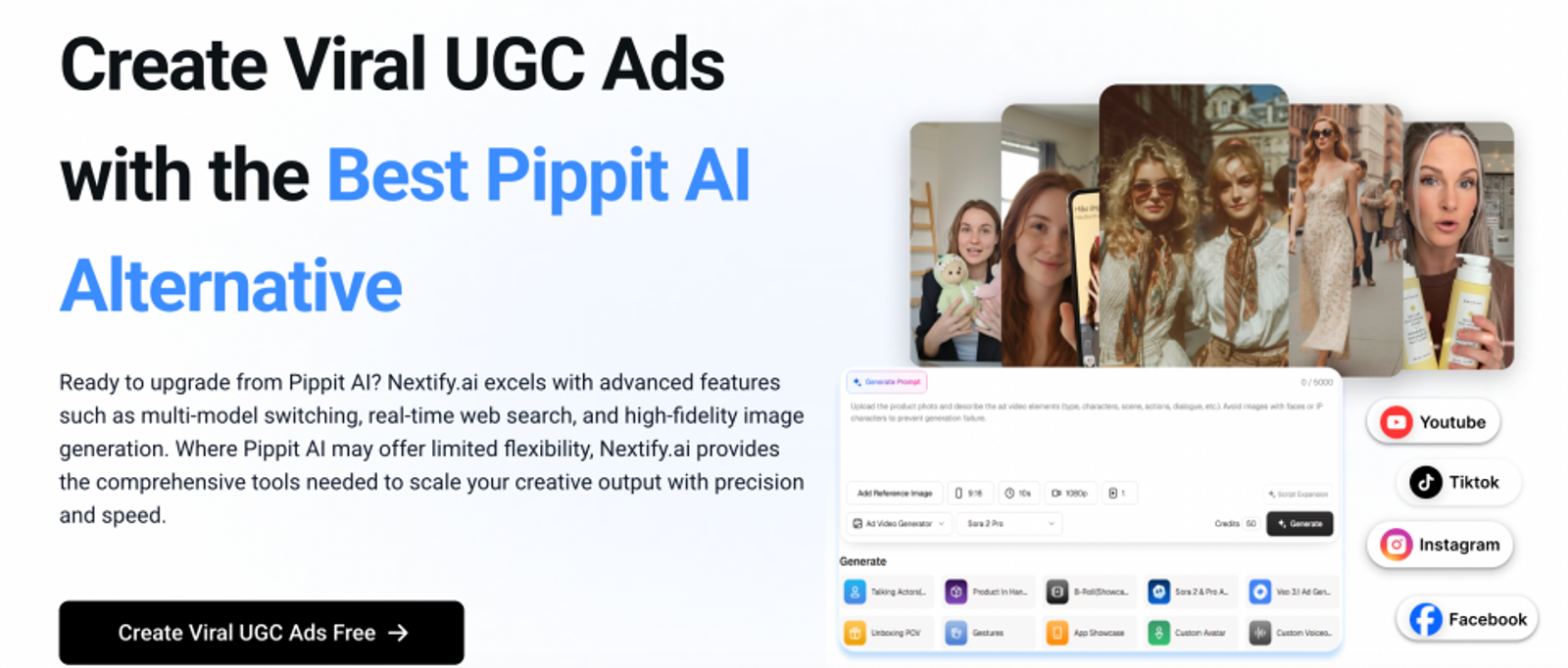
HeyGen for a repeatable presenter and localized videos
HeyGen fits brands that need a recurring personal presenter paired with localized video versions. Its custom avatars can replicate your own voice and likeness, complemented by video translation and Video Agent. The Creator plan includes 1080p export alongside a custom avatar built from your voice and likeness.
For an ongoing series of product explainers, I'd place the speaker's identity near the top of the creative brief—and apply the same priority to brand introductions or localized market versions anchored by that presenter. Product visuals can support the message, but the recognizable person remains the primary reason to choose this workflow.
HeyGen's presenter-led workflow differs fundamentally from turning listing photos or product URLs into fast ad variations. Its strengths address the spokesperson and localization layers of production. If your immediate need is a product image campaign or a URL-led ad batch, prioritize the corresponding creation tools first—a personal presenter is a reason to pick HeyGen, not a requirement for every product ad.
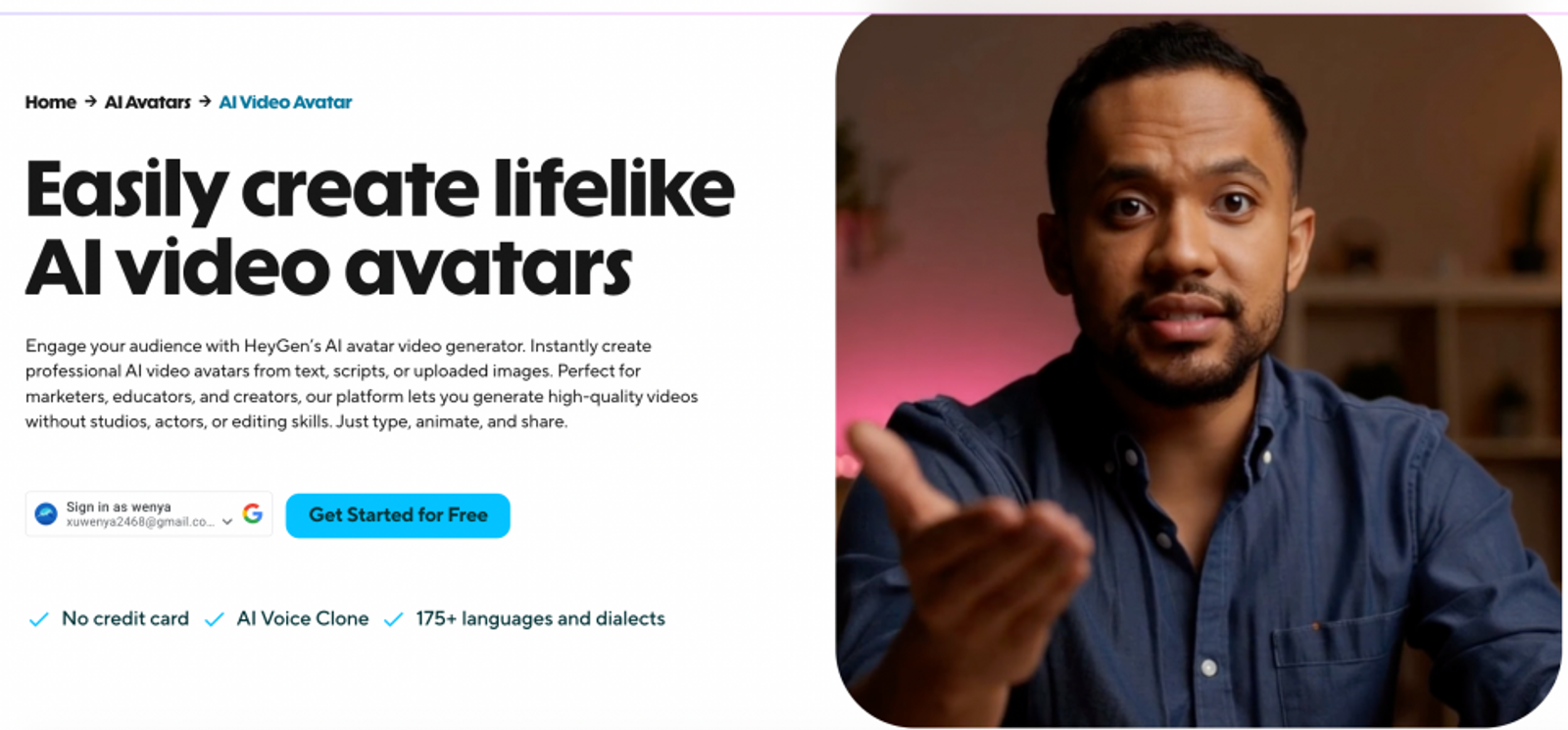
Wizstar for product videos and images in one creative workflow
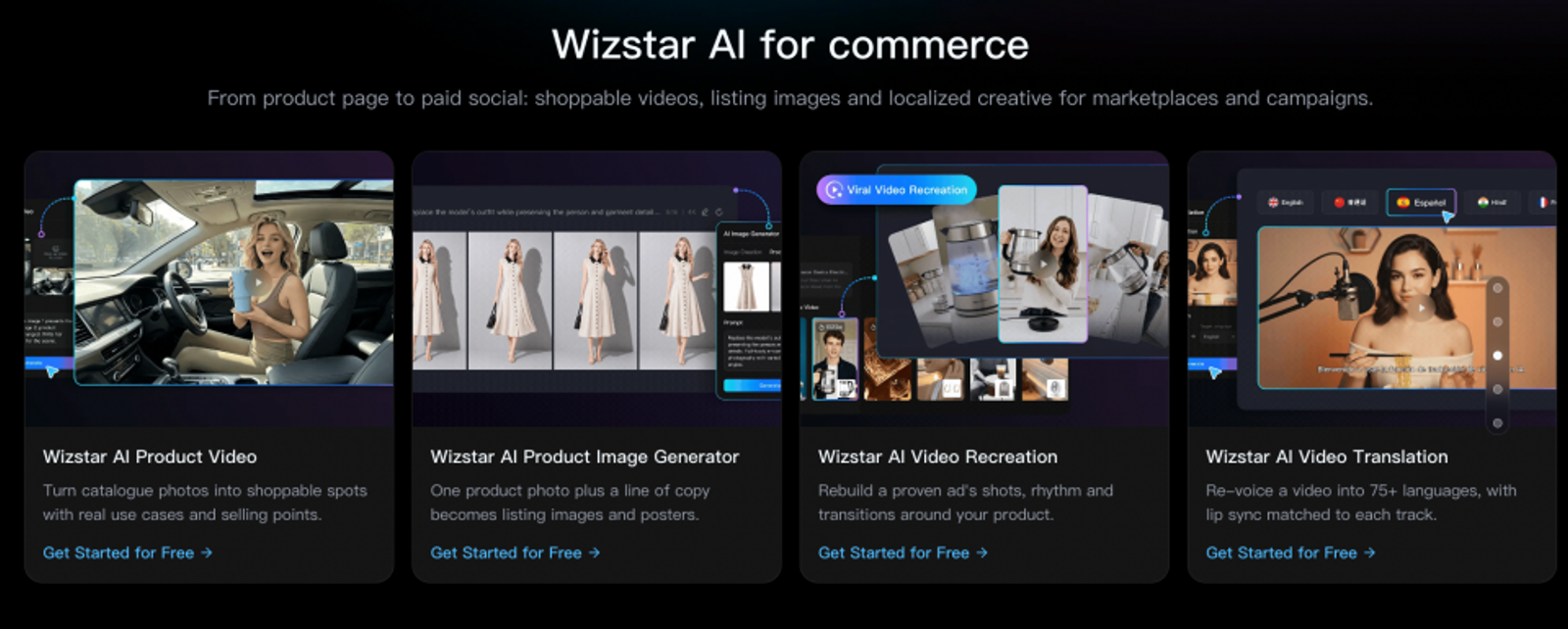
Wizstar fits campaigns that need both product videos and product images. Its E-commerce Agent accepts a product link or at least three product images, letting you review the script, storyboard, and scenes as the video takes shape, with independent avatar and translation tools available alongside it.
I'd give that multi-stage review structure priority whenever an important physical detail needs a clear place in the shot. Start with what the script must communicate, then verify how the storyboard assigns that message across scenes so key product details stay visible in the plan. The main advantage here is the ability to inspect and adjust those separate layers of the creative before final assembly.
Pay close attention to the workflow handoff: the current E-commerce Agent operates in English, and translation uses its own dedicated tool. Similarly, custom cloned avatars and voices live in the independent Avatar tools and cannot be dropped directly into Video Agent. Favor Wizstar for combined product video and image production when those separate steps fit your process; if you require a cloned presenter directly inside the Agent timeline, adjust your shortlist accordingly.
Monthly plans and the output behind the credits
| Tool and plan | USD monthly payment | Included credits | Representative output basis |
| Creatify Individual Standard | $15 | 55/month | 11 × 15s Aurora avatar videos, 720p |
| Wizstar Starter | $10.99 first month; $18.05 current monthly renewal | 1,310/month | 21 × 10s MiniMax H3 Agent clips, 720P, or 327 Nano Banana 2 Lite images, 1080P |
| JoggAI Starter | $29 | 12,000/month | Approx. 120 avatar minutes or 10 × 10s Seedance 2.5 videos |
| Nextify Starter | $29 | 1,000/month | Up to 50 × 10s Sora 2 videos |
| HeyGen Creator | $29 | 600 | Custom avatar video, 1080p |
Compare the stated output basis directly; raw credit counts alone cannot rank these subscriptions.
On Wizstar, the MiniMax H3 Agent costs six credits per second, so 1,310 credits cover 21 complete ten-second clips at 60 credits each. Alternatively, Nano Banana 2 Lite costs four credits per image, yielding 327 images from the same pool. Those figures represent alternative uses of one monthly allowance, and a raw generated clip is only one component of a finished ad.
Similarly, Creatify's example measures 15-second Aurora avatar videos, while JoggAI's avatar minutes and Seedance 2.5 clips represent distinct output modes. Nextify's estimate applies specifically to ten-second Sora 2 videos, with actual quantities varying by feature and model—keep that separate from Product-in-Hand usage. HeyGen's 600 credits serve a different custom-presenter workflow. I'd budget ongoing Wizstar usage at the current $18.05 renewal rate and match each plan's allowance to the specific deliverables you need.
Check the workflow before you subscribe
Before subscribing, define your starting material, required presenter setup, and target delivery language. Choose a workflow whose handoffs fit your project, then budget around concrete output deliverables rather than raw credit numbers.
If you need an English product video paired with product images, explore Wizstar’s AI Video Agent. Prepare a product link or at least three product photos for E-commerce mode, review the script and storyboard around one clear product benefit, and plan custom avatars or video translation as separate steps.
FAQ
- Is Pippit AI free?
- Yes, Pippit offers limited free daily credits for testing its Video Agent and Image Agent, while larger allowances and advanced features require a paid plan. The free tier provides a practical starting point for exploring those creation tools rather than full access to every capability. Limited guest use without an account has an even narrower scope, so base your subscription decision on the production volume needed beyond that trial tier.
- Can I try Wizstar's AI video generator for free?
- Yes, Wizstar gives new users 20 free credits for eligible tools. The trial allowance is credit-based rather than a fixed number of free videos, and different models spend credits at different rates, so pick your target output before testing. Advanced avatar generation and voice synthesis require a paid plan, meaning initial credits do not unlock every tool for free.
- How can I sign up for Wizstar?
- Wizstar supports registration via Google, Facebook, or standard email providers such as Gmail, iCloud, and Yahoo. Choose the login account you plan to use consistently for your creative work—for an ongoing project, I'd keep all product assets under one workspace account rather than splitting them across personal logins so your files stay organized as the campaign grows.
- Can I export Wizstar videos without a watermark?
- Yes, subscribing to any paid Wizstar plan removes the platform watermark during generation. Time your subscription ahead of that step whenever client or ad delivery requires an export without Wizstar's watermark. Keep in mind that upgrading does not upscale the video's base resolution or strip a third-party logo already embedded in your source files, so prepare clean source assets before generating final deliverables.
- Which languages does Wizstar support for video translation?
- Wizstar's video translation tool supports 70+ target languages and 99 current source-language options, offering two modes: Lip Sync + Audio Translation and Audio Translation Only. Select your source and target languages, then decide whether the clip requires lip-sync adjustments alongside translated audio. Note that these capabilities belong to the independent translation tool rather than multilingual generation inside E-commerce Agent.
- Does Pippit use uploaded content to train AI models?
- Pippit's privacy policy permits using user information to train and improve machine-learning models and algorithms. The policy, updated November 5, 2026, covers created, uploaded, and generated content, including potential pre-upload collection. While that permission does not guarantee that every uploaded file will be used for training, I would select input assets according to your confidentiality rules—especially when working with unreleased products.