The short answer
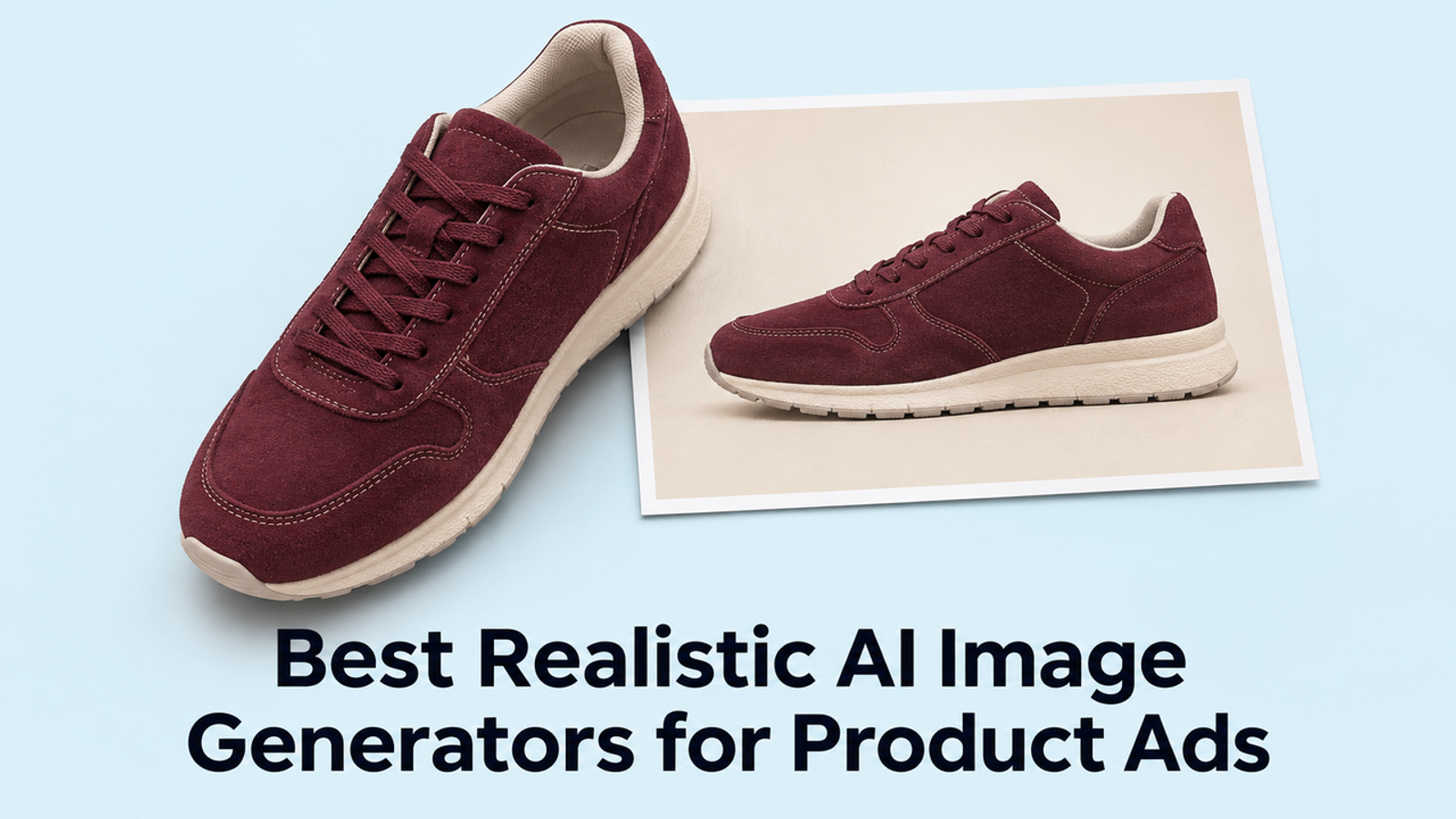
The best realistic AI image generator for a product ad is the one that preserves your SKU through a revision and delivers the file your team needs. A finished layout, an art direction concept, and a starting frame for video place different demands on the same product photo. Use an ordinary revision, such as changing the background, to see how much of the approved image survives.
Which Generator Fits Each Product Visual Task?
| Generator | Best fit | What to verify with the same product photo |
| Adobe Firefly | Campaign layouts built around an approved packshot | After replacing the background, check that the original label stays intact and the contact shadow looks natural. |
| Midjourney | Exploring lighting, styling, and art direction | Check whether the new scene changes the pouch shape, roast name, or label placement. |
| Leonardo AI | Creating several treatments and revising one | After the background edit, compare the pouch edges and label with the approved version. |
| Wizstar | Turning an approved still into a product video shot | Check the 4:5 crop for the still, then verify the pouch shape and label again in the motion clip. |
The choice among these realistic AI image tools depends on who takes the file next. A designer may need a clean backdrop with room for separately typeset copy. A video editor needs space for motion and a view the model can animate without revealing parts of the package your reference doesn’t show.
How Should Teams Compare Realism and Product Accuracy?
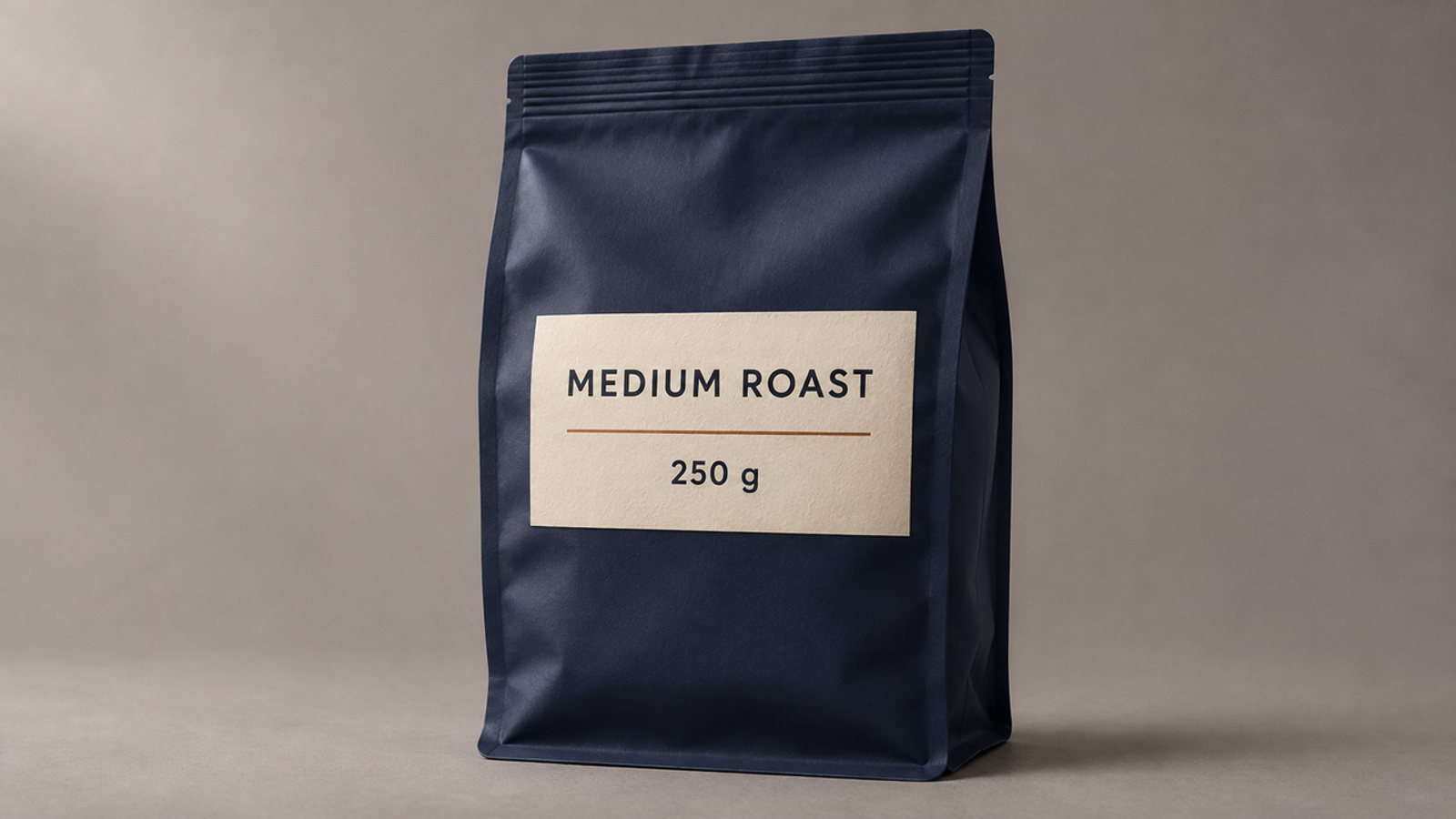
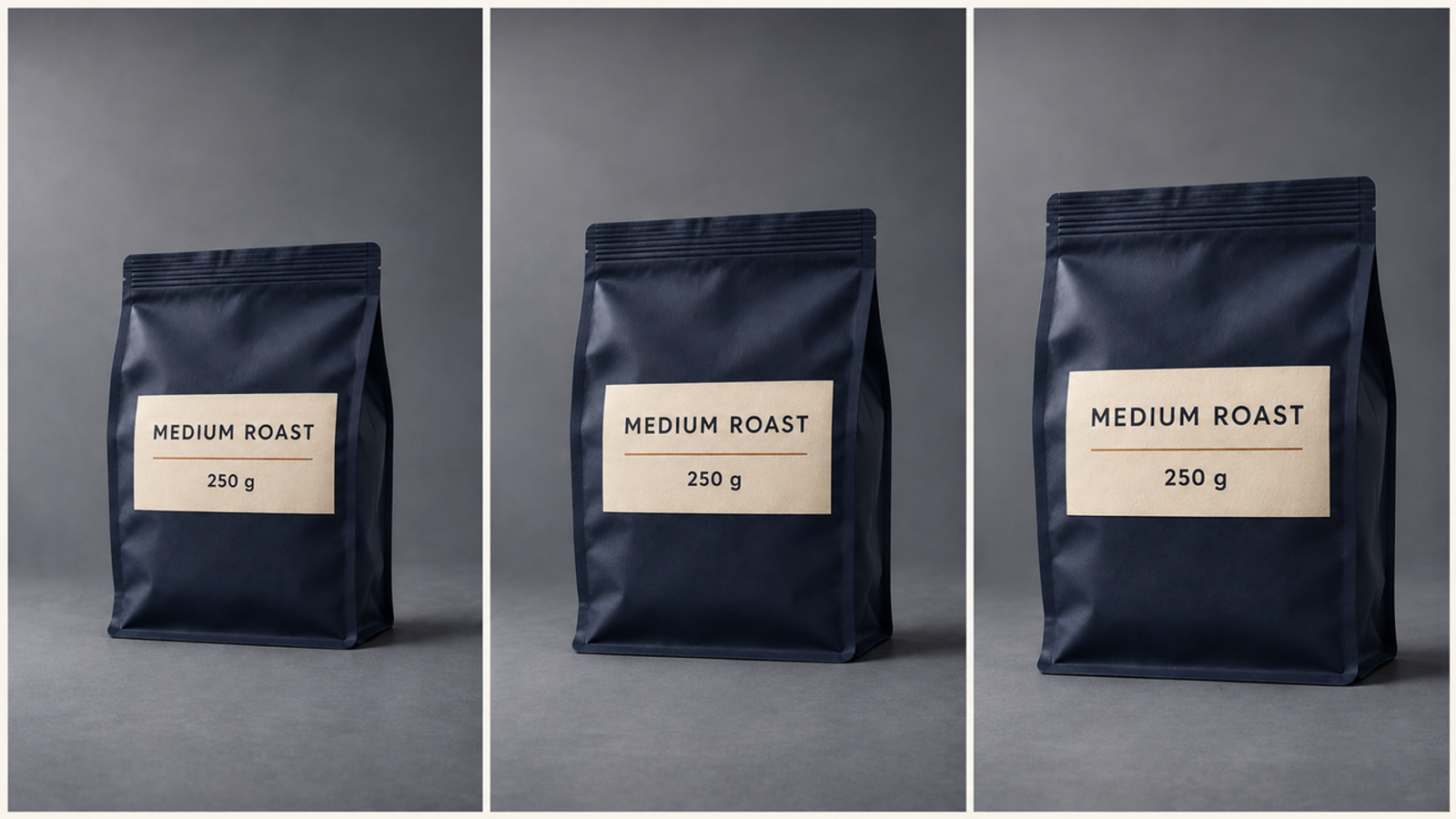
Give all four tools one authorized photo, one brief, and one revision request. Use a three-quarter photo of a matte navy 250 g coffee pouch with a cream label and a copper stripe. Ask for a 4:5 feed image on a warm gray counter, with soft light from the left and room above the pouch for ad copy. The tabletop product photo prompt shows how to specify where the pouch meets the counter.
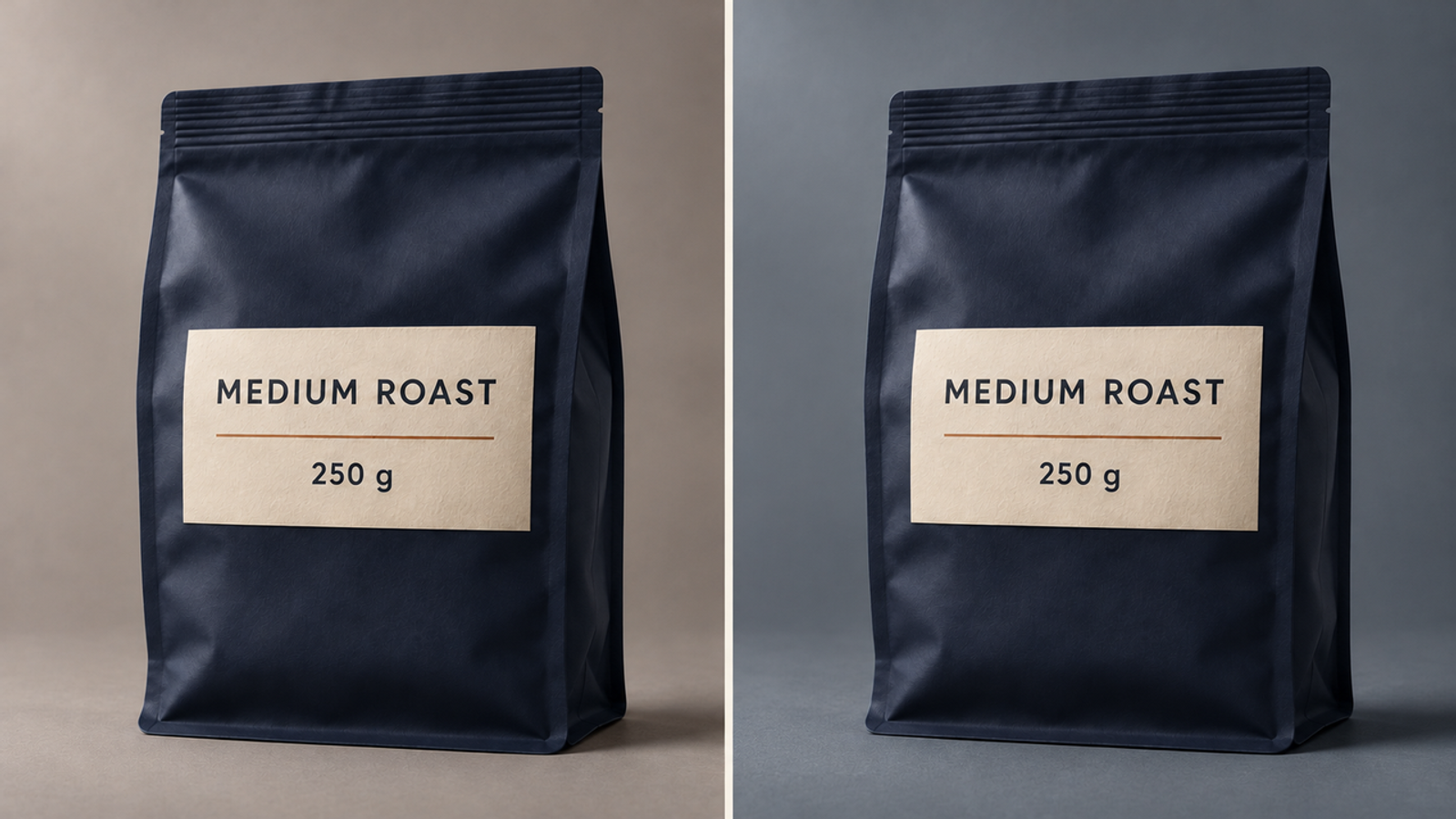
Request two candidates per tool, then revise one candidate by changing only the background from warm gray to slate. If a tool lacks native 4:5, leave room for a later crop and record the extra work. Keep the source photo, prompt, model, and versions together.
Reference Fidelity and Package Details
I’d check the label before the lighting. Compare the source and each output at full size and at the size shoppers will see. Check the top seal, bottom fold, pouch proportions, label position, roast name, and weight. Mark each candidate as usable, repairable, or rejected. If a detail misidentifies the SKU, count the work of restoring the actual packshot before calling the image usable.
Lighting, Texture and Camera Control
The pouch should sit on the counter with a plausible contact shadow. The matte finish should stay matte, and the highlight on the copper stripe should match the stated light direction. Give each image generator for ads the same instruction to keep the original camera angle. If an output invents a side of the bag that the source doesn’t show, flag it for the brand reviewer.
Revision Effort and Usable Output
The background change shows how much of an approved frame survives an ordinary correction. Use this single-change image editing method to specify what stays fixed, then compare the pouch edges, label, and contact shadow before and after the edit. Track generation attempts, credits or processing time, and minutes spent on cleanup. Download the file and check its actual pixel dimensions and format. Place it in the ad layout to verify that the product and copy both fit after cropping.
Adobe Firefly for Designed Campaign Assets
Best Fit, Workflow and Limits
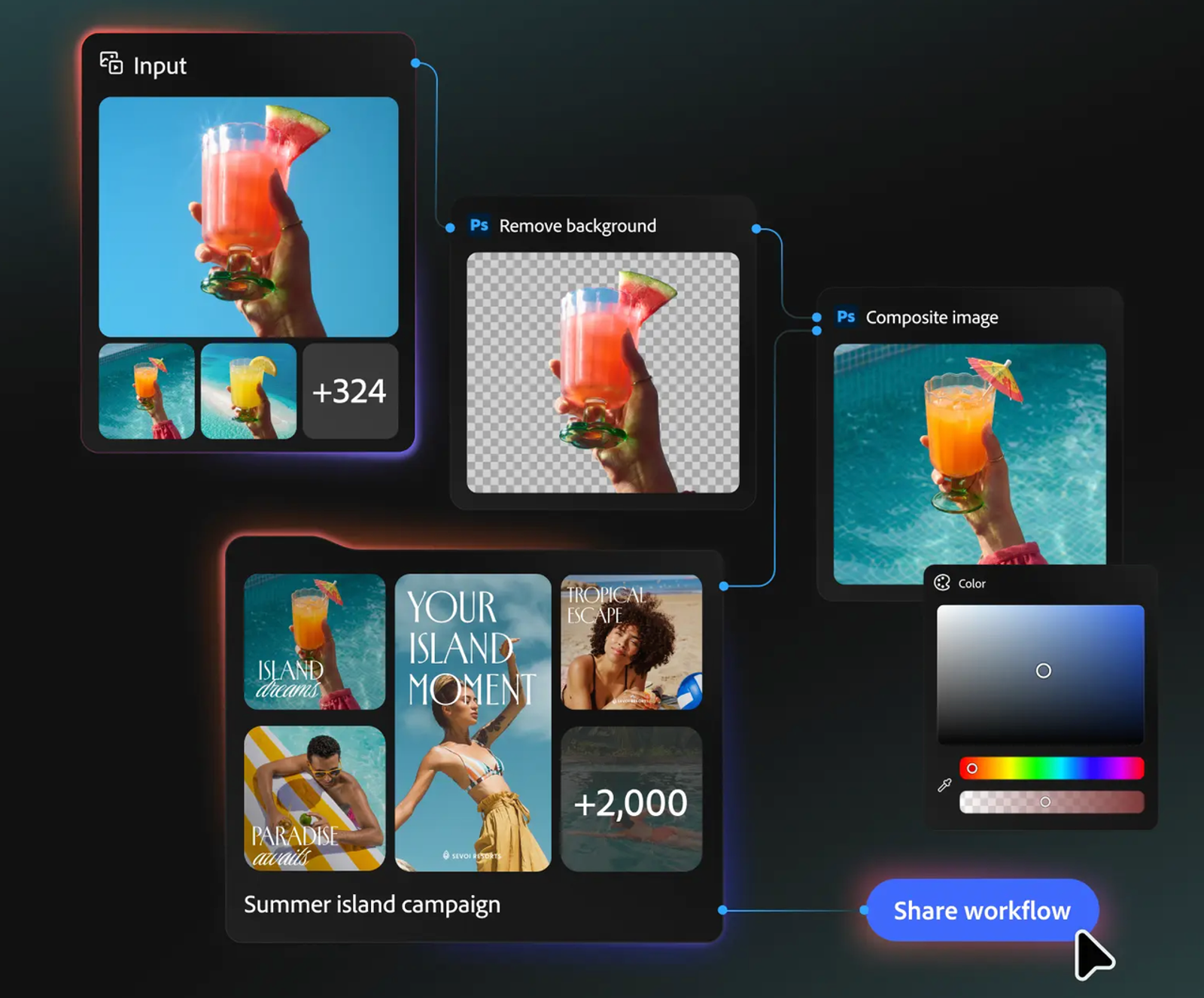
Firefly fits ads that will go through a designer before release. Adobe’s Firefly generation and editing guide describes uploading a reference, selecting a model, and setting aspect ratio and resolution. Use a composition reference when you want to guide framing. If the label must stay exact, keep the approved pouch photo as a layer in Photoshop and use Generative Fill on the background around it. Keep offer text on a separate layer so the designer can change it during approval.
Check the contact shadow and the edge of the seal after the slate revision. Adobe lists JPG and PNG downloads in its web specifications, while the Generations workspace offers resolution settings that vary by model. Verify the dimensions of the file you export. Adobe permits commercial use of outputs from non-beta Firefly features under its terms. Check the selected feature and model, especially if you switch to a partner model. For video, Firefly can send a selected still into generation as the first frame. Leave room around the pouch if that shot needs to move.
Midjourney for Art-Directed Product Scenes
Best Fit, Workflow and Limits
Midjourney fits the stage where the creative team is still choosing a look. Attach the approved photo in the web interface and describe the light, surface, and framing. The Midjourney Edit Model guide documents reference inputs and targeted edits on V8.1 and V8.2. V8.2 is the current default. Omni Reference belongs to V7, so check the version if you’re following an older tutorial. For the slate revision, use the Editor to target the background and check whether the pouch changes along with it.
Midjourney lists a square V8.2 image at 1024 × 1024 in SD and 2048 × 2048 in HD. Check the actual dimensions and pack text at 4:5, especially after upscaling. Midjourney requires Pro or Mega for commercial use by companies grossing more than US$1 million annually. An approved still can also serve as the starting frame for a Midjourney video. I’d start with a small camera push and use these frame-by-frame product clip checks to spot changes in the pouch’s shape or label during motion.
Leonardo AI for Iterating Product Concepts
Best Fit, Workflow and Limits
Leonardo AI makes sense when the team wants several treatments from one packshot and expects to revise the selected image. In Image Creation, upload the pouch as a reference and pick a model with the controls you need. Leonardo’s FLUX 3 Image workflow accepts image references and lists 4:5 among its output ratios. Its Large size reaches 4096 × 4096 at 1:1, with dimensions varying by ratio. Keep the model fixed for the slate revision so you can assess the effect of the edit against the same reference.
Leonardo lists public creations on Free and private creation on paid plans. Its terms address ownership for paid subscribers, subject to applicable law and the agreement. Confirm the visibility and rights for your account before using client material. Leonardo also documents using an edited still as a video start frame. Approve the intended crop first, then check whether the animation preserves the label and seams.
Wizstar for Product Visuals Entering Video
Best Fit, Workflow and Limits
The Wizstar AI Image Generator fits a team that wants to move a reviewed still into video. Upload the same pouch photo and check the model settings and credit cost before generating. Wizstar lists up to five references and output up to 4K, depending on the model. Its published ratio list includes 3:4 and omits 4:5, so allow room to crop to the feed brief. Recheck the label and fold after editing or regenerating the background. Wizstar lists commercial use on Starter, Plus, and Pro subject to its terms.
The direct handoff to the video generator saves an import step. Use it after the still meets the same product checks as the other candidates. For a vertical video, preview the approved frame at 9:16 and make sure the seal and bottom fold stay in view. Try a short forward move and check the first, middle, and last frames for changes to the stripe or label. Record any motion fixes separately from the still revisions.
How Should a Team Choose for Its Next Campaign?
Choose the tool that delivers an approved asset within your revision budget. Compare cost per accepted image by including rejected candidates, the slate revision, and the time needed to restore accurate pack details. A team buying an AI product photo generator for static feed ads can stop at an approved 4:5 export. If the choice also comes down to the image model, the GPT Image 2.5 vs Nano Banana 2 product image comparison shows how to assess label legibility, crop safety, and the work needed for approval separately.
If the brief also calls for video, assess the motion clip on its own. Make sure the label, shape, and framing survive the move before counting the clip as usable.
Conclusion
Run the pouch brief through the tools that fit your deliverable and give each the same background revision. Shortlist the photorealistic AI product images that preserve the package and read clearly at ad size. Then compare how much correction each one needs before the designer or video editor can use it.
FAQ
- Do Adobe Firefly credits expire between billing periods?
- Yes. Adobe’s generative credits FAQ says unused monthly credits do not roll over. Paid allowances renew monthly based on the billing date. Check your account’s reset date if approvals and revisions are likely to span two months.
- Can Midjourney keep client campaign images private?
- Yes, within the visibility controls of Midjourney’s Stealth Mode, available on Pro and Mega. Work on the web Create page with Stealth enabled. Content generated in a public Discord channel remains visible there even with Stealth on. Changing the default applies to future jobs, so check older assets individually.
- Does Leonardo AI allow deletion of uploaded product references?
- Yes. Leonardo’s upload guide says to open the Image Guidance media selector, select the uploaded references, and confirm Delete. This removes them from the selector. If the client has a retention deadline, confirm how deletion applies to stored copies and any images already generated from those references.
- Can Wizstar remove a product upload after image generation?
- A self-service deletion path for an individual reference upload is unconfirmed. Wizstar’s public image documentation describes how to add references but gives no removal steps or retention timeline for that file. Ask support to confirm removal of the original reference for your workspace. If the client requires written confirmation, agree on the process before uploading the asset.
- How can an agency document the commercial rights for each output?
- Keep an asset record with the source license, permission to upload and alter the photo, tool, model, plan at generation, and a dated copy of the applicable terms. Record where the client can use the approved output and any disclosure or handoff conditions. Check the latest official terms for the specific generation route and the intended placement before handing over the ad.