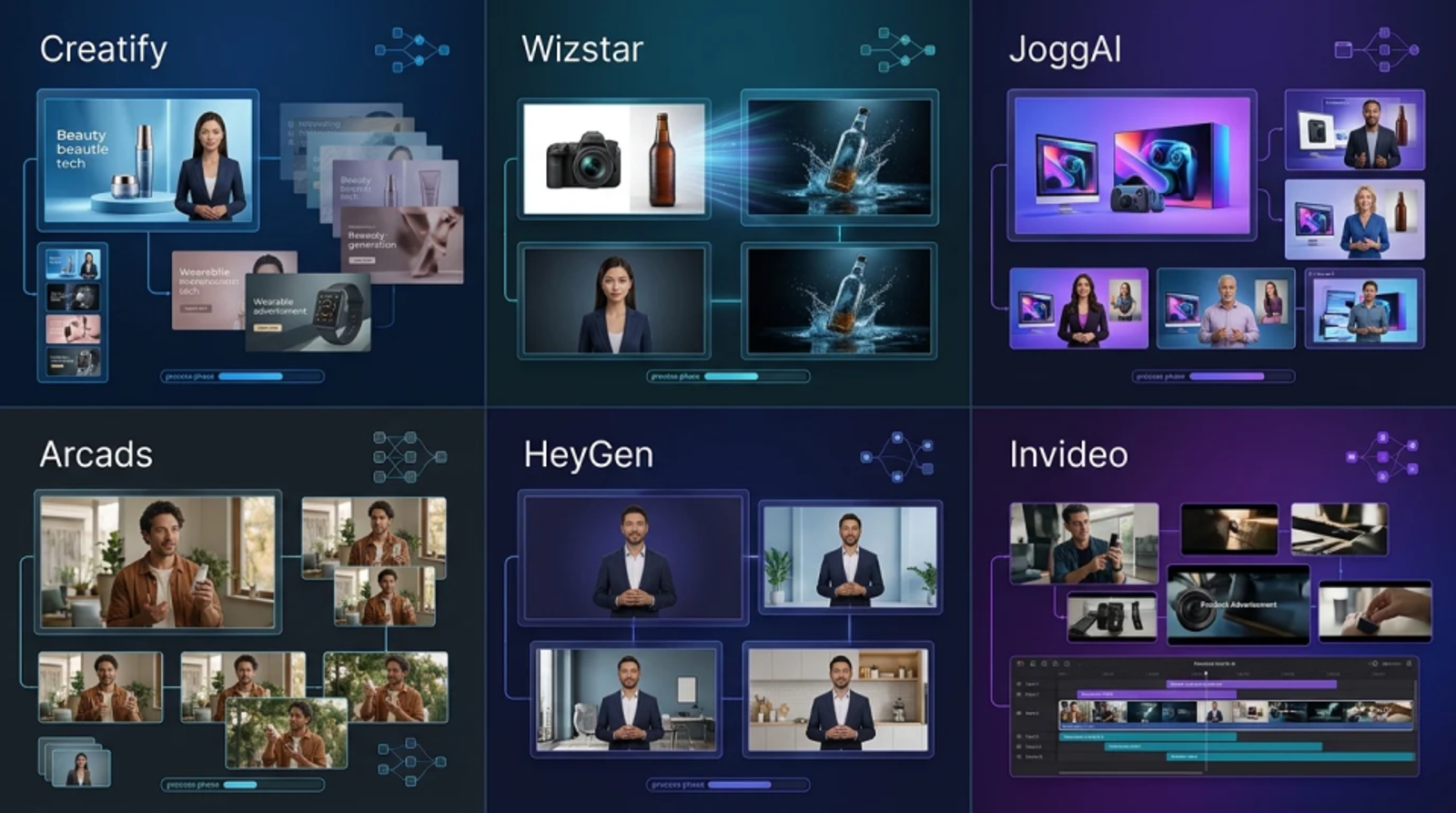
Among Creatify alternatives, start with JoggAI for product-link presenter ads and Arcads for scripted actor UGC. HeyGen centers a recurring personal presenter, and Invideo supplies multitrack timeline editing, Wizstar fits product scenes paired with separate image and avatar tools.
I would choose around the starting input you already have and the exact change you expect to make next. A single product photo, a complete reference pack, and an approved script lead to very different workflows. Compare subscription billing only after confirming the scene and speaker controls you need, so the price reflects a workable production route.
Which part of Creatify are you replacing?
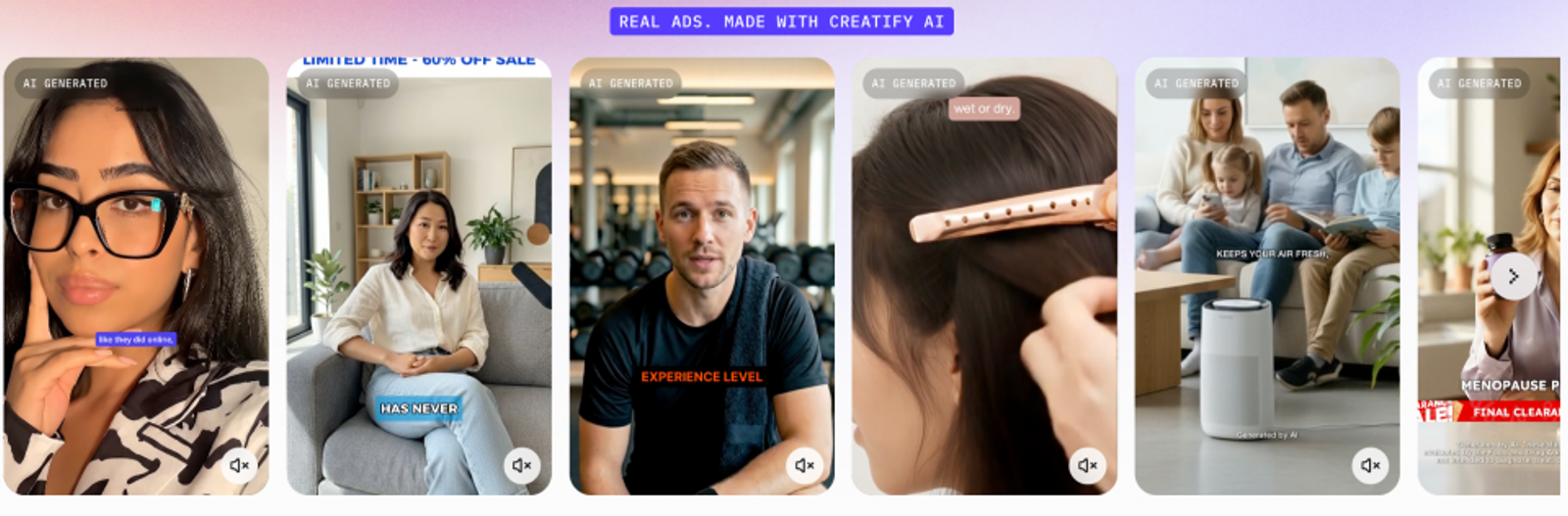
Creatify turns a product URL into ad assets, scripts, and avatar videos. Its broader Creatify Max connects ad-account research, creation, launch, and optimization across Meta, Google, and TikTok, with changes requiring approval by default. When replacing video generation, keep responsibility for those connected ad accounts clearly separated.
Keep Creatify when connected-account management remains central, and replace only the creative production step as needed. Testing new presenter reads or product scenes allows a narrower switch without uprooting your entire advertising operation.
The starting materials below show where each platform enters production:
| Platform | Starting material | Production task | Control or boundary |
| Creatify | Product link and assets | Ads and connected-account operations | Approval by default |
| Wizstar | Agent: link or 3+ images; Product Video: one image | Product scenes and separate avatars | Agent English; clones in Avatar/Turbo |
| JoggAI | Product URL | Presenter ad variations | QuickEdit and ProEdit |
| Arcads | Script, actor, product reference | Actor UGC and Mark's Meta work | Emotion tags; Workflows on Creator and above |
| HeyGen | Script and personal presenter | Recurring presenter videos | Agent plan to AI Studio |
| Invideo | Product/app link and assets | Scene generation and team editing | Still approval; multitrack timeline |
Match your starting material first, then look at the edits you will need to run repeatedly.
Wizstar: product scenes and separate avatar workflows
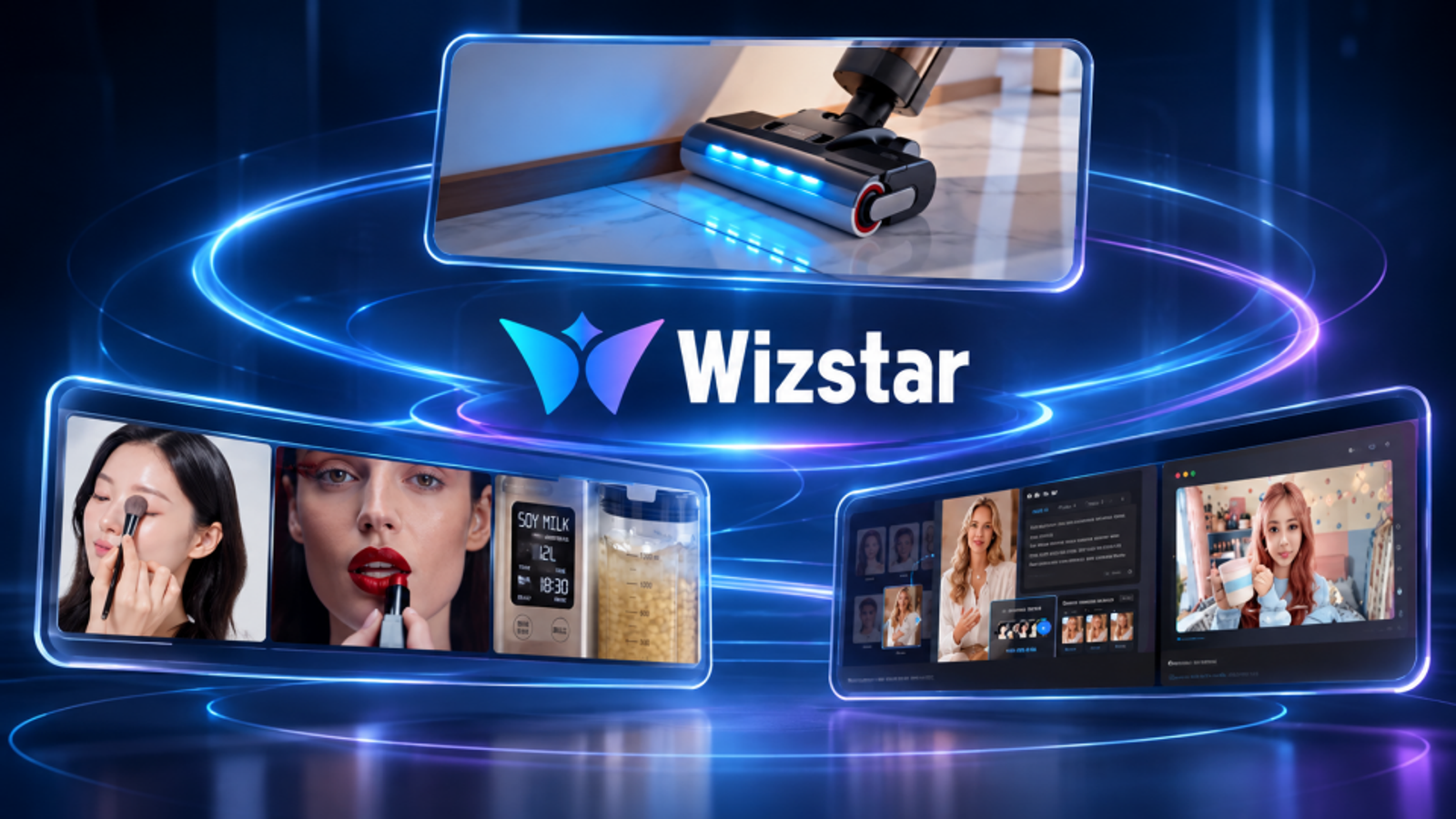
Wizstar separates standalone product-video generation from its e-commerce Agent: the standalone Product Video tool starts from a single product image, whereas the Agent requires a product link or at least three images, with Fast mode accepting images only. A single photo and a complete reference pack therefore enter different tools.
With real product images and an approved offer, the AI Video Agent organizes scripts, scenes, captions, and voiceover. Built-in review controls and targeted edits let you refine a specific part of the video without rebuilding everything. I'd favor this route when the product needs its own dedicated visual sequence, with any presenter explanation produced separately.
The Agent currently operates in English, while video translation has its own dedicated tool. Keep your cloned presenter inside Avatar or Turbo alongside the Agent's product scenes, with both deliverables supporting the same core offer.
JoggAI: product-link ads with editable presenters
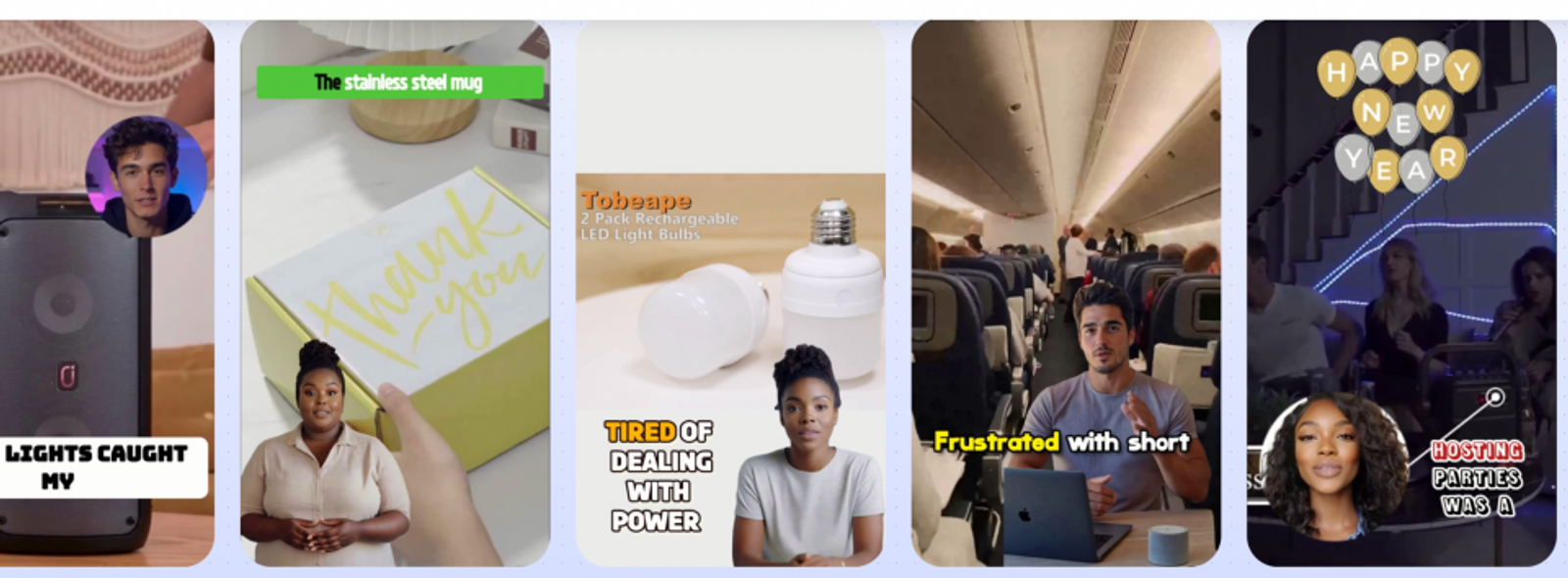
JoggAI preserves the product-URL-to-presenter-ad path through its URL-to-video workflow, generating UGC-style ads with templates, voices, avatars, and advertising angles. The product link remains the central starting material whenever you want to spin up another explanation or offer variation.
You can supply a script directly or generate one with AI, then refine the cut through QuickEdit or ProEdit. I would keep the approved offer fixed while testing different presenters or voices, so your comparison cleanly isolates delivery. When a personal speaker's identity is the priority, HeyGen carries more weight; tighter control over cut points leans toward a scene editor, while connected-account optimization remains a separate requirement.
Keep the product fixed during testing as well—changing a discount and a speaker at the exact same time makes performance decisions much harder to isolate.
Arcads: actor-led UGC and Meta campaign work
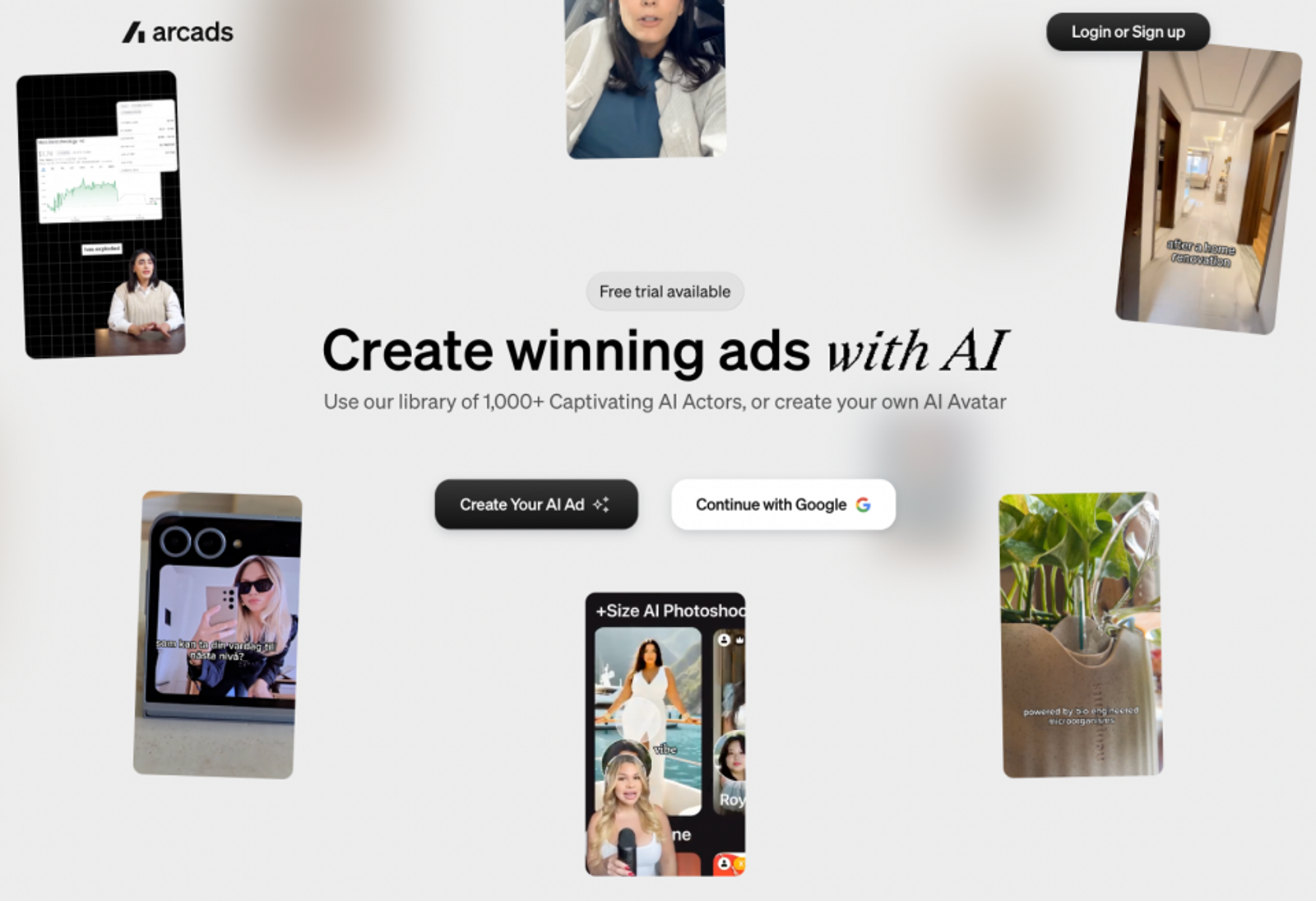
Arcads puts actor performance at the center of scripted UGC. Its actor workflow includes actor filters, emotion tags, and product-holding references that turn into talking videos, while Workflows on Creator and higher plans add batch variation production. I would prioritize these controls when you need distinct actor reads for a single approved offer.
Mark, available across plans, adds creative briefs, B-roll, brand memory, and a timeline alongside Meta performance analysis, new-ad publishing, and automated routines. That combination makes Arcads relevant to both Meta campaign operations and actor-led creative, whereas product-led visual sequences place more weight on Wizstar's separate production route.
HeyGen: recurring videos with your own presenter
HeyGen centers a recognizable personal presenter across changing scripts. A custom Video Avatar provides a consistent speaker for ongoing product explanations, with Avatar 6 serving as the current model. Continuity of speaker identity is the main reason to prioritize it here.
Video Agent accepts reference attachments and lets you review its production plan before moving an AI Studio copy into manual editing. While HeyGen also covers UGC and generated scenes, I'd weigh the recurring presenter most heavily—especially when a founder or brand needs fresh explanations delivered by one consistent face.
Write a founder video's script specifically around the explanation that person should give, so their consistent identity earns a clear role in the message.
Invideo: agent generation with a multitrack editor
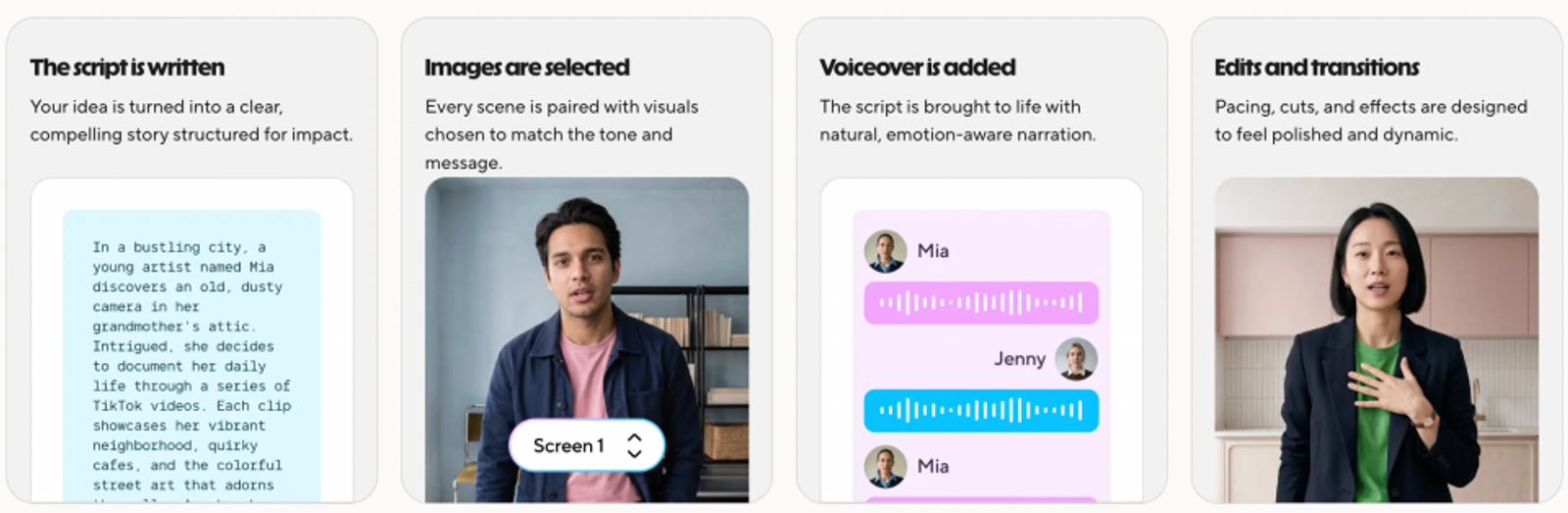
Invideo connects AI-generated scenes directly to a multitrack timeline editor. Its UGC ad creation workflow can start from a product or app link alongside creator references. Approving generated stills before animation creates a useful checkpoint before footage moves, and you can refine the assembled cut afterward. Check which stills require upfront approval, particularly when a product label or on-screen offer must stay legible across the finished sequence.
The timeline supports manual takeover and multi-user collaboration. I would favor Invideo when combining generated scenes with existing brand assets that a team needs to polish together. Plus unlocks the full Lite, Pro, and Ultra agent options alongside the Seedance access referenced below, whereas Starter is a lighter, Lite-only tier suited to simpler asset editing. Confirm the controls your team needs before comparing credit allowances.
Subscription costs and generation units
Credits buy very different units of work on each platform, so a larger credit allowance alone cannot prove lower cost or better output.
| Plan | Cost and billing (USD) | Included credits | Generation unit or example | Why this tier |
| Creatify Standard | $15/month | 55/month | 11 Aurora avatar videos: 720p, 15s each | Creation tools and Ad Agent |
| Wizstar Starter | $18.05/month recurring | 1,310/month | Standalone Seedance 2.0: 720p, 18 credits/second | Product and image creation |
| Jogg Starter | $29/month | 12,000/month | ≈120 Avatar Video minutes OR ≈10 Seedance 2.5 videos, 10s | URL and product tools |
| Arcads Starter | $1,056/year prepaid; $88/month equivalent | 96,000/year | Arcads 1.0 actor video: 800 credits, up to 2min | Actor creation and Mark |
| HeyGen Creator | $29/month | 600/month | Usage varies by model, duration, and complexity | Custom avatar; unbranded 1080p export |
| Invideo Plus | $60/seat/month | 2,000/seat/month | ≈35 Seedance 2.5 clips: 720p, 5s each | Full agent/model access |
Always read the generation unit alongside the billing period rather than ranking raw credit counts.
Because annual prepayment ties a larger share of your budget to a full-year production schedule, weigh the upfront yearly total alongside the monthly equivalent.
The table examples allocate credits strictly to the named mode: Jogg's figures represent alternative uses of a single credit pool, Invideo's clips are individual raw outputs rather than completed ads, and Arcads' 800-credit unit covers one Arcads 1.0 talking-actor video up to two minutes.
Creatify Standard includes watermark removal, 300 actors, and videos up to two minutes. Wizstar's paid plans also remove watermarks, with voice cloning offered as a paid add-on, and its Seedance rate applies to the standalone tool rather than the Agent. HeyGen's 600 credits carry no fixed monthly-minute conversion, so budget follow-up generations using the specific mode units you plan to run.
Build the next ad around your actual references
Start by locking in one approved message, then gather product images that clearly show the label, shape, and physical details the ad must preserve. Decide what actually needs revision next: the speaker's delivery, a single product scene, or the assembled cut. I would budget for those targeted revisions before expanding the number of ad variations.
For a single product photo that needs motion, start with Wizstar's Product Video tool. A product link or complete reference pack fits its AI Video Agent, within the input and English-language boundaries noted above. Keep existing ad-account operations in place whenever only creative production is changing, and approve the product visuals and core offer before spinning up another variation.
FAQ
- Can I generate several Wizstar avatar videos from different scripts at once?
- Yes, Wizstar's AI Avatar tool can generate voiceover videos from up to 10 scripts submitted together. Choose Public Avatar Gallery or My Avatars, select Add Script for each version, and complete every script before submitting the batch. Video length follows the audio duration; the resulting outputs stay grouped together, and folders help organize versions for later selection.
- Can I create a reusable Wizstar voice clone from my own recording?
- Yes, a clean, authorized single-speaker recording can become a reusable Wizstar voice clone through its paid cloning add-on. On the voice-cloning page, upload a 10–300-second WAV, MP3, MP4, or MOV recording at ≥24 kHz and 16-bit depth. Initial setup costs 80 credits; once saved, you can reuse the clone in Avatar or Turbo without another setup fee, while video generations continue to consume standard credits.
- Can I reuse the original inputs when revising a saved Wizstar tool video?
- Yes, Wizstar's Edit control retrieves a saved tool video's original inputs so you can reuse them for another generation. In the right-hand video list, select Edit and replace only the input that needs changing—such as a product image—before generating again. This saves manual re-entry work; since the revised version counts as a new generation, budget its credit usage when planning repeated iterations.
- Can Wizstar notify me when a video finishes while I work on another page?
- Yes, optional Wizstar Browser Notifications send desktop alerts when a generation completes or fails inside a regular browser window. Open the homepage's bottom-left profile menu, select Browser Notifications, and grant browser permission—or click Notify Me during your first generation. You can then continue working on another page while keeping browser and system notification permissions enabled so desktop alerts reach you during production.
- Do unused Creatify credits roll over if I keep my subscription?
- Yes, unused Creatify credits roll over for one extra month before expiring. Before scheduling a batch of ad variants, check the rollover window against your production calendar and plan generations within that extra month. Keep your scripts and reference assets ready for those planned variations so remaining credits support actual production before the rollover window closes.
- Can I keep using Creatify ads after my subscription ends?
- Yes, you own your finished Creatify creatives and can continue running them across any channel after your subscription ends. Included stock footage is royalty-free, so download and save your approved finished ads before switching production tools and keep using those files during the transition. Whenever your offer changes, prepare a new script and creative for that updated message while keeping saved ads live for campaigns where the original offer still applies.