The short answer
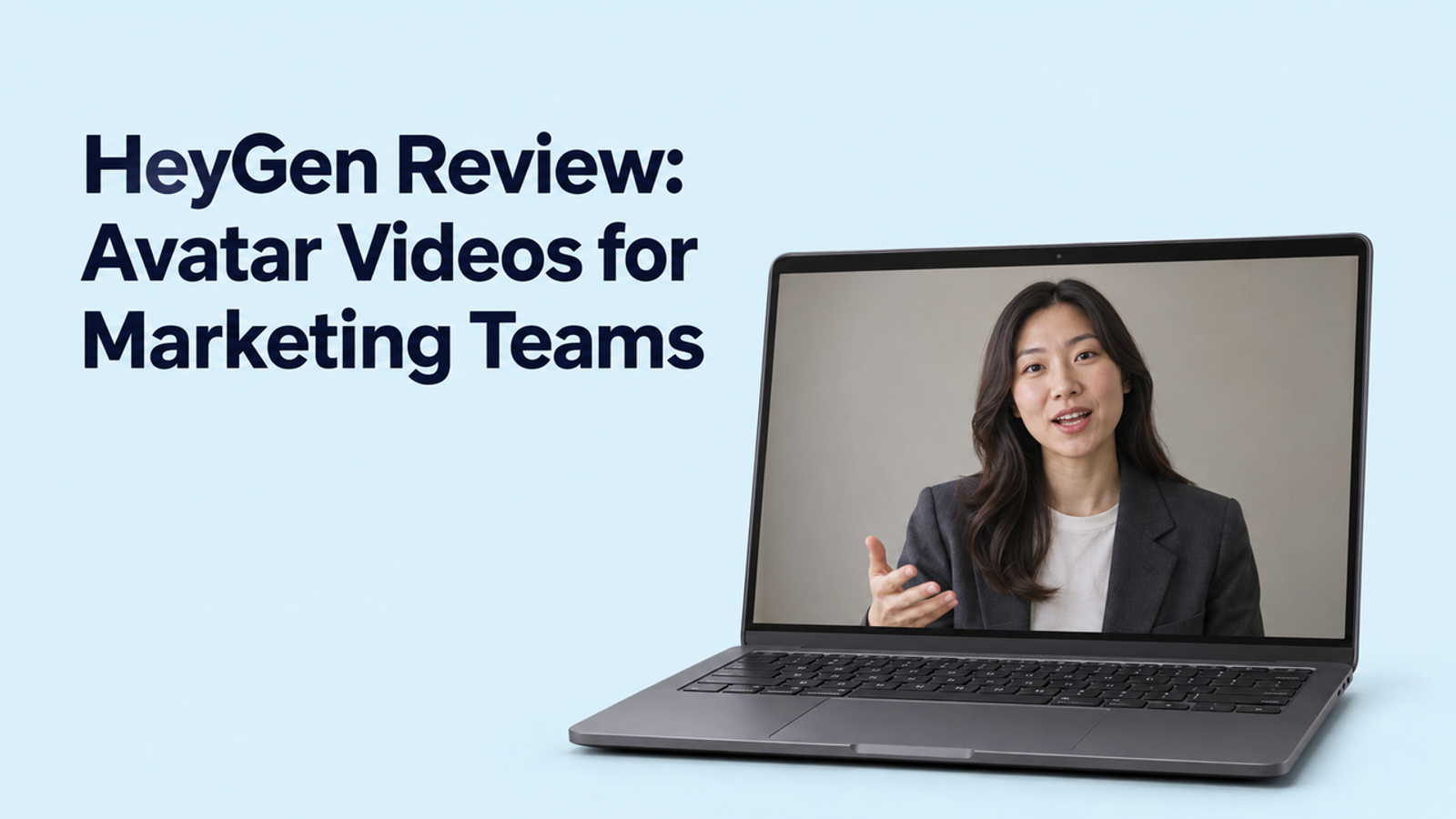
HeyGen is a good fit for marketing teams that need a scripted presenter across recurring demos and already have footage that shows how the product works. This HeyGen AI review draws on the company’s product documentation and terms. The buying question is how much work your team will still have to do to keep the footage, claims, and approved cut current.
Quick Verdict for Presenter-Led Marketing
I’d shortlist HeyGen for feature walkthroughs and product updates that reuse the same presenter and layout. A demo can open with a familiar host, then cut to the product when the viewer needs to see how something works. For paid social briefs built around a synthetic actor, our Arcads review for UGC ads covers that production workflow.
According to HeyGen’s plan and billing guide, Creator costs $29 per month and includes watermark-free 1080p export. Pro starts at $49 per month and adds 4K export. Business costs $149 per month for the first seat, plus $20 per month for each additional seat. Three seats cost $189 per month before credit top-ups. The included credits are shared across the workspace. These USD prices were checked on November 17, 2026, for monthly billing.

How Does a Brand Make an Avatar Product Demo?
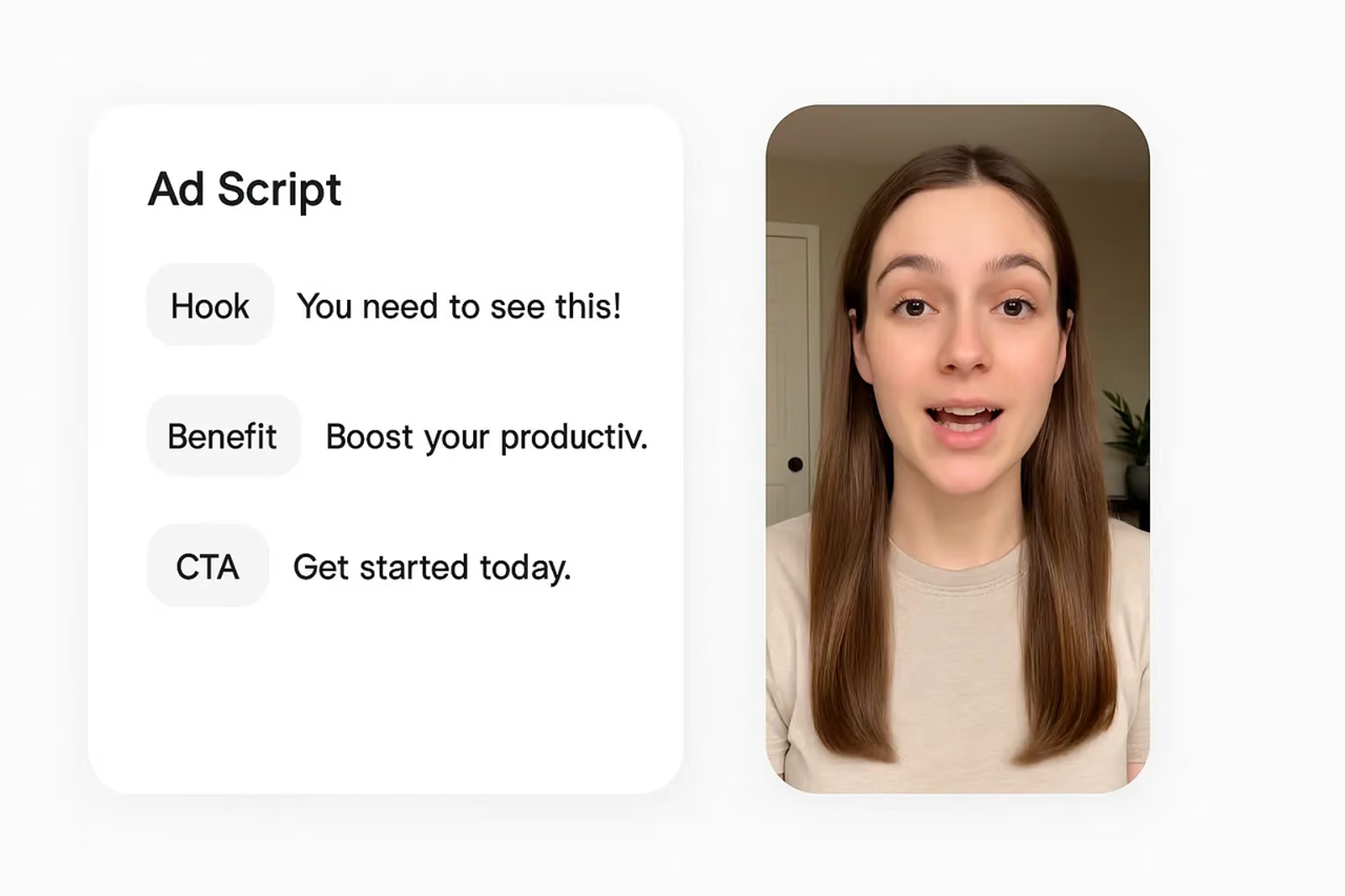
Build it scene by scene in AI Studio, pairing a short avatar introduction with footage of the product in use. For this HeyGen marketing video review, consider a 45-second landing-page demo showing how to create an invoice from a saved template. The brief calls for an approved script, an avatar presenter, a screen recording made with demo data, and a branded closing frame.
From Approved Script to Presenter Scene
The avatar opens with “Here’s how to start an invoice from a saved template.” The walkthrough shows where to select the template, which fields it fills in, and where the user enters the customer’s details. In AI Studio, assign the avatar and voice, then use the audio preview to catch a rushed line or mispronounced product name. Keep the closing invitation in its own scene so a campaign copy change has a clear place to go.
Adding Real Product Visuals to the Draft
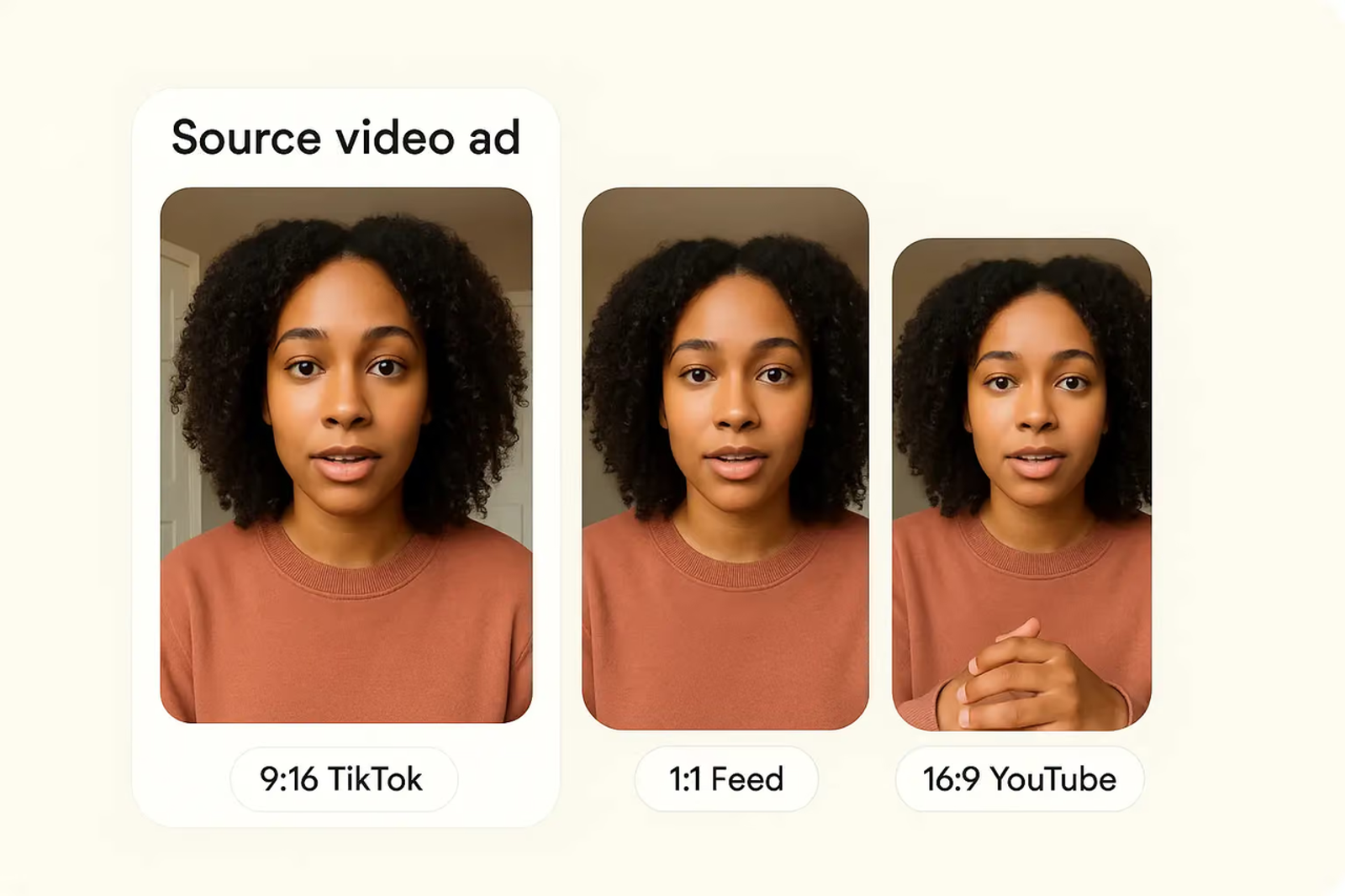
The editing workflow on HeyGen’s AI video generator page shows how existing footage fits into AI Studio. Cut to the screen recording when the narration names the template. Hold the shot until viewers can read the button and see the fields populate. For a vertical cut, frame the relevant controls so they stay legible on a phone. If a physical-product demo also needs supporting cutaways, our PixVerse review for short product clips covers checks for packaging and label fidelity.
Before uploading unreleased footage, check the terms that apply to your account. HeyGen’s standard paid-plan terms grant it a license to use uploaded or generated content for purposes including service improvement and model training. The terms permit commercial use of output generated on Creator, Pro, and Business subject to their conditions. Free-plan output is limited to personal, noncommercial, and internal evaluation uses.
What Should the Team Check Before Approval?
Check that the presenter is easy to follow, the footage supports the spoken claim, and the layout works at the intended viewing size. Give the product reviewer the approved script and source capture alongside the rendered cut so they can flag the exact moment when narration and footage drift apart.
Speech, Lip Sync, and Product Claims
For a HeyGen avatar review, I’d start with the hardest line to deliver cleanly. Listen for the product name and the pause before the first instruction, then watch the rendered mouth movement at normal speed. If I’m watching the mouth, I’ve stopped listening. A pronunciation edit can fix a spoken label. Awkward mouth movement may call for a shorter line, another render, or an earlier cut to the interface.
“Start with a saved template” describes the demonstrated step. “Send invoices twice as fast” adds a measurable claim that the walkthrough alone can’t substantiate. Under the FTC’s advertising substantiation policy, U.S. advertisers need a reasonable basis for objective claims before publication, including claims conveyed through visuals.
For paid placements, our guide to reviewing AI UGC ads before launch covers two further checks: whether the presenter implies personal use and whether the offer matches the landing page.
Brand Tone and Visual Continuity
Judge HeyGen video quality across the cut from presenter to product. Even a measured voice can feel rushed if the interface disappears before the viewer locates the template. Check the logo and type against brand assets, then watch the draft on a phone with the sound muted. If the captions cover the button you’re asking viewers to click, move the text or reframe the capture before review.
How Much Work Comes After the First Draft?
A screenshot swap can be a straightforward edit. A rewritten presenter line can require a new render, a timing adjustment, and another sign-off if it changes the claim.
Script Changes and Scene Corrections
Say the app renames the button from “Use Template” to “Create from Template.” That calls for a fresh screen capture. If the presenter also says the old label, budget for editing the script, rendering the scene, and checking that the new line still lands on the right frame. HeyGen’s documentation identifies avatar scene rerenders as a use of credits.
The next edit is part of the cost. Look at the last product update to estimate how long your team typically takes to capture a new screen, confirm revised wording, and approve a new cut.
Localized Versions and Review Handoffs
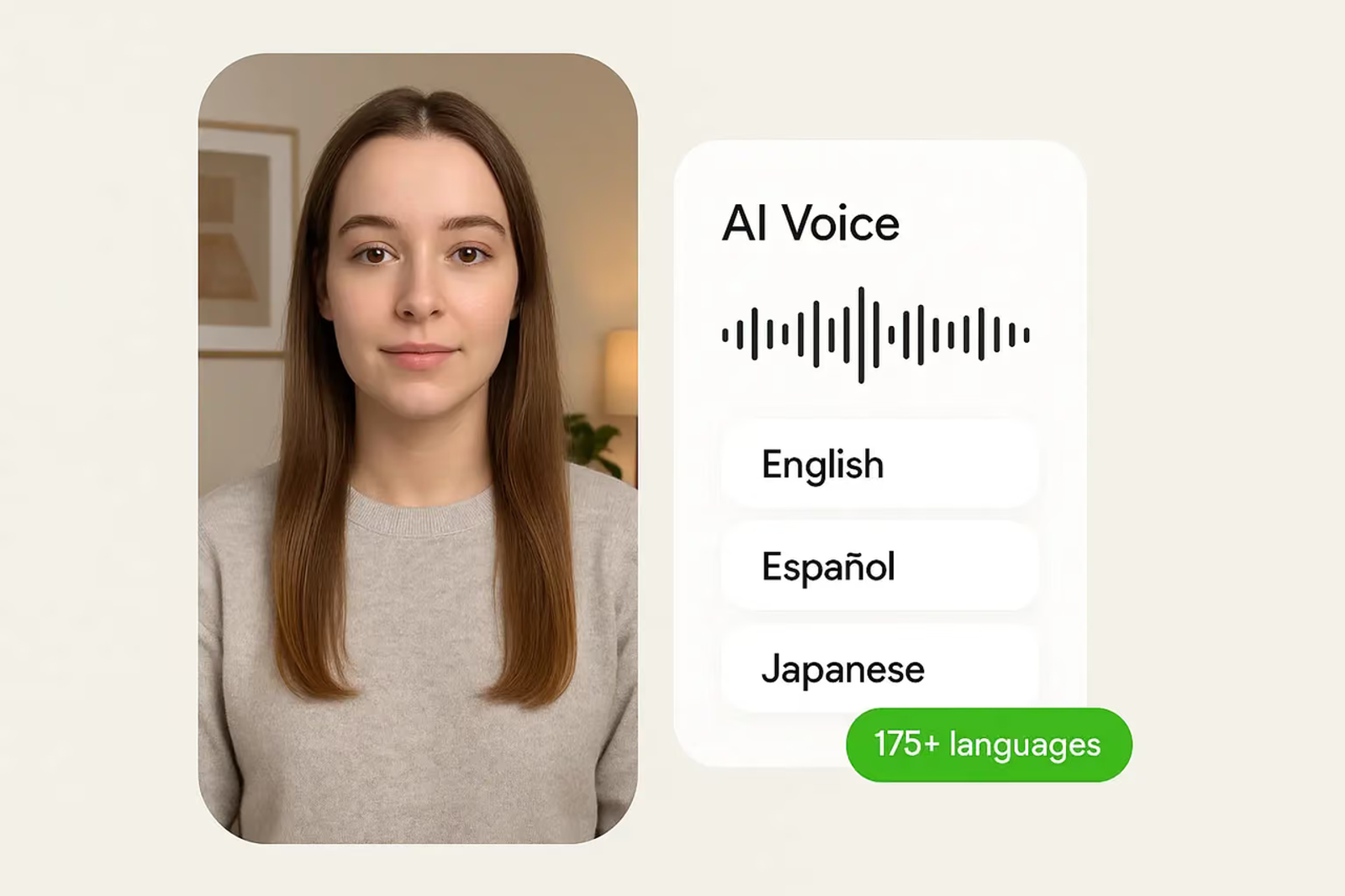
Give each market reviewer the rendered video and the exact script version. For the invoice demo, check that the spoken menu label matches the app in that market and that viewers have enough time to read the interface. If the interface differs by market, capture that version and record which footage and script were approved together.
When Does HeyGen Fit Better Than a Recorded Presenter?
HeyGen fits better when the presenter reads approved copy, the footage can show the product on its own, and the format will be revised or reused. I’d record a human presenter when a founder’s delivery is part of the pitch or when buyers need to see someone handle a physical product in a continuous shot.
Section 2 of the HeyGen Terms of Service, updated October 16, 2026, prohibits accessing the service for “benchmarking, comparative or competitive purposes.” The public wording leaves its application to an internal comparison with a recorded presenter unclear. If procurement calls for a structured comparison, confirm with your legal team or HeyGen how the terms governing your account apply before accessing the service for that purpose.
Use existing production records to estimate who needs to update the footage, who approves changes to the script, and how many people need workspace seats. Use the documented plan limits to budget for presenter renders and exports. If the same purchase also has to cover training, our guide to Synthesia alternatives by workflow covers course exports and standalone avatar presentations.
Conclusion
I’d choose HeyGen for recurring demos when the product footage can substantiate the explanation and the team can budget for presenter renders, workspace seats, and each review pass. For the invoice demo, assign someone to keep the capture current and someone to approve changes to the spoken instructions. Before publishing, obtain the necessary permissions and check HeyGen’s latest terms and the target ad platform’s rules for synthetic media and disclosure.
FAQ
- Can a company create an avatar from an employee’s likeness?
- Yes, if the employee gives the explicit consent required by HeyGen’s avatar consent policy. For a video-based Digital Twin, HeyGen requires the employee to record their own consent video. Document where the company may use their face and voice, including whether permission covers paid ads.
- Who controls an avatar when its owner leaves the company?
- It depends on workspace access and the permission granted by the person depicted. HeyGen gives that person a way to request removal, and its public guidance leaves automatic transfer of an individual avatar after offboarding unspecified. Confirm who can edit or disable the avatar before offboarding, and establish who handles removal requests for published videos.
- Can separately licensed stock footage be added to a HeyGen video?
- Yes, if the license covers uploading the footage to HeyGen and using it in the finished video. Check the permitted placement, territory, and term, particularly if a clip licensed for a website demo will also run in paid ads.
- Which HeyGen exports include subtitle files?
- Caption-enabled translations can provide a separate SRT file. The HeyGen export guide also shows where to download a standalone SRT from a finished video. Stylized AI Studio captions appear in the rendered video. The public instructions leave SRT availability across avatar project types and plans unspecified, so confirm the download option in the actual project before promising delivery.
- Can HeyGen connect to an existing approval platform?
- Yes, if the approval platform accepts a video upload or share link. For an automated handoff, confirm that the connector supports your plan and project type. Check whether it can attach the correct render to a review task and route it to the person who can approve it.