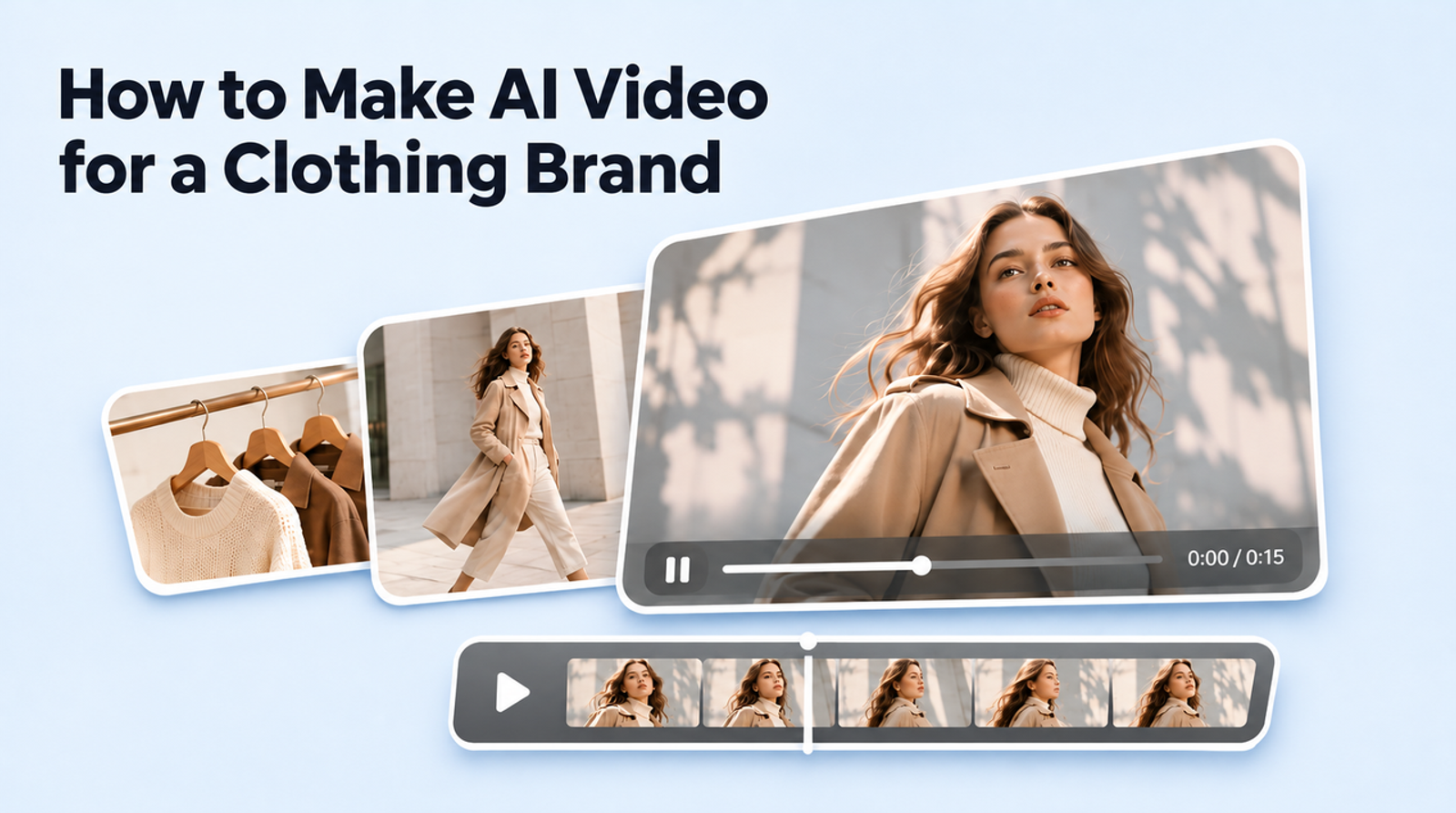
The short answer
To make AI video for a clothing brand, start with one real garment, approved photos, and one reason a shopper should look closer; then generate a short product story and inspect every cut against the actual item. A moving garment is persuasive only if its color, fabric, pattern, and fit remain honest. For a first campaign clip, I would make a detail-led video rather than ask AI to invent how the item fits on an unfamiliar body.
What Should One Clothing Video Show?
One Garment, One Audience, One Placement
Pick a single SKU and one question the clip should answer. For a linen shirt, that question might be what the weave and collar look like up close. For a pleated skirt, it might be how the pleats move when the garment turns. The useful unit here is one garment and one claim.
Choose the placement before writing the shot. A vertical paid ad needs an opening that reads on a phone; a product page clip can take longer to show detail. Shopify's product-media guidance notes that a product's first media item becomes its featured asset, so that opening frame carries a different job on the storefront. Name the viewer, placement, and one action they should understand.
For a blue overshirt, I would use three beats: an approved front view, a close cut on fabric and buttons, then a clean ending with the product name and approved offer. That sequence tells a small product story without pretending to show verified fit.
Which Assets Should You Prepare?
Front, Back, Fabric, and Logo References
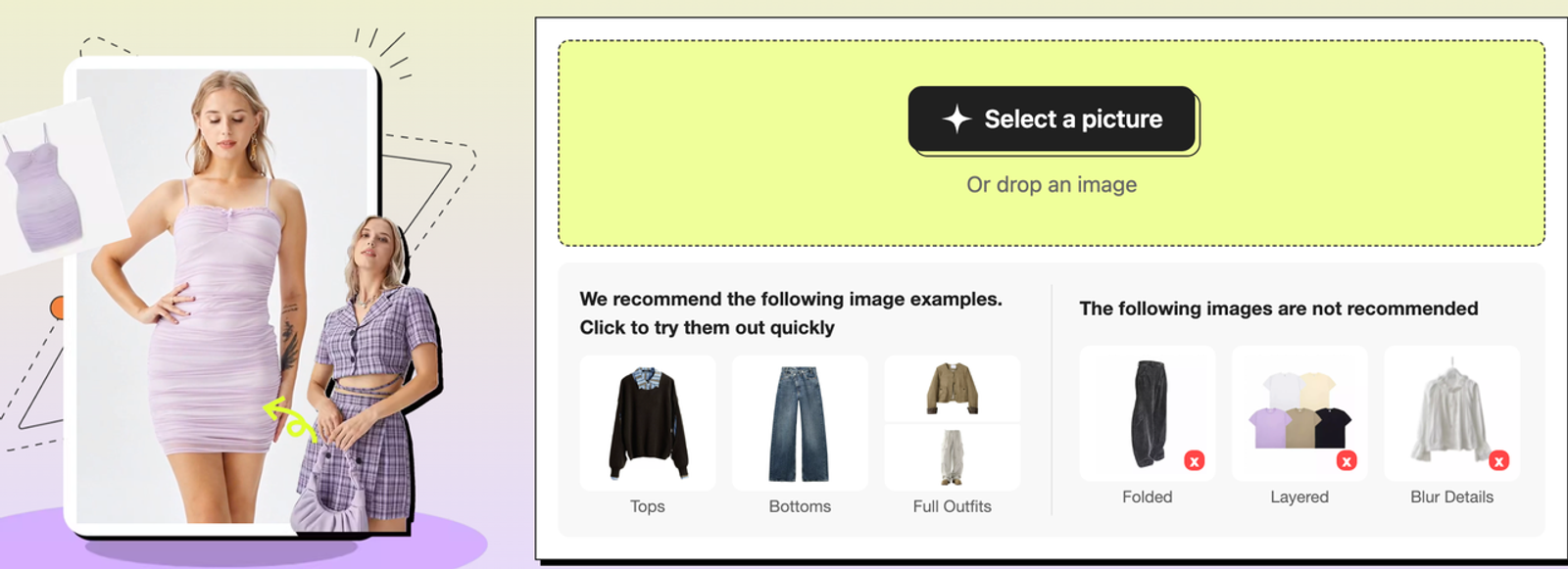
Use the approved photos merchandising trusts. The front view establishes silhouette, the back prevents invented seams, and a fabric close-up protects texture. Add the current logo artwork as a separate asset so the editor can place it cleanly; do not rely on generated stitching or lettering to recreate it. Keep the SKU, colorway, and photo version together.
Clean references matter more than a long prompt. A hidden cuff needs another real photo or a shot that stays away from it. If the catalog photos need a simpler backdrop, compare product photo tools for catalog cleanup and recheck the garment edges and labels after editing. I would check the label before the lighting.
Approved Copy and Model Permissions
Write the approved product name, material description, size range, care claim, and any offer before generation. Put exact numbers and legal copies in the edit, where someone can correct them. If the source includes a real model, confirm that the photography and talent agreement covers AI alteration and paid advertising. Permission to use a catalog still does not automatically cover a new synthetic performance or a new ad placement.
For the first clip, I would keep the garment on its own. Bring in a person only when the brief needs one, and use an approved on-body photo as the starting asset. The resulting movement can set a campaign mood; it cannot certify fit across sizes.
How Do You Build the First Clip?
Choose a Product Detail or On-Body Scene
Choose the shot your assets can support. A detail sequence shows a placket, stitch, or fabric surface with little hidden geometry to invent. An on-body scene can show styling, but its apparent fit needs a stricter check against real photography.
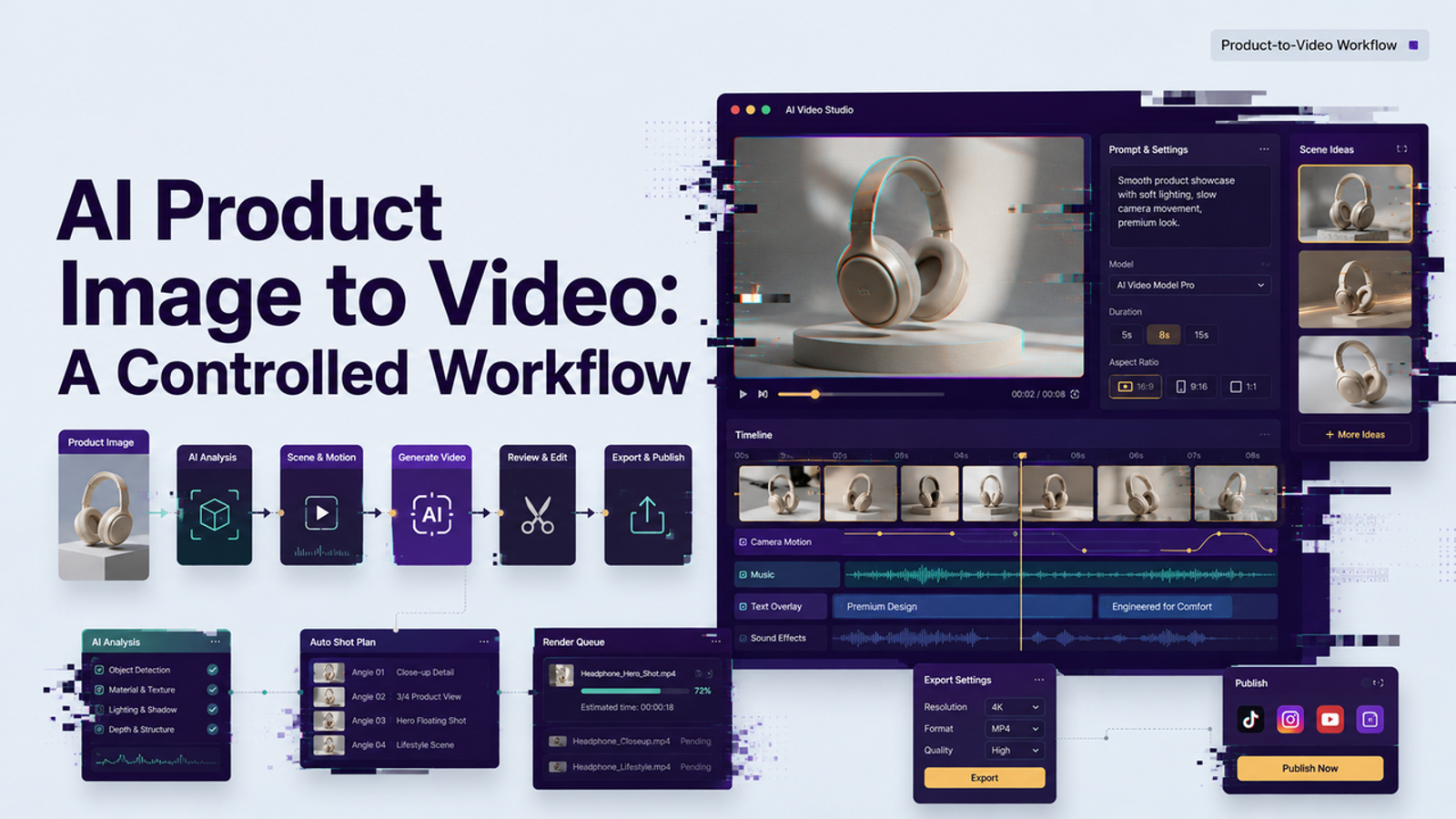
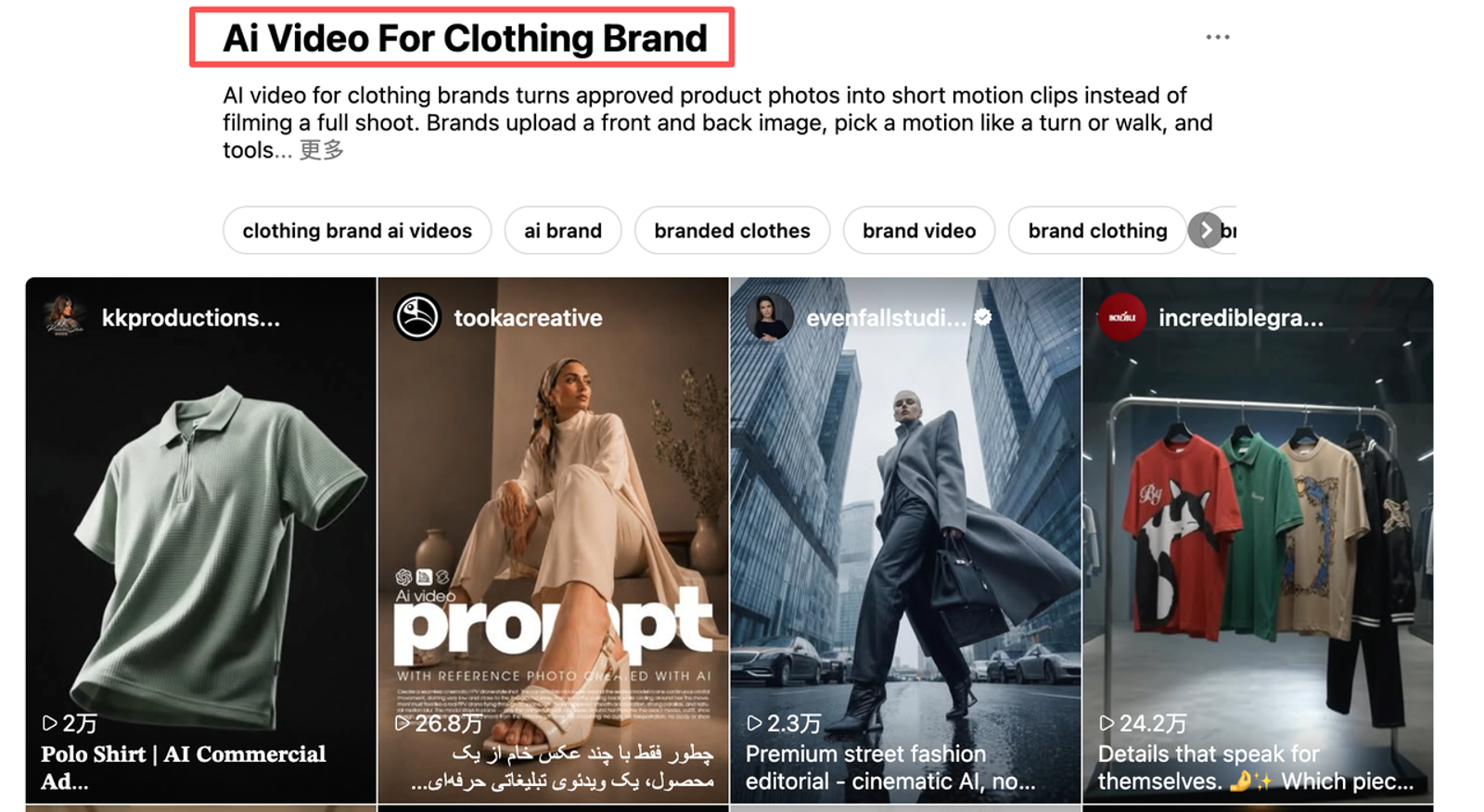
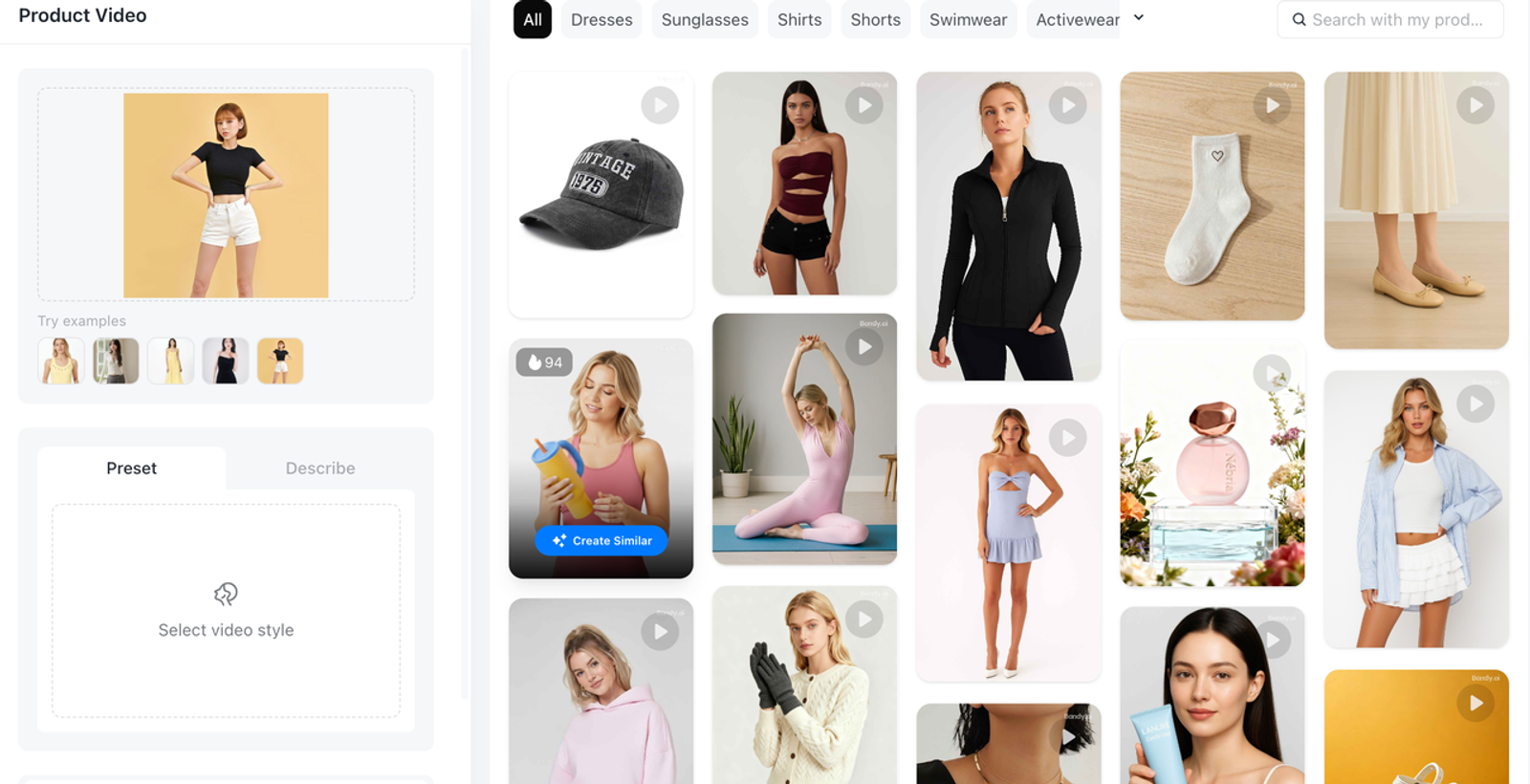
Wizstar's AI Product Video page says its workflow can begin with product images or video references plus an offer, audience, or visual direction. It lists 9:16 and 16:9 options and a review-and-export step. For this overshirt, I would judge its consistency claim by the collar, pocket, buttons, and weave in the export.
Prompt for Motion Without Inventing Fit
Give the model a narrow action and tell it what to preserve. For the overshirt, I would write: “Use the approved blue overshirt photos as the garment reference. Begin on the front view, push slowly toward the button placket, then cut to the supplied fabric close-up. Preserve collar shape, button count, pocket placement, blue color, and visible weave. Leave the final second clear for editable copy. Do not add a person or invent a back view.”
The Seedance 2.5 material and motion prompts offer examples for describing the fabric separately from the camera move.
The prompt's most important line is the one that limits invention. “Show the shirt flowing naturally on a model” might sound attractive, but a flat image offers little evidence about drape or fit. If the brand needs that claim, shoot a real try-on or supply approved footage. AI can animate a selling point; it should not create evidence the brand does not have.
Generate a Short Draft and Inspect Each Cut
Keep the first draft short enough that you can inspect it without losing track of the product. Watch it once at normal speed for clarity, then pause where the motion is hardest: the first turn, the cut to the fabric, and the end frame. Compare each against the corresponding source photo. Check whether a pocket shifts, the collar changes shape, the fabric becomes shinier, or the color jumps between shots.
If one cut is weak, change one thing before regenerating: the source crop, the camera move, or the reference image. The next edit is part of the cost. The goal is a clip that gives the editor a usable visual piece, not a pile of attractive near misses.
The PixVerse review's product-detail checks offer a second example of how to compare shape, texture, and lettering against the approved still.
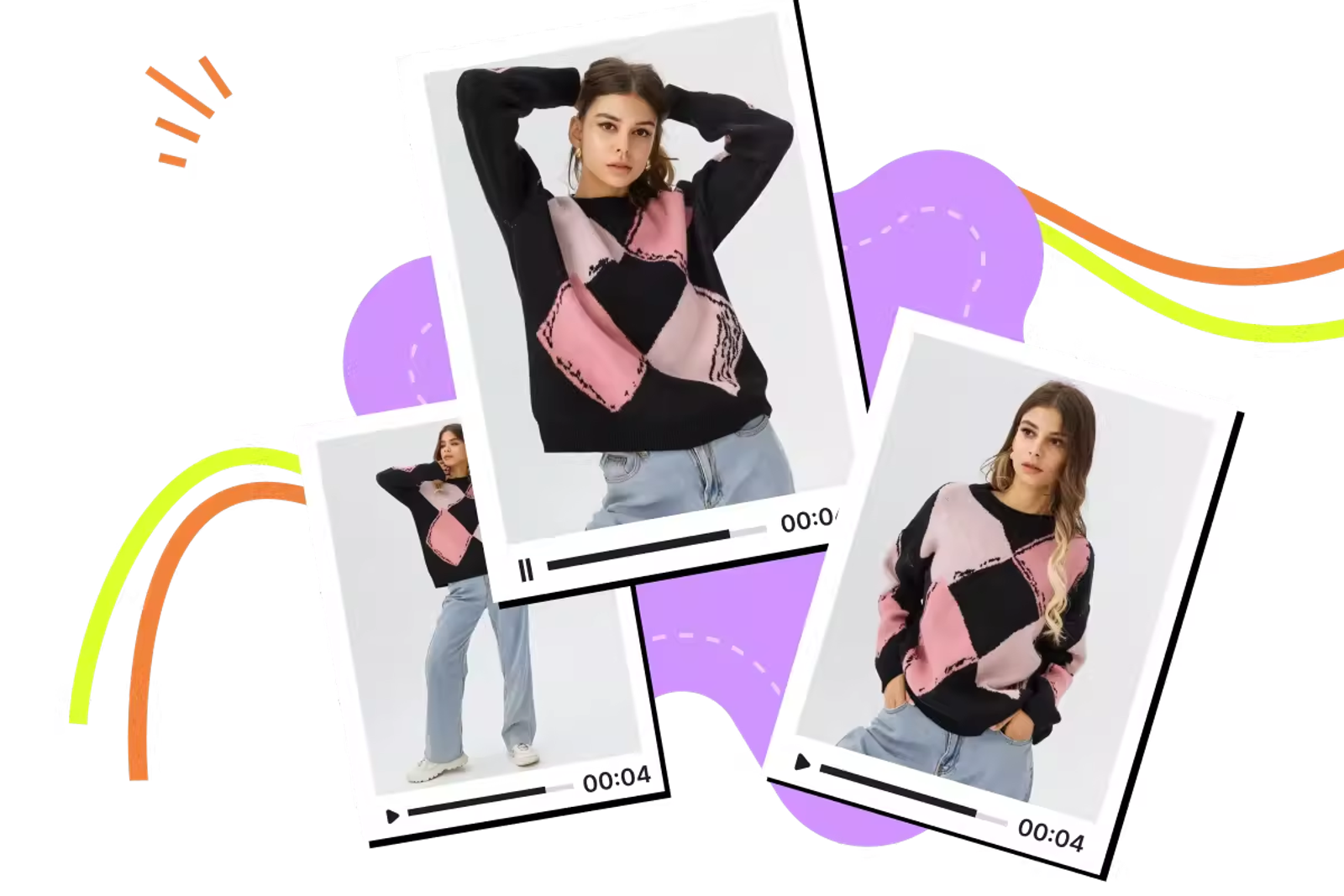
How Do You Make the Video Publishable?
Verify Color, Pattern, Fit, and Size Claims
Compare the export with the current product page and a physical sample or approved photography. Color may shift under generated lighting, repeating patterns can bend across seams, and a moving sleeve can change width. If the piece is sold as relaxed fit, the video should not make it look tailored; if the fabric is matte cotton, it should not become glossy satin. The check belongs to the merchandising owner as much as the creative team.
Treat any on-body motion as marketing imagery unless it is backed by real fit evidence. Do not use a generated turn to imply how a particular size sits on a body, how transparent a fabric is, or how much stretch it has. The FTC's advertising guidance says ad claims need to be truthful and evidence-based. A visual can make a claim even when no caption says it aloud. Pretty is easy to spot. Useful takes another look.
Add Copy, Captions, and a Clear Ending
Once the garment survives review, assemble the ad. Add the approved product name, a short supported benefit, captions if there is speech, and a clean ending with the next step. Keep price, discount, sizes, and care instructions as editable text, because those details change faster than the footage. A product page version may need a calmer opening and less sales copy; a paid ad may need the offer earlier. They can share footage while carrying different messages.
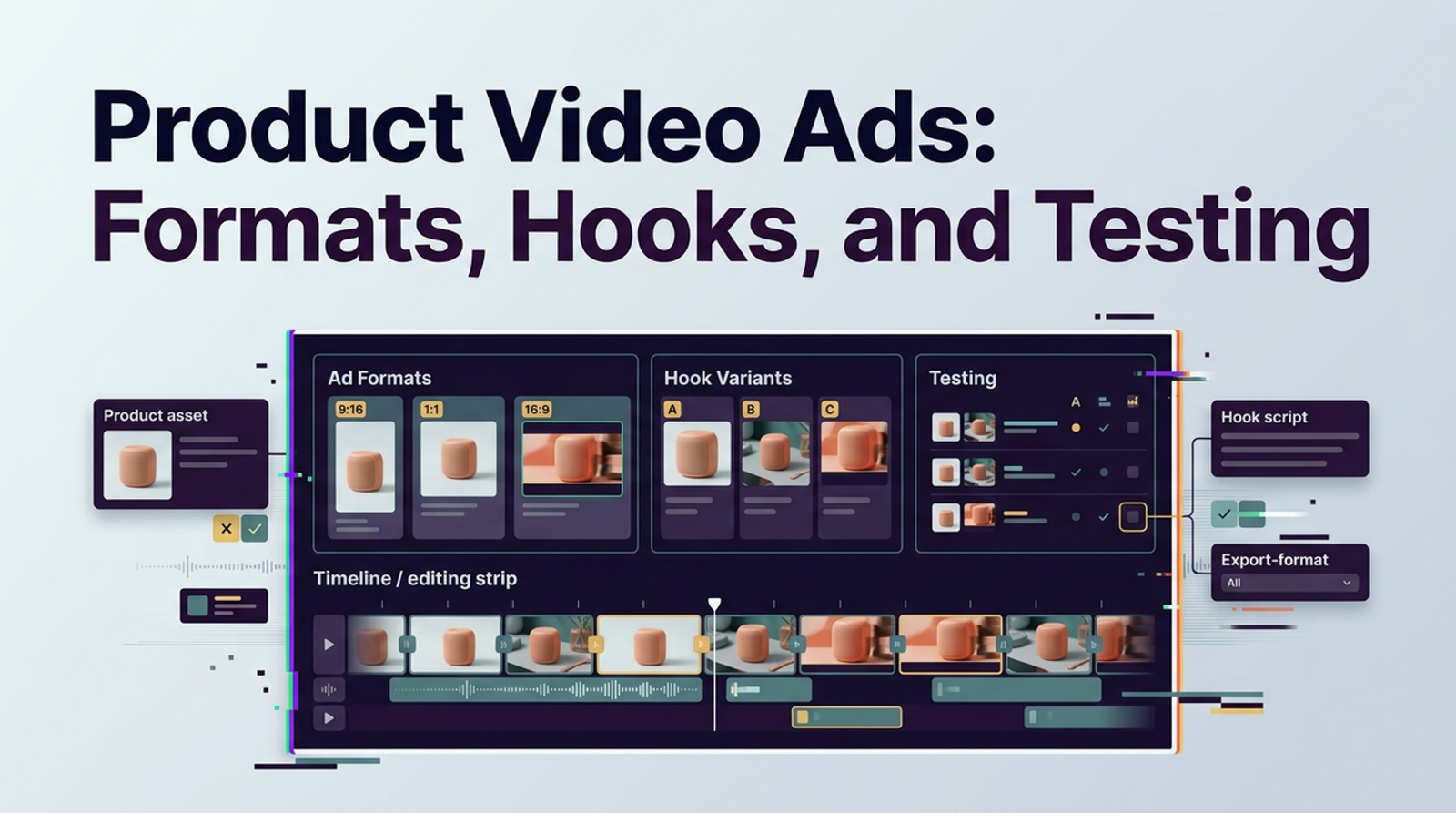
If the same garment footage needs several campaign cuts, the Waymark alternatives comparison covers timeline editing for multiple ad formats.
For a storefront, check the actual media placement rather than assuming that a file accepted by an ad manager will behave the same way on a product page. A video that hides the garment for several seconds may be an acceptable ad hook and a poor first product image.
What Common Errors Require a New Draft?
Fabric Drift, False Details, and Unlicensed People
Use a simple repair rule: fix presentation in the edit; rebuild anything that changes the garment or the rights behind the shot. An awkward crop, a late caption, or an offer that needs updating belongs in the editor. An invented zipper, missing pocket, altered hem, or false logo needs a new shot or an approved still. Color grading cannot rescue fabric that has turned into a different material.
People need the same clear line. A synthetic figure that resembles someone the brand has not licensed cannot be solved by trimming a few frames. Replace that element, return to a garment-only shot, or use properly cleared talent. The point of a new draft is to remove the problem at its source, not hide it in the final cut.
Conclusion
A good AI clothing brand video makes a real garment easier to understand. Start with the photos and claims your team already trusts, animate one supported detail, and review fabric, color, pattern, and fit before you add the sales message. If your team has approved garment assets ready, Wizstar's product-video workflow is one current route to inspect for that first short clip.
FAQ
- Do marketplaces accept AI-generated clothing videos on product listings?
- Some do, but acceptance is platform- and placement-specific. Amazon's current seller guidance allows product video uploads and says photorealistic, entirely AI-generated people in videos require specified metadata. Shopify lets merchants add product videos, though the store theme and media setup affect display. Check the destination's current rules and preview the exact listing before treating an accepted upload as an approved product representation.
- Can a clothing brand use supplier catalog photos in an AI ad?
- Only if its agreement permits that use. A supplier may license photos for a product listing while excluding paid ads, AI alteration, or a model's likeness. Ask for rights covering the source image, any person shown, the intended channels, and the ability to make altered derivatives. Keep that permission with the SKU asset record.
- What disclosure is needed when a paid ad shows a synthetic model?
- It depends on the platform and the nature of the alteration. TikTok's current ad policy calls for an AIGC label or clear disclosure for significantly AI-modified ad media. An entirely generated model is different from routine color correction. Check the selected marketplace and ad placement as well; disclosure rules do not replace likeness consent or truthful garment claims.
- Can licensed music from an organic Reel be reused in a paid clothing ad?
- Not merely because it was available in the Reel editor. Music rights can differ between organic posts, paid ads, platforms, regions, and campaign dates. TikTok's Commercial Music Library guidance distinguishes business-cleared sounds from general library tracks; it does not clear a song licensed for an Instagram Reel. Use a track licensed for the specific paid placement or commission original audio.
- Can one garment video be reused for both product pages and paid ads?
- Yes, if both destinations accept the format and the creative remains accurate in each context. Keep a clean master without baked-in prices or platform-specific music, then make separate exports for the product page and the ad. Check the crop, first frame, call to action, music rights, and disclosure on each version; the same footage can serve two jobs without the same final edit.