The short answer
Omneky is a good fit for DTC brands and agencies that regularly turn product briefs into video ad drafts and want teammates to review them in the same workspace. For a one-off ad, a video editor may be the shorter route, especially if you already have product footage and a sign-off process. The buying decision turns on how easily your team can correct a draft and approve the file it will actually use.
Quick Verdict for DTC Video Ads
The Omneky AI ad generator sits inside a platform that also handles campaign launch and reporting. Its creative tools cover product animations, scripted commercials, avatar videos, and video cloning. For a brand team, the useful distinction is between getting a draft into Ad Central and getting one specific version through review. A fast first render saves little if the product has to be corrected in several scenes or the approved cut still needs work after download.
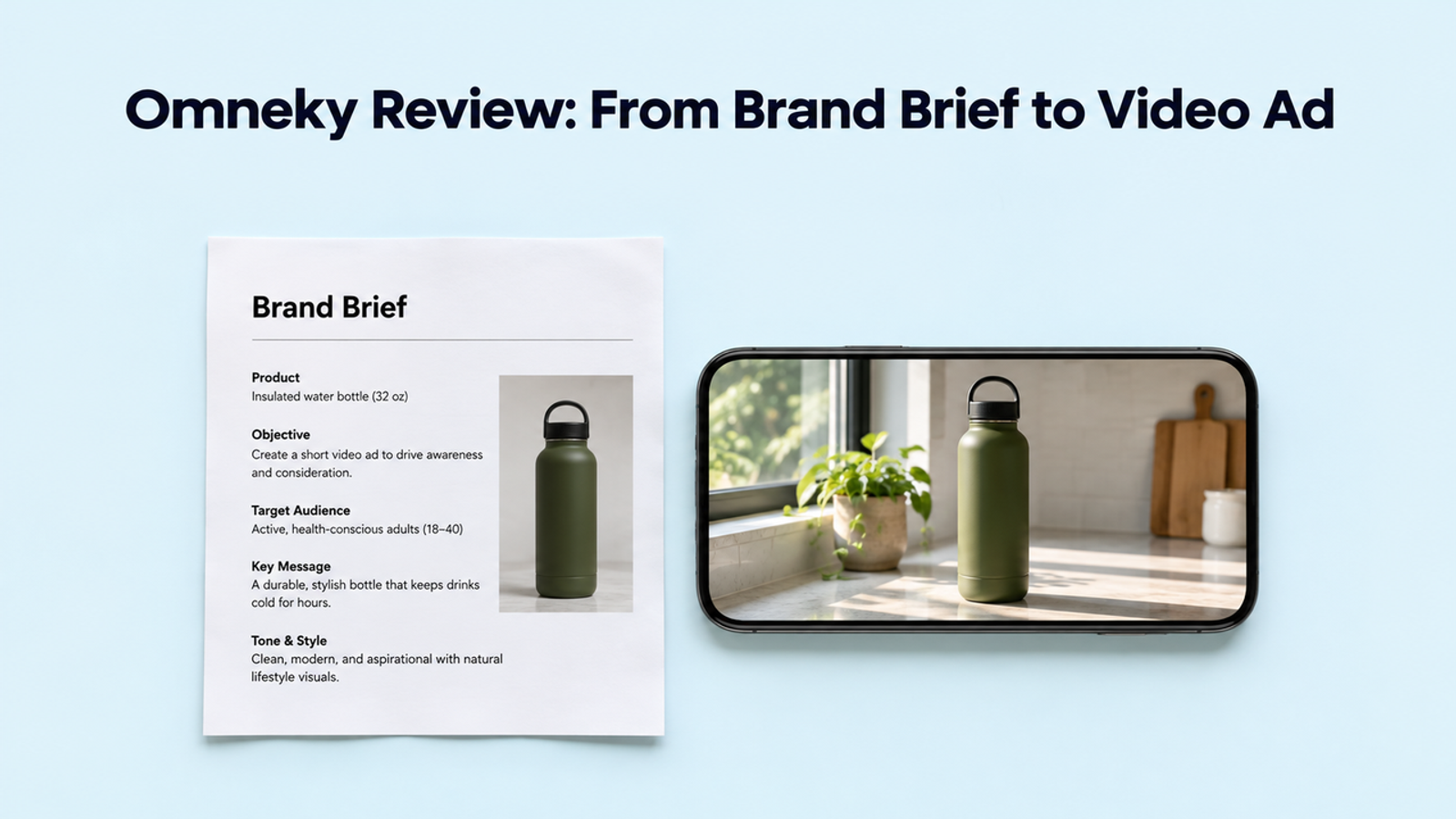
I’d judge Omneky video ads with one product, one placement, and one reviewer. A 15-second vertical ad for a 500 mL bottle makes a practical pilot because the label and lid are easy to compare with a real pack shot, the script has room for one factual selling point, and the finished file has a clear destination. Keep the assets, brief, and approval criteria fixed across tools, as you would in a controlled AI UGC ad test.
What Does Omneky Need From a Brand Brief?
Product Facts, Brand Rules, and Target Placement
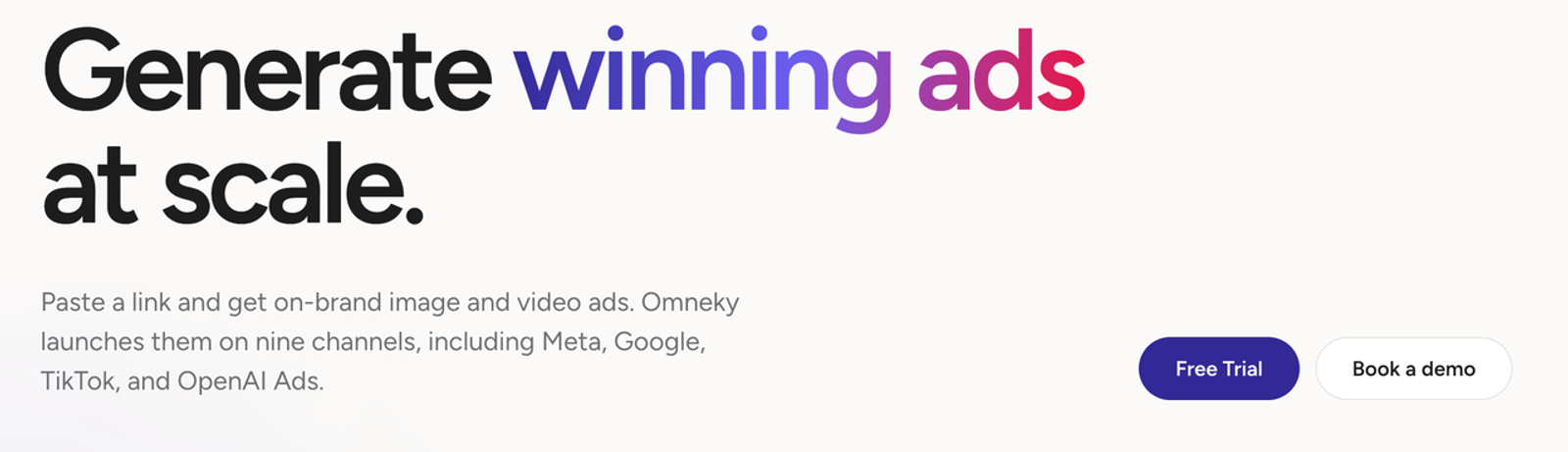
An Omneky brand brief can start with a product, reference images, and a hook. Omneky can pull logos, colors, fonts, and brand voice from a website, but I’d check those defaults against the current brand kit. Use the SKU page and approved claims sheet to specify the exact bottle, finish, capacity, and offer. Put recurring bans in Copy Generation Restrictions, then repeat the instructions that matter for this ad in the brief. For example, use “500 mL” verbatim and leave out “leakproof” unless the claim is substantiated and approved.
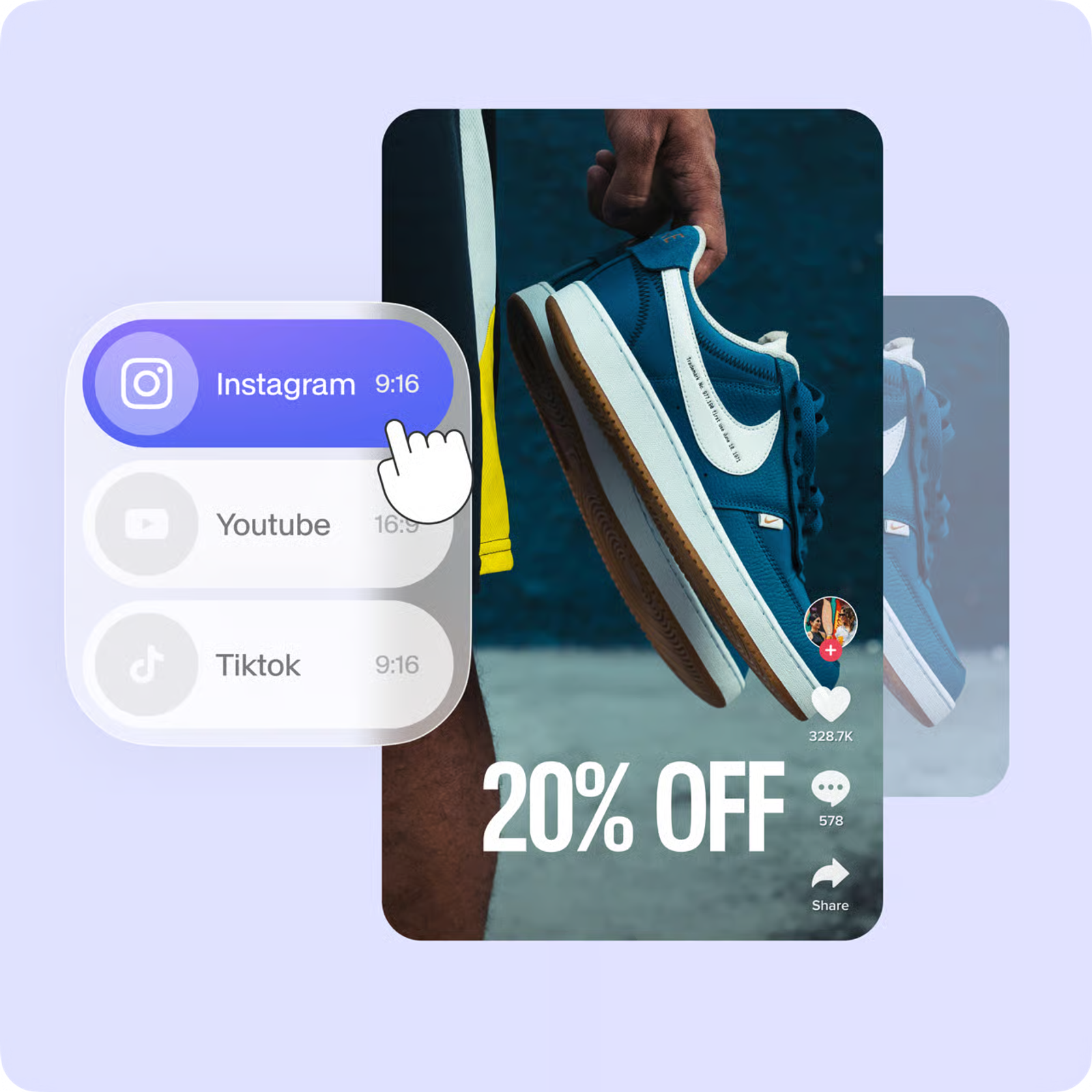
Omneky’s Creative Brief walkthrough shows narrative options for commercials before rendering. You can edit the voiceover script and, where the selected narrative allows it, the clip descriptions. The walkthrough lists commercials of 10 to 30 seconds in vertical, landscape, and square formats. Omneky’s video page specifies Pro generation quality for square. Choose the target placement first. For a 9:16 ad, specify where the label, captions, and end card need to sit so interface buttons won’t cover them.
Approved Media and Presenter Choices
Supply an approved front image and an angle that shows how the actual lid fits. Omneky’s commercial workflow accepts up to three product images and treats the first as the hero reference, so lead with the photo that best matches the item on sale. Avoid mixing photos of different variants. If the bottle’s shape alone tells the story, try a product-led cut with voiceover. Use an avatar when a presenter can explain or demonstrate something the product shot cannot, and give them an approved script. For the first draft, a simple shot of the bottle on a desk is easier to verify than a hand opening and closing the lid. If the presenter drives the ad, use the same script to compare Omneky with the workflow in our Arcads review for product campaigns.
How Does a Video Ad Move From Draft to Approval?
Inspect Product Appearance and Ad Claims
I would check the label before the lighting. Compare the opening frame, the moment the product moves, and the final pack shot with your source photo. Pause wherever the lid or label changes angle. An incorrect lid can misrepresent the SKU even if the opening frame looks right. Then read the captions and listen to the voiceover against the approved claims sheet. Check what the footage implies too. An upside-down bottle in a bag can suggest a leakproof claim without anyone saying the word. For larger batches, you can use the transcript and allowed claims to flag ad copy for human review.
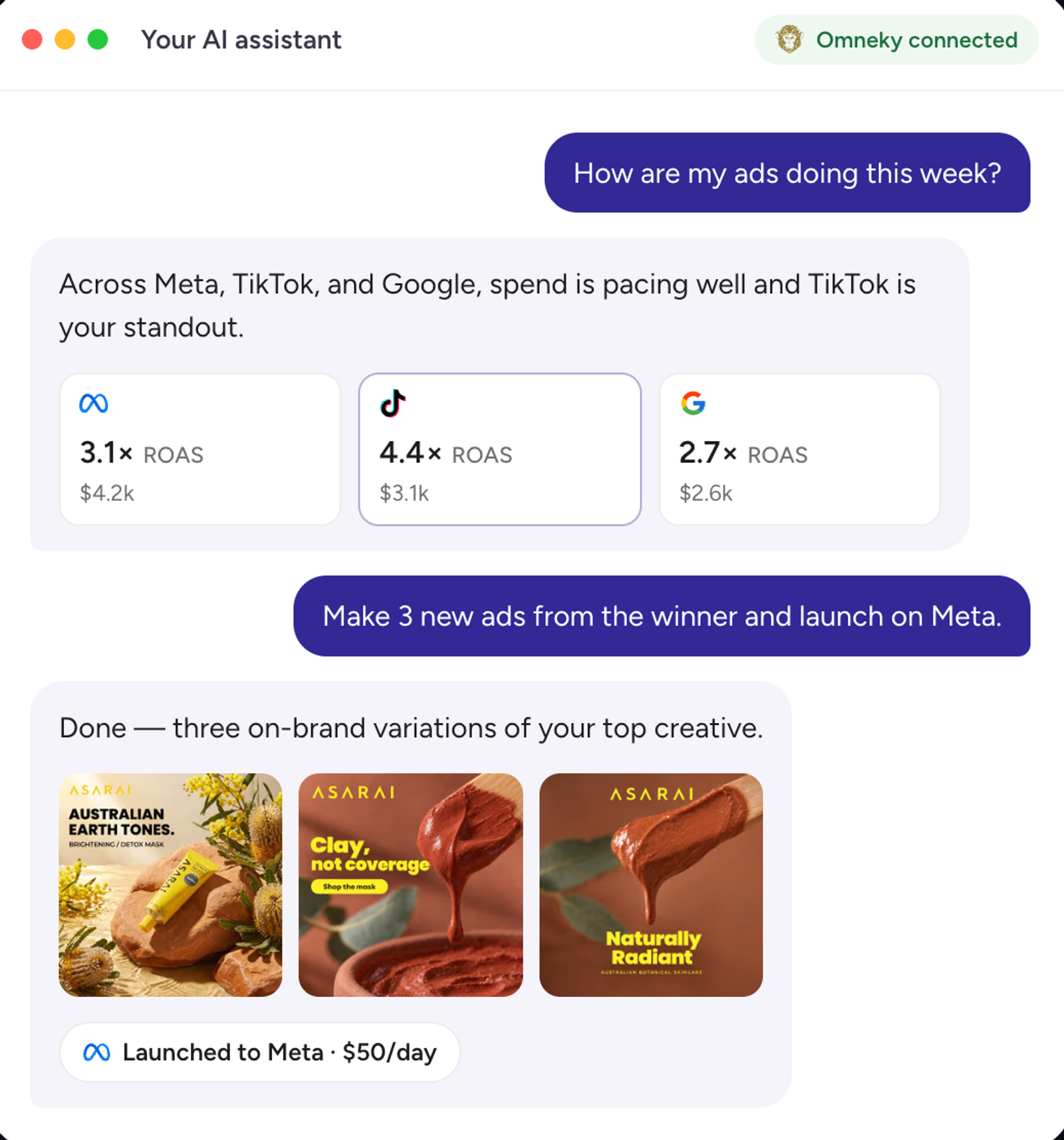
Once the export passes the checks below, have a named reviewer approve the matching version in Ad Central. Omneky documents a Request Approval step followed by Approve or Reject. An approved ad moves to Ready for Launch. Treat that request as part of your team’s process, since the launcher can also pick ads that haven’t gone through review. If you draft through the Agent, check its automation settings first. Omneky says the default can spend credits or launch without a confirmation prompt. Approval of a generated strategy is a separate decision from approval of the finished video.
Revise the Creative and Review the Export
Try one ordinary change before judging how editable the Omneky ad creative is. Ask the editor to replace a product close-up with your approved shot while keeping the timing and captions intact. Omneky’s Video Editor guide documents clip replacement, trimming, cropping, and caption tools. Record whether you can make the change in place, need to generate a new clip, or have to finish in another editor. The next edit is part of the cost. Count the minutes and credits for that revision alongside the first draft.
Download the revised cut and play the actual file on a phone. Check the frame size, duration, caption placement, audio, and end card against the destination’s current requirements. If post-production needs a clean version or a separate caption file, verify that your chosen workflow delivers it before committing. Record the filename and version with the reviewer’s decision, and send any recrop or change to a claim back for review. That keeps the approved file identifiable when it leaves Omneky.
When Does Omneky Fit a Brand Team?
Teams That Also Manage Campaign Creative
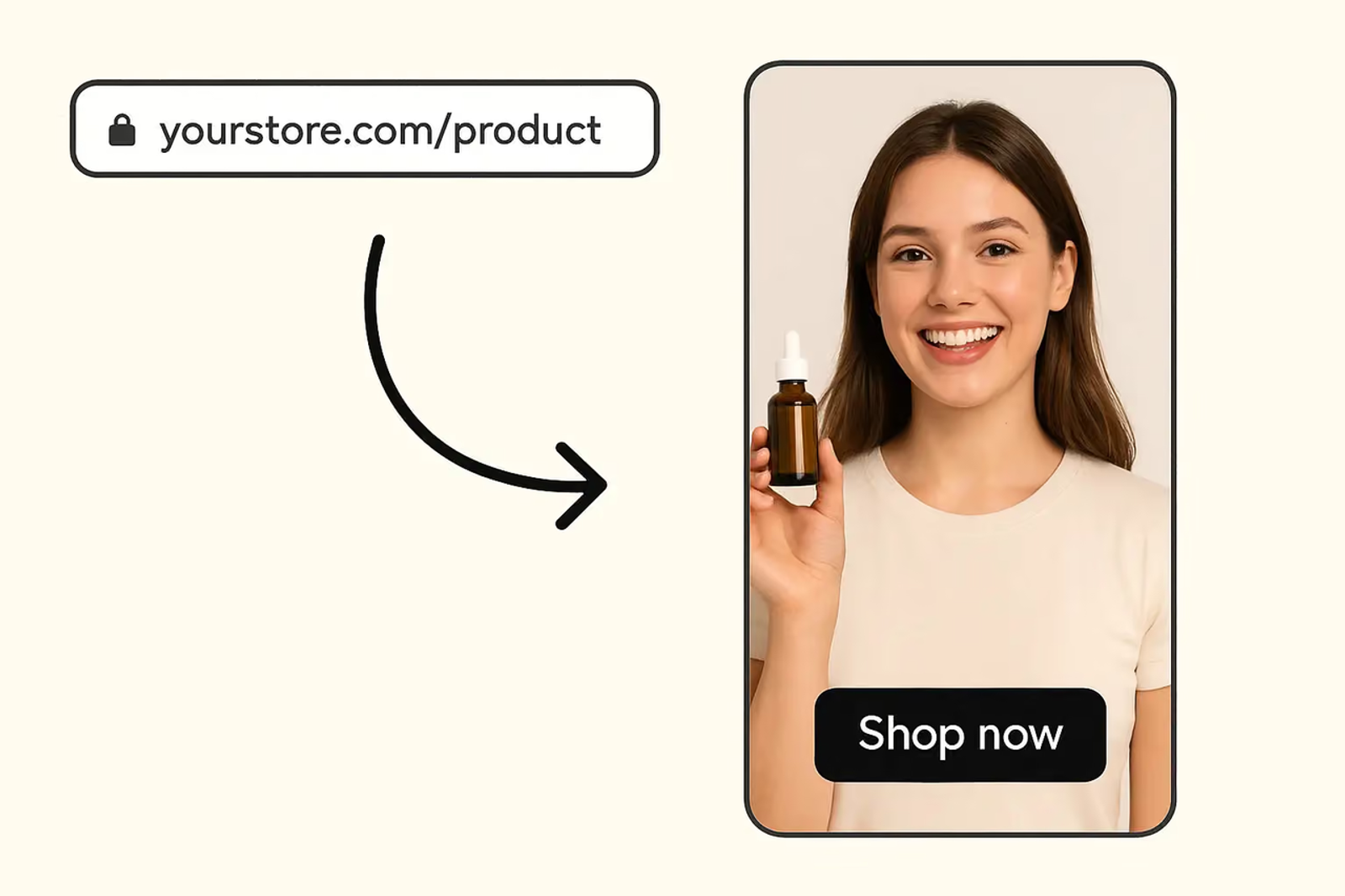
Omneky makes the strongest case when the people making video variants also manage campaign creative. A recurring product launch can reuse the brand kit, send each cut to review, and hand approved versions to the team that runs the ads. Connected campaign data can inform the next brief if the account has enough history. That’s a separate benefit from making a usable export. The first pilot can end with an approved file.
Limits of a Broad Ad Platform for One Video Job
If you already have footage, an editor, and a way to get sign-off, count the time it takes to set up another brand workspace and hand the file back. Omneky’s plan and credit comparison lists short cinematic videos on Lite and UGC avatars, cloning, and long-form avatars from Standard. It puts commercials on Standard and above, while the Creative Brief page says Ad Commercial also works on Lite. Verify the exact format in your workspace before choosing a plan. For a single cut, use this comparison of AI video ad tools to shortlist options by input and export needs, then compare credits and time to approval.
FAQ
- Teams That Also Manage Campaign Creative
- Omneky makes the strongest case when the people making video variants also manage campaign creative. A recurring product launch can reuse the brand kit, send each cut to review, and hand approved versions to the team that runs the ads. Connected campaign data can inform the next brief if the account has enough history. That’s a separate benefit from making a usable export. The first pilot can end with an approved file.
- Limits of a Broad Ad Platform for One Video Job
- If you already have footage, an editor, and a way to get sign-off, count the time it takes to set up another brand workspace and hand the file back. Omneky’s plan and credit comparison lists short cinematic videos on Lite and UGC avatars, cloning, and long-form avatars from Standard. It puts commercials on Standard and above, while the Creative Brief page says Ad Commercial also works on Lite. Verify the exact format in your workspace before choosing a plan. For a single cut, use this comparison of AI video ad tools to shortlist options by input and export needs, then compare credits and time to approval. [图片]
- Can an agency separate client brands and permissions?
- Yes. Omneky describes separate brand kits, ads, and connected ad accounts, with Admin or Standard access assigned per brand. Lite, Standard, and Pro allow one, three, and five brands respectively. The brands share the account’s credits. Before inviting clients, check what a Standard user can see, approve, and export using an account assigned to just one brand.
- What happens to brand assets when an Omneky account closes?
- Under Omneky’s data retention policy, brand and product content and generated creatives are generally deleted within 60 days of closure or a verified deletion request. A different agreement or legal retention requirement can change that timing. Save the files and approval records you need before closure, while you still have workspace access.
- Are avatar likeness and voice rights covered by an Omneky plan?
- A plan alone does not establish clearance. Section 1.6 of the Omneky Services Agreement says that, as between the customer and Omneky, the customer owns AI outputs to the extent applicable law protects them. Section 4.2 separately says Omneky owns Work Product and licenses it for the customer’s own campaigns during the agreement. Confirm which provisions apply to the final asset, especially for client use or continued use after the subscription ends. The public materials do not spell out a blanket license for paid ads covering every stock face and voice. For uploads or clones of a real person, obtain consent that covers the intended commercial use. Check Omneky’s latest terms and the target platform’s policies before publishing.