The short answer
QuickAds is worth evaluating when your team needs both ad research and a draft it can revise. The QuickAds video generator accepts a prompt or product link and lets you change hooks, scenes, and calls to action. Judge the workflow by whether the research improves a creative decision and the team can deliver an approved file within its review budget.
Quick Verdict for Performance Creative Teams
For this QuickAds review, I’d use one approved listing for an 18-liter commuter backpack and one vertical placement. The ad should show a laptop fitting in the sleeve and use the size limit on the listing. Set a cap on drafts and staff time. Record one decision the research changed, such as moving the sleeve demonstration ahead of the voiceover. Then give the same brief, footage, duration, and placement to whoever makes the comparison cut in your usual editor.
Both cuts have to show the right backpack, support the sleeve claim, and survive the placement crop. Keep QuickAds in the workflow if the cut passes within budget and either the research gives you an opening worth testing or the generator reduces the work needed to deliver. If your team already has the concept and footage, the editor cut gives you a baseline for what the software adds.
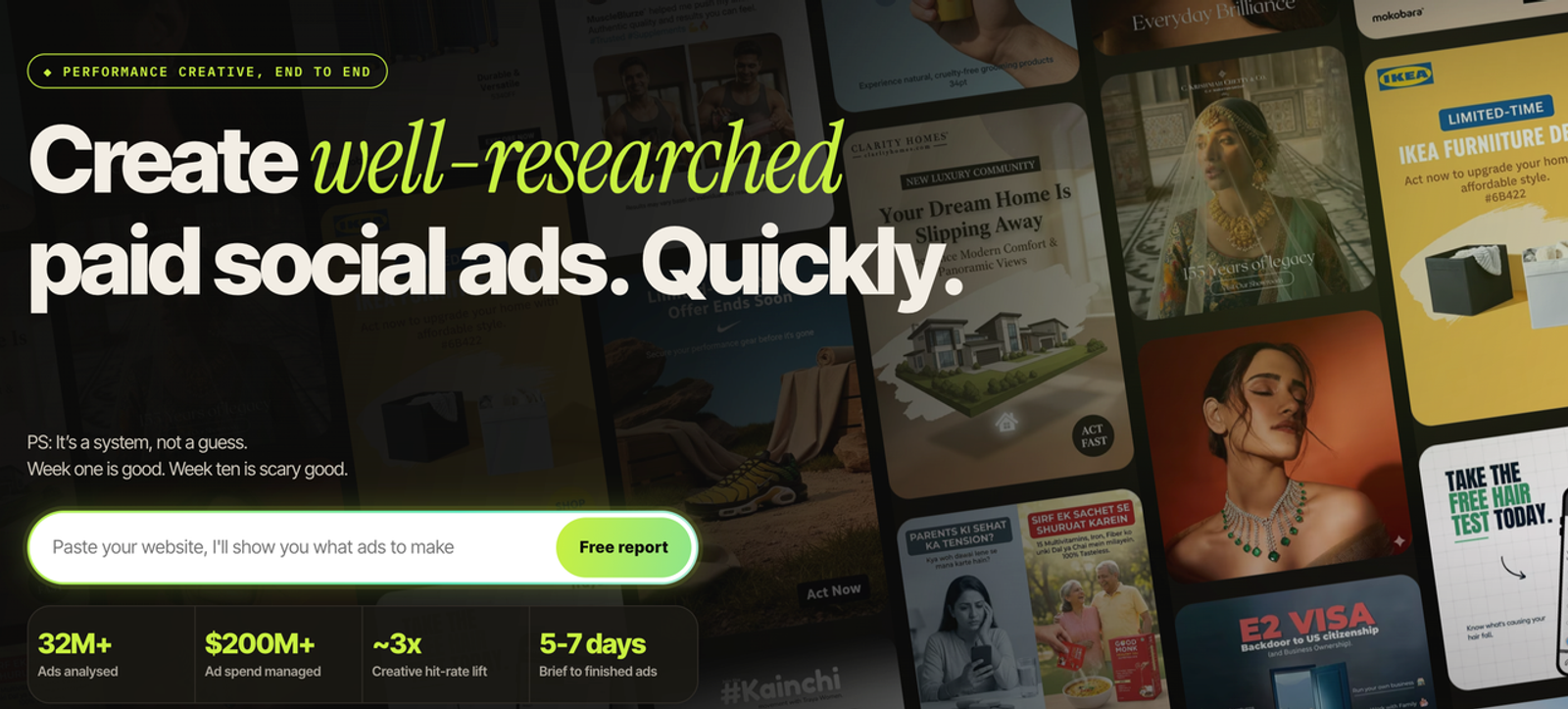
How Does QuickAds Turn Ad Research Into a Brief?
Use the library to find a format that suits the placement, then write the brief around evidence from your own product. The research should help the editor decide what viewers see first and what the next shot needs to prove.
Find Relevant Formats Without Copying Competitors
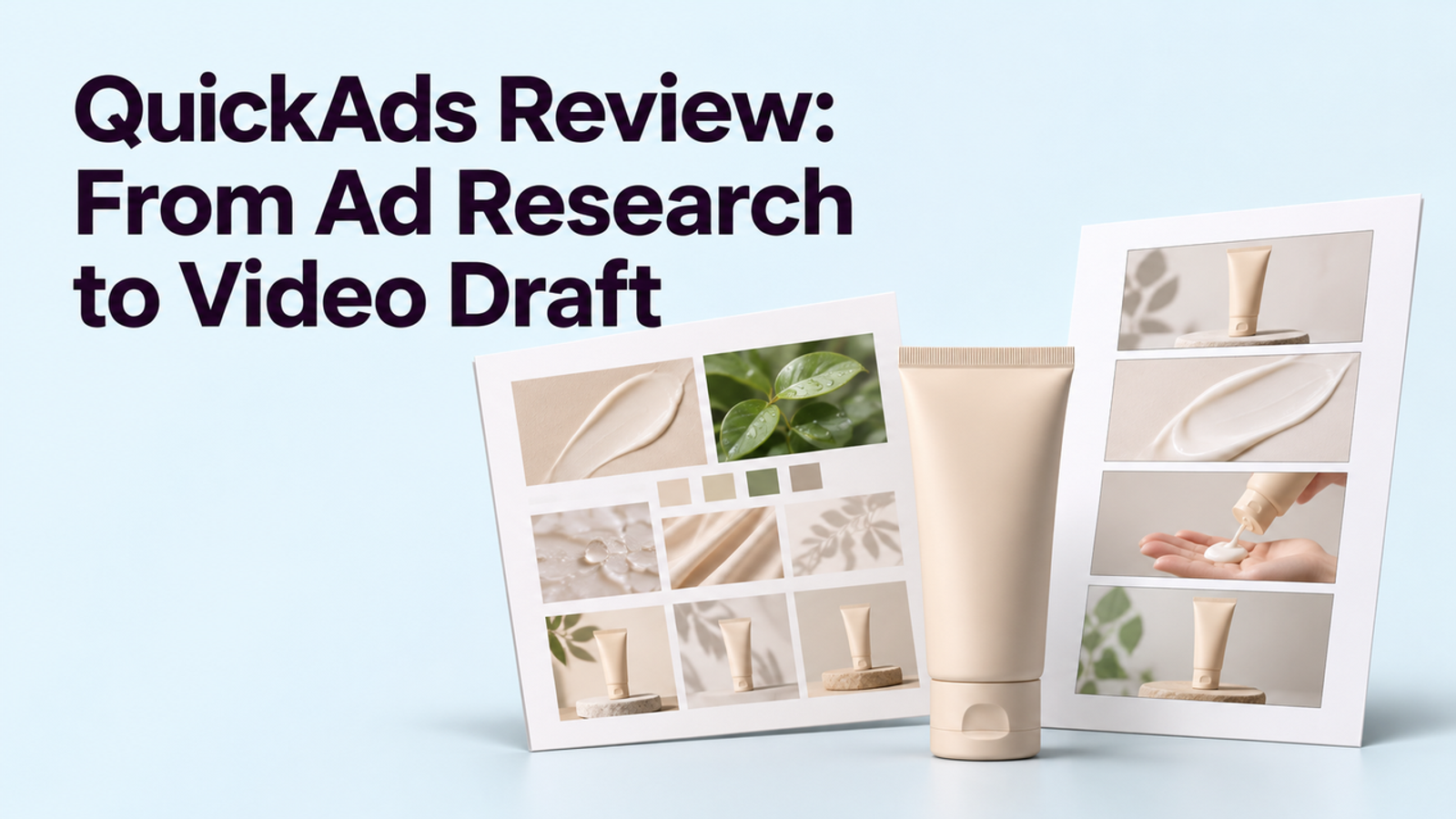
Use the QuickAds ad library to narrow the search by platform and category. Look for backpack ads that demonstrate a feature early, then note when the product appears, how long the demonstration stays on screen, and where the call to action lands. A note as simple as “Show the compartment opening before naming the size limit” gives the editor a sequence to try. Build it with your own footage, script, music, and brand assets. Keep the reference URL in the brief so the reviewer can check whether the finished ad follows the source too closely.
Set a Product Claim, Hook, and CTA
If the approved listing specifies up to 13 inches, open with “Will your 13-inch laptop fit?” and show that laptop sliding into the sleeve. End with “See the dimensions” if the destination page gives shoppers those measurements.
For a second draft, change the opening line and hold the demonstration and CTA fixed. Use the UGC ad creative testing workflow to log which hook changed and which demonstration stayed fixed. Ask a reviewer to watch each opening once and say what it promises. If one sounds like a claim about overall bag capacity, revise it before comparing hooks.
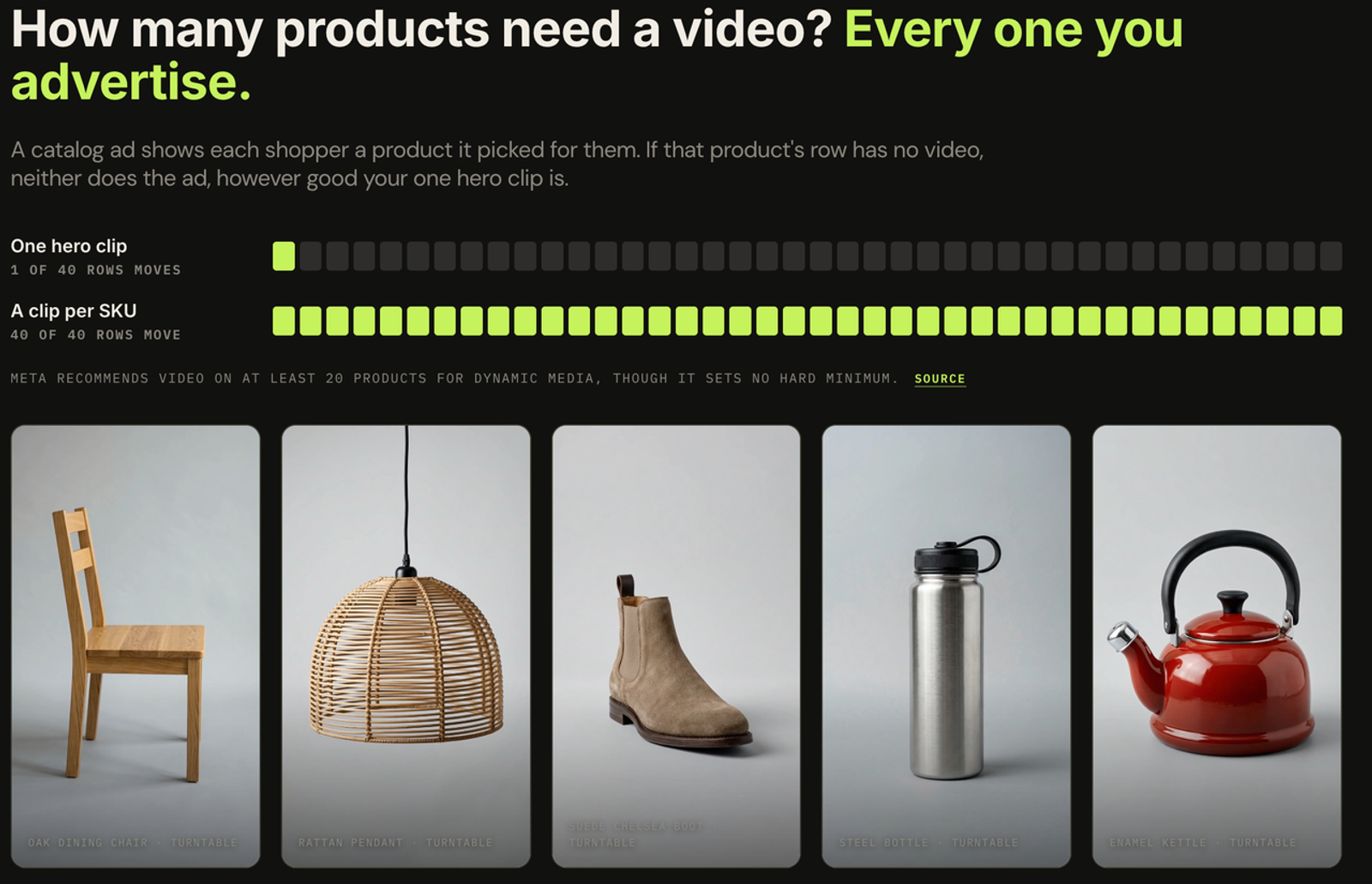
What Can a Team Make as a Video Draft?
QuickAds can build a short draft from a product link or written prompt, with editable elements such as narration, captions, and music. Check which product details and visuals made it into the first cut before spending time on transitions or voice selection.
Start From an Approved Product Page or Brief
Start with the exact variant page. Adapt the product fact sheet for listing images to record the backpack’s capacity, color, and included accessories alongside the approved sleeve dimensions. If the draft shows a larger bag while the script names the 18-liter model, replace the shot and check the surrounding captions. When a link brings in the wrong variant or omits a required measurement, use a written brief with the verified facts and supply the approved footage.
Revise Scenes, Voice, Text, and Format
Revise QuickAds video ads in the order viewers encounter the information. Put the laptop and sleeve in view before the voiceover names the size. Time the caption to the demonstration, then listen to how the voice reads the measurement. If you need a second format, open that crop before exporting. A wide shot can lose the opening of the sleeve in a vertical cut even when the caption still fits.
How Should You Decide Whether the Workflow Fits?
Use the same approval standard for both cuts and count the work needed to reach it. If QuickAds provides a pre-test score, use it to prioritize drafts for review. Calculate return on ad spend from attributed revenue and spend in the live campaign.
Check Product Accuracy and Brand Fit
Before I call it ad-ready, I want to know what happens on mobile. If an on-screen button hides the laptop entering the sleeve, reframe the shot so viewers can see whether it fits. For a second pass on wording, adapt the claim and landing-page review by putting the approved claim, transcript, overlay text, and destination page in front of the same reviewer.
| Review item | What to verify before approval |
| Product claim | Compare the stated sleeve size with the listing for the exact variant. Watch the demonstration through to the end. |
| Brand visuals | Pause on the product close-up and compare the color, zipper layout, and logo with approved footage. |
| Spoken delivery | Listen for the brand name and measurement. Confirm permission for any real person’s voice or likeness. |
| On-screen text | Read the captions with sound off. Check the offer and call to action against the destination page. |
| Placement | Preview on a phone with the platform controls visible. Check that the product and key text remain clear. |
| Final export | Play the downloaded file and verify its dimensions, duration, and audio against the placement specs. |
Count Review Time and Usable Exports
I care about the second pass. Log research, editing, and review minutes for each route, including time spent on discarded drafts. If any clips pass, divide total staff minutes by the number of approved exports for the placement. If none pass, record the time and why. Note which fixes needed a new render and which the editor could make directly. That tells you where the team spent its time.
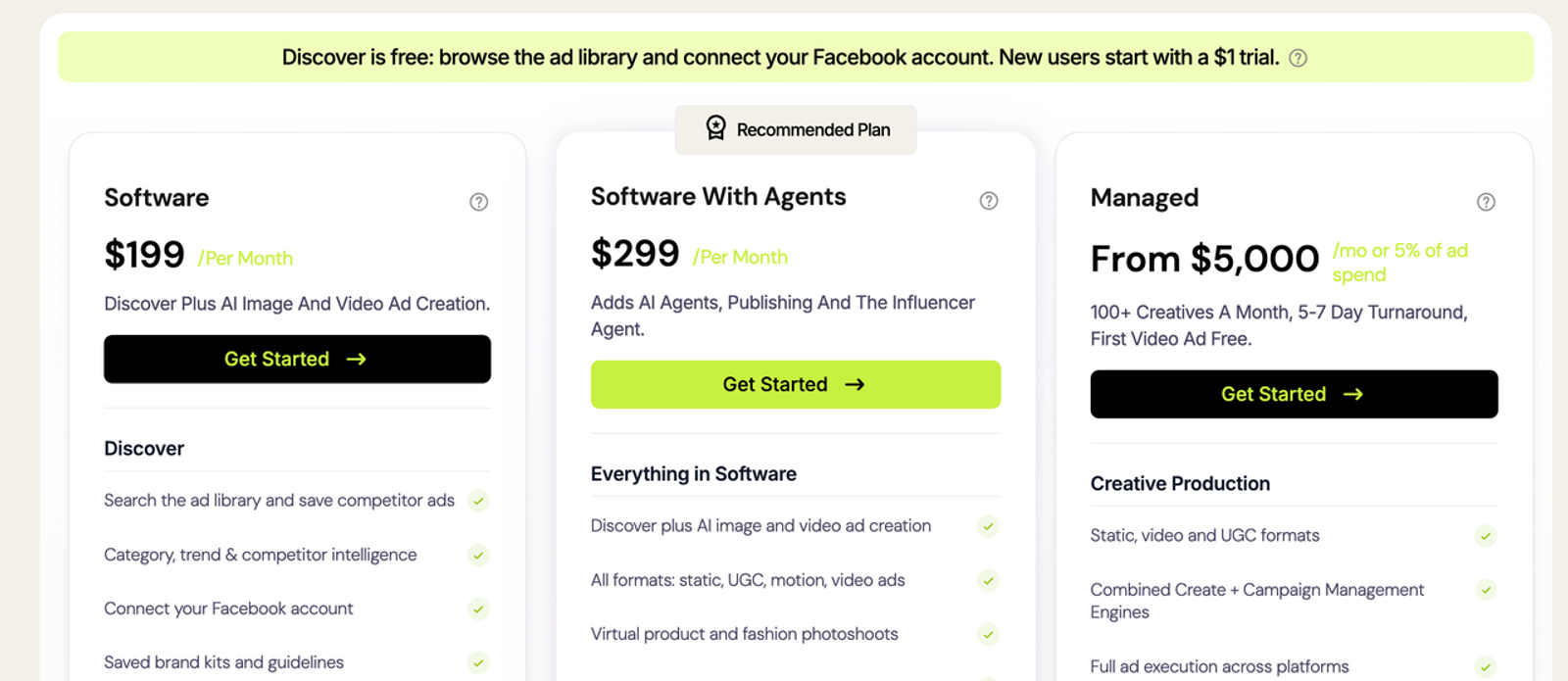
QuickAds’ self-serve pricing lists free Discover access, AI ad creation from $199 per month, and a $299 tier that adds agents, publishing, and the influencer agent. Managed creative is priced separately. If your team already runs campaigns, check what files each plan lets you hand off. The Waymark, Creatify, and InVideo comparison compares handoffs for finished spots, product-link drafts, and timeline edits.
If you need direct publishing, verify the destination and permissions before connecting a client account. The QuickAds privacy policy says connections such as Meta or Google Ads can share authorized campaign and performance data. QuickAds says it excludes customer content and connected-account data from foundation-model training.
Conclusion
Keep the brief, approved export, and review log together for each product. That gives the team a record of which research decisions carried through to the ad and how much work it took to deliver the file. Use that record to budget the next set of QuickAds product ads.
FAQ
- Can QuickAds use product links from every store platform?
- QuickAds documents product-link input, and its public video page leaves store-by-store compatibility unspecified. Try the exact listing and compare the imported product name, variant, and visuals with your approved sources. If the import is incomplete, use a written brief and approved files.
- Which QuickAds plan includes video downloads?
- The D2C pricing table lists one video download for the trial and 100 for Software with agents. The main pricing page lists video creation for the entry paid tier and leaves its download allowance unspecified. Confirm the cap, reset period, and export quality on your offer before budgeting multiple versions or formats.
- What rights apply to stock media used in a QuickAds ad?
- Rights depend on the asset. Section 33 of the QuickAds Terms of Use describes use of Getty media within digital end-user works, subject to license restrictions. Section 11 preserves separate terms for third-party materials included in an output. Keep a record of the clips, tracks, and voices used. Please refer to the latest official documentation and verify that the applicable licenses cover the paid placement and client handoff.
- Can an agency keep separate client brand workspaces?
- The main DIY pricing page lists one saved brand kit. The public plan descriptions leave client workspace isolation and access controls unconfirmed. Before uploading client materials, verify which projects, assets, and connected ad accounts each client role can see.
- What happens to unused QuickAds trial assets after cancellation?
- Access to unexported trial drafts after cancellation is unclear in QuickAds’ public documents. The privacy policy treats account and content deletion as a separate step. The terms say qualifying output rights survive cancellation, with third-party licenses still applying. Download approved files while you have access. If your signup offer is the five-day, $1 trial described in the terms, it renews at the subscription rate unless canceled before the trial ends.