The short answer
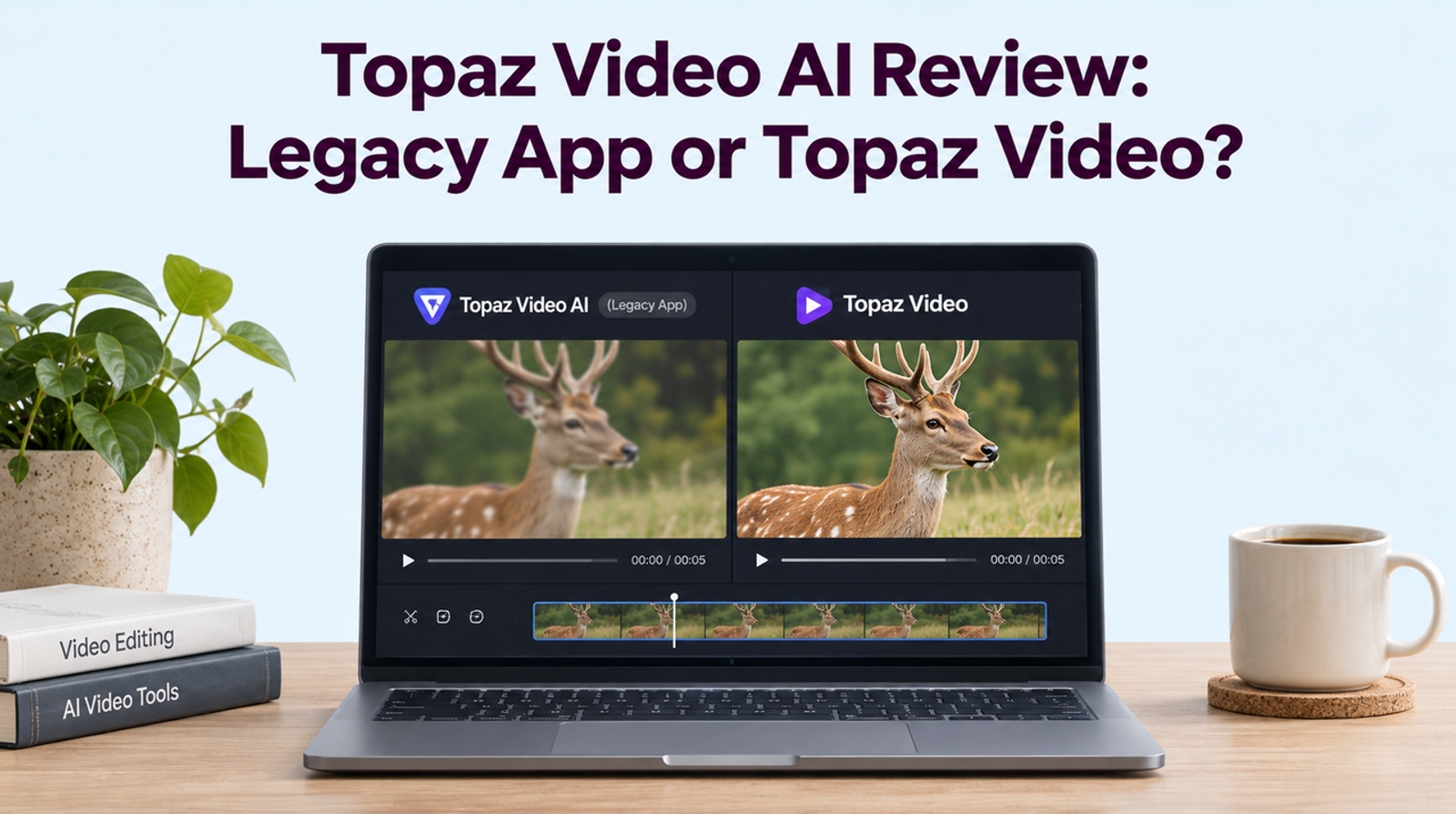
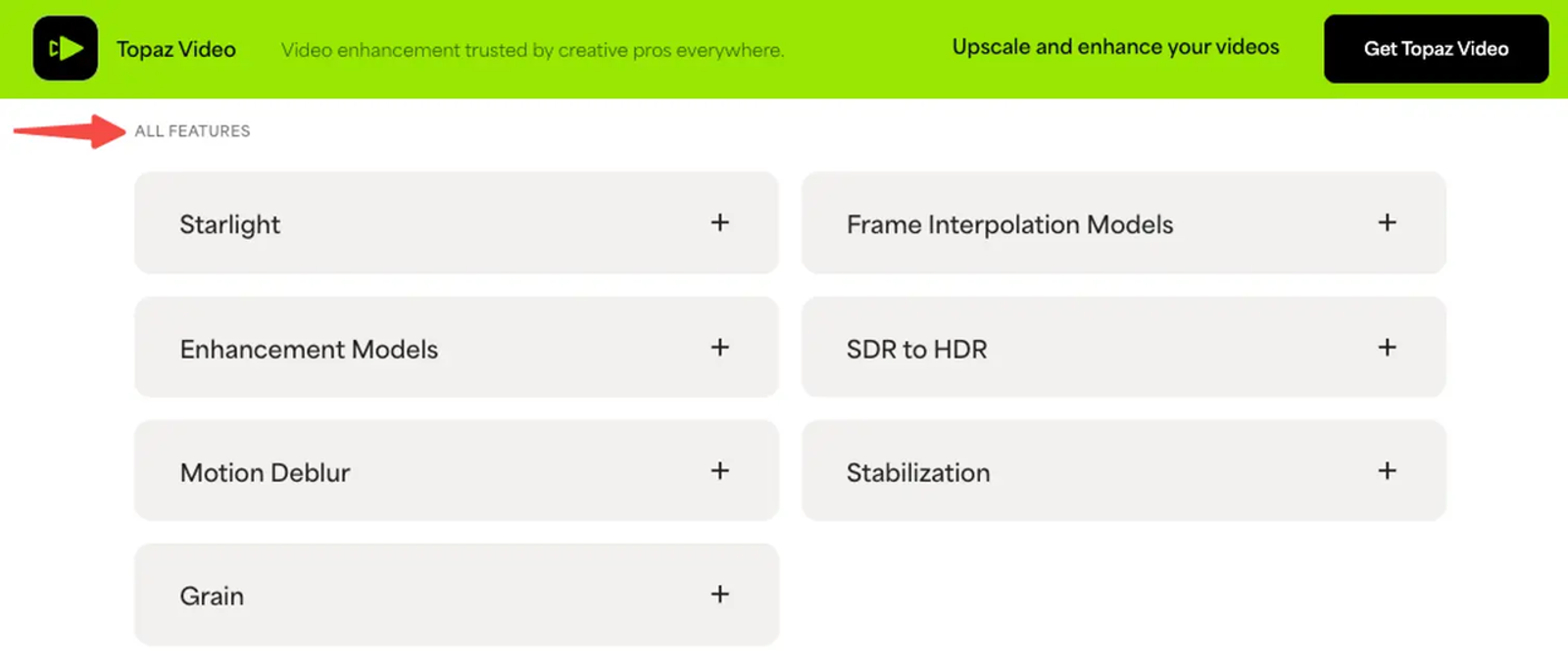
Topaz Video AI is the discontinued legacy app; Topaz Video is the current subscription app that continues to receive updates. An existing Video AI license lets its owner use the version attached to that purchase. A team setting up a new workflow should evaluate Topaz Video and its ongoing subscription requirements. Topaz’s official comparison of the two apps explains the distinction.
For an ecommerce or advertising team, the question is whether enhancement makes an existing shot suitable for its next placement. I would compare an export with its source at the intended delivery size before calling either app useful for a particular clip.
Quick Verdict for Teams With Existing Ad Footage
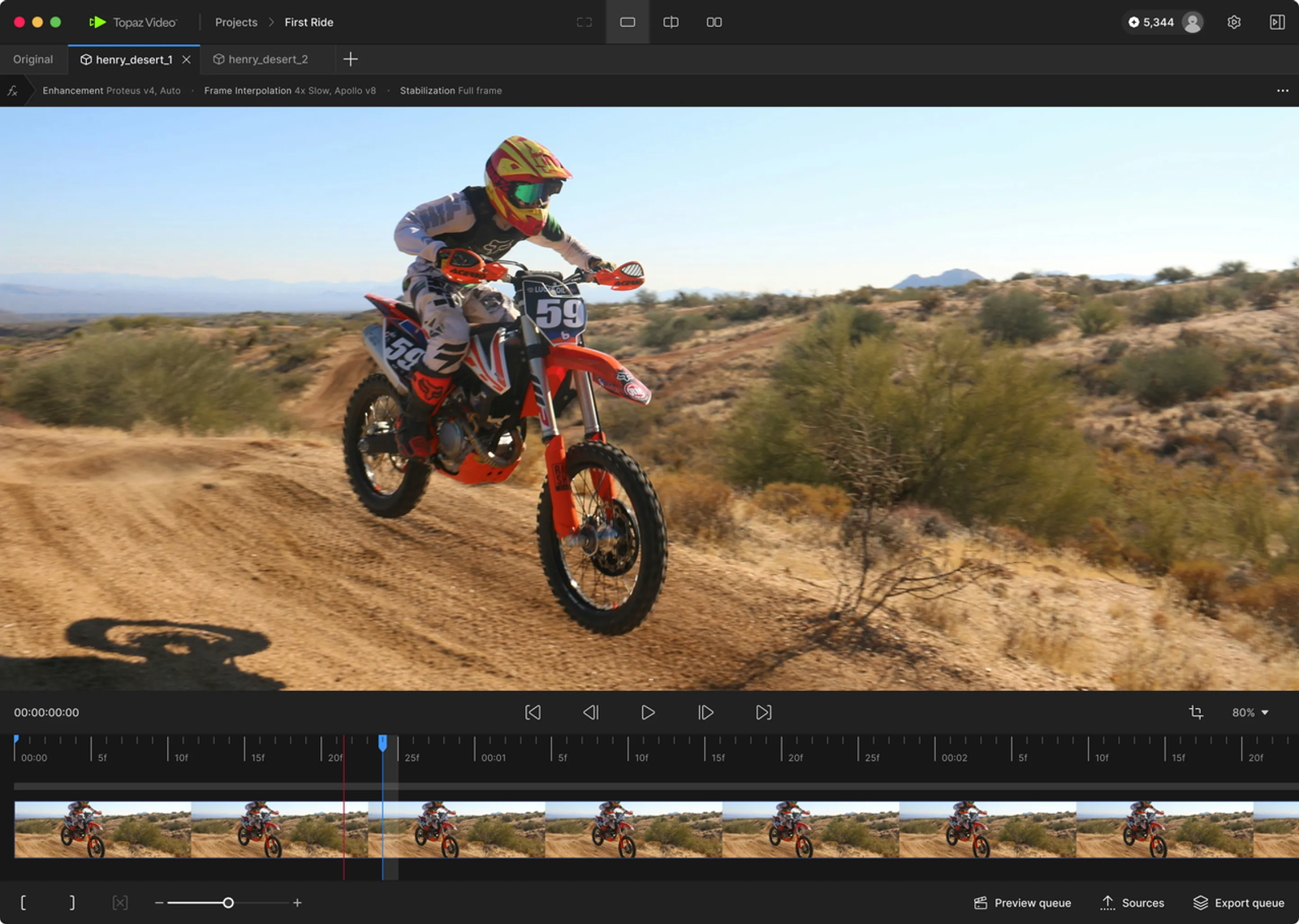
Topaz Video is worth evaluating when a product shot or demonstration already says what the ad needs to say, but resolution, noise, or motion quality creates a delivery problem. The current Topaz Video product page presents tools for improving footage you already have. It does not provide a missing camera angle, show a product feature that was never filmed, or correct an inaccurate demonstration.
The strongest candidate is a clip whose content and composition already work. Enhancement may help it fit a larger placement or sit alongside newer footage. A shot with unreadable packaging, a hidden product feature, or too little room for the required crop needs closer scrutiny. Pretty is easy to spot. Useful takes another look. For an ad team, “useful” means the product remains accurate and legible after processing, export, and playback in the actual placement.
What Does Topaz Video AI Do to a Video Clip?
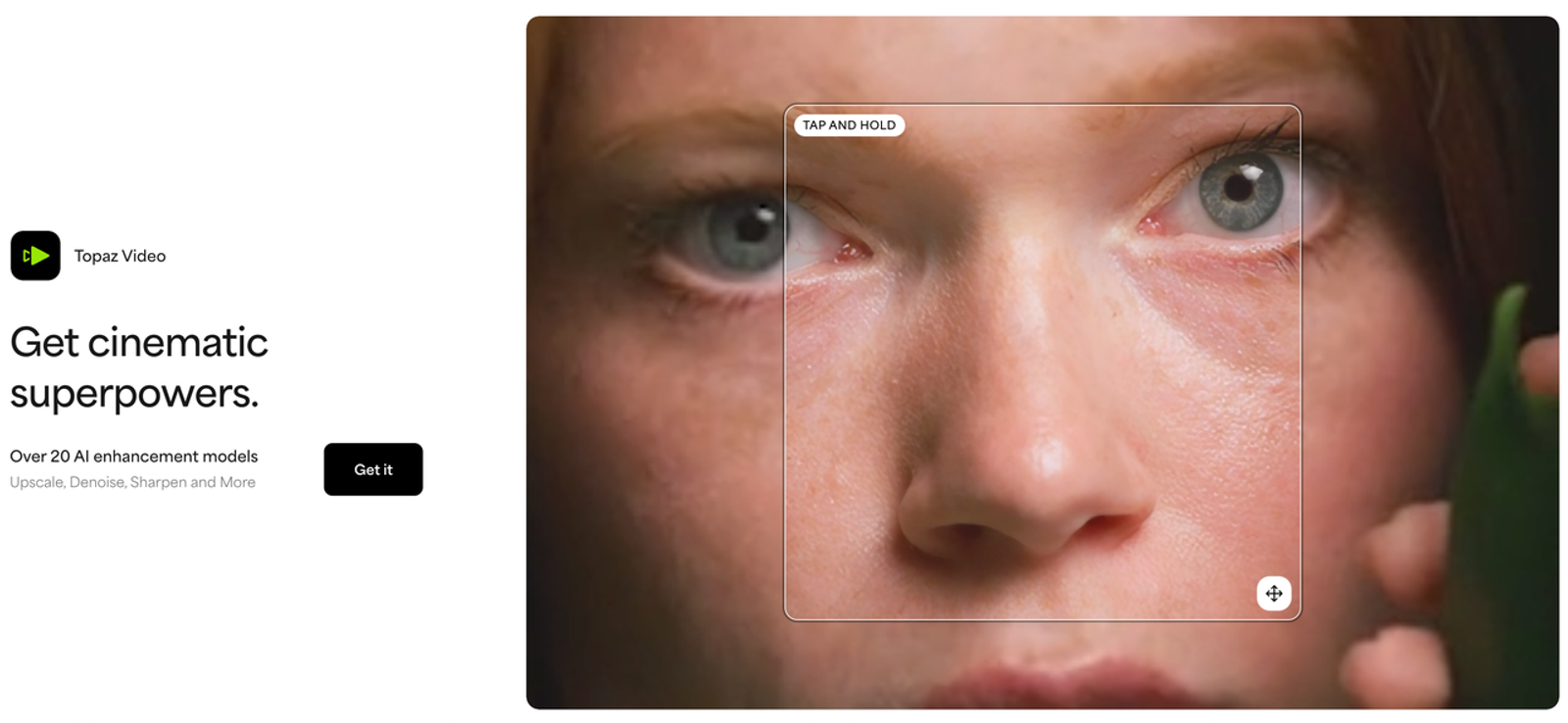
It processes footage you provide and produces a new export. Topaz video upscaling describes one possible task; denoising, motion deblur, and frame interpolation address different source problems. Those tools should be selected for an identified defect, then judged on the exported video.
Upscaling, Noise Reduction, and Motion Repair
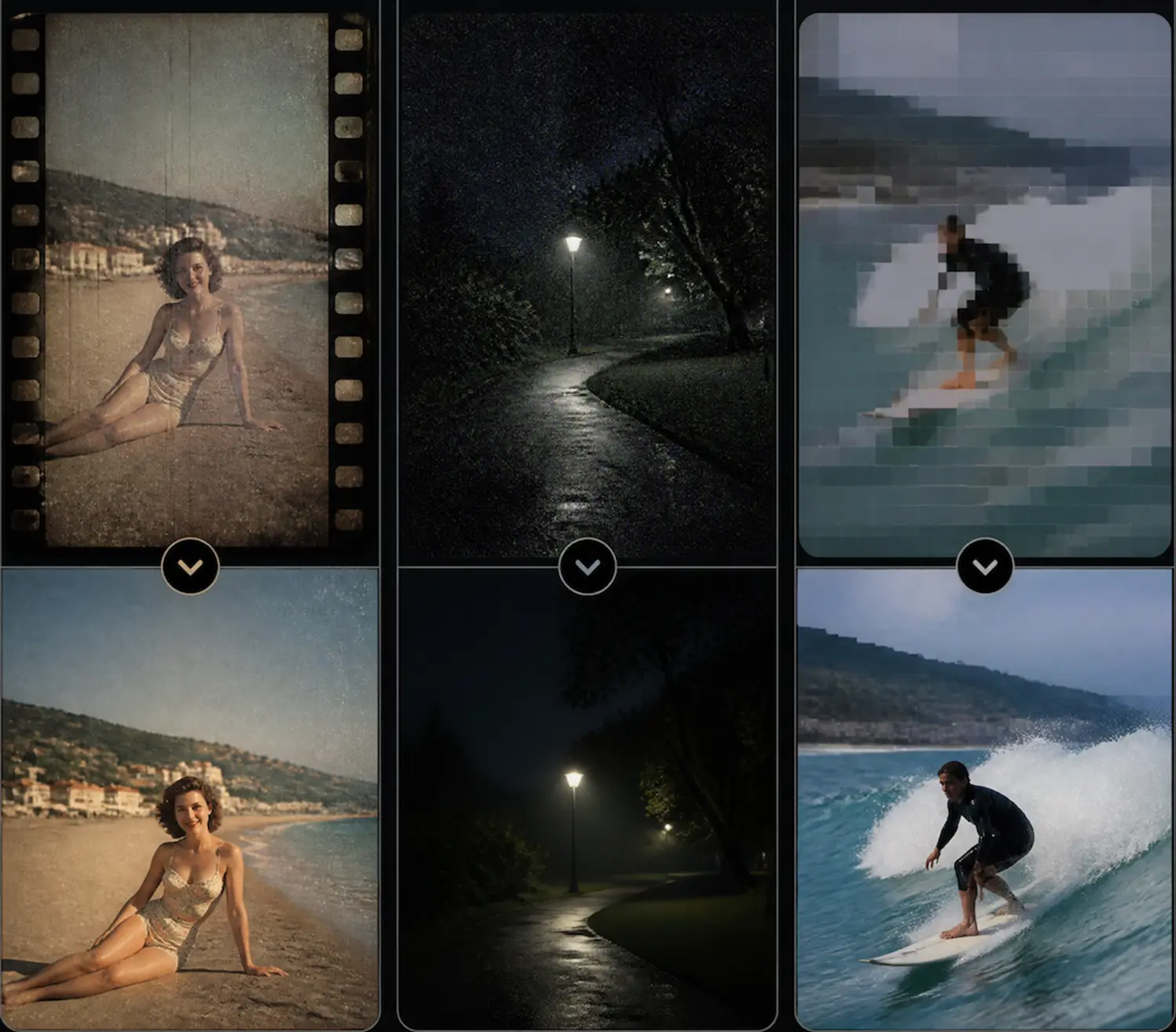
Upscaling aims to make a smaller source usable at a larger output size. Denoising addresses unwanted grain or speckling. Motion deblur targets certain kinds of blur, while frame interpolation creates additional frames for a different motion or frame-rate requirement. None of these operations is a universal repair setting.
A product close-up might need a larger delivery frame, but strong processing could make printed packaging look unnaturally smooth. A moving demonstration might look clearer when paused yet show distracting edges during playback. I would preview a short segment containing the difficult detail, export it, and watch the result in motion at the size the audience will see.
What Enhancement Cannot Recover
Enhancement can estimate or reshape visual detail; it cannot verify text that was never readable in the recording. It cannot reveal the back of a package, correct a misleading product claim, or reconstruct an action that happened outside the frame. If compression damage covers critical wording, compare the export with an approved product reference as well as the original video.
That distinction matters in advertising. A cleaner frame can still be unusable if an ingredient line changes shape or a device’s controls become ambiguous. That is a claim I would test with my own asset: a feature description establishes what the software offers, but a controlled comparison shows whether it preserves the details this campaign requires.
If a companion product photo only needs a background touch-up, the Hotpot alternatives comparison covers tools for editing a selected area of a still image. Check the finished photo against the approved original, especially around the product edges and label.
How Does the Legacy App Differ From Topaz Video?
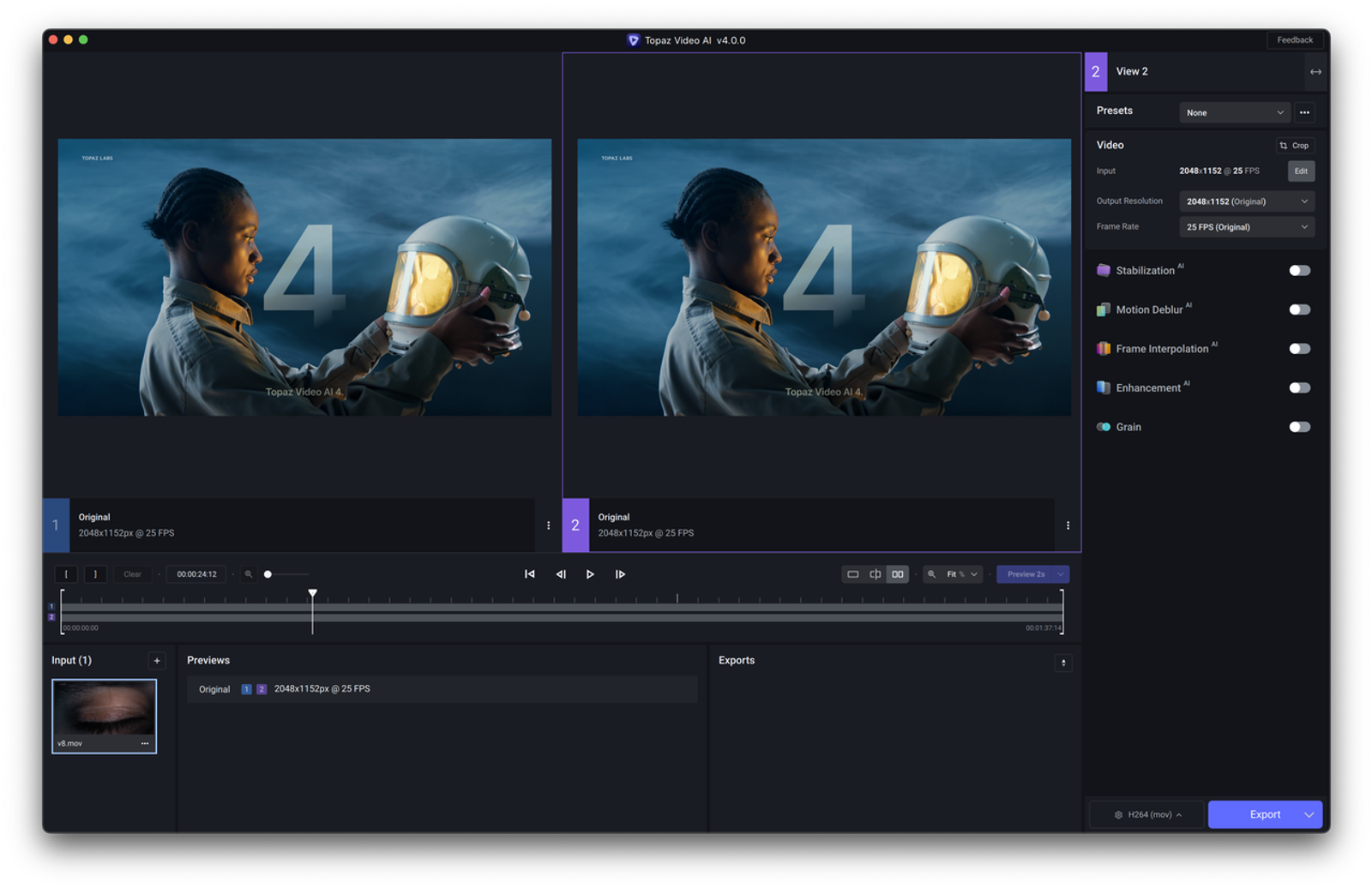
Topaz Video AI is a discontinued application whose final version is 7.1.5. Topaz Video is an actively developed application. For a team, the practical difference is whether it can keep using a version it already owns or needs continued subscription access for its workflow.
Update Eligibility, Purchase Model, and App Access
A legacy Video AI license gives its owner access to the specific version associated with the purchase. Topaz says no further model updates will be released for that app. Eligible owners can obtain their installer through the legacy section of their account. That may suit an established workflow on compatible machines, although future operating-system and hardware changes warrant attention.
Topaz Video requires a paid subscription, and continued app access depends on renewal. Its installer is available through Topaz’s current account and apps pages, and the product continues to receive development. Check the account’s actual entitlement before planning a migration: owning the former app does not itself provide access to the current one.
Which Version Fits Your Existing Workflow?
If your team already owns Video AI and its licensed version handles the required files on current machines, test a short source segment before changing an established process. Record the app version, model settings, source, and export so the result can be reproduced when a revision arrives.
For a new setup, the maintained Topaz Video app is the relevant product to assess. Confirm that the workstation supports the models you intend to use, then test a representative clip before processing a campaign archive. The next edit is part of the cost. One appealing sample has limited value if repeat exports, approvals, or future app access complicate the work. If the migration also includes a tool for generating new footage, the Gencraft alternatives guide offers a pilot for measuring retries and cleanup before switching.
How Should a Marketing Team Evaluate an Enhanced Clip?
Compare a representative source segment with its export under the conditions of the final ad. A short passage containing product text, fine edges, and movement gives reviewers more useful evidence than a still frame selected for sharpness alone.
Compare the Original and Export at Final Delivery Size
Place the original and enhanced versions side by side with matching duration and framing. View both at the target aspect ratio and display size, including any crop required by the placement. Compare the completed files: a preview alone may not show the effect of export settings or later compression.
If the same enhanced footage needs several ad cuts, evaluate timeline editing and delivery formats alongside clip quality. The guide to Waymark alternatives compares workflows for finishing ads and preparing versions for different placements.
Ask whether the export improves the defect that prompted the test. For a noisy source, inspect shadow areas and product texture. For a small source, check whether the larger output remains believable at delivery size. A difference visible only at extreme magnification may add little value to the ad itself.
If the team approves a setting for several clips, keep each source’s settings and result identifiable. Topaz’s import, preview, export, and batch-rendering guide describes how the current Topaz Video app queues prepared files. Batch export saves repetitive steps; It does not make one set of enhancement choices suitable for every shot.
Check Product Details, Text, and Movement
Review packaging copy, logos, interface text, seams, reflective edges, hands, and any feature the ad asks viewers to trust. Pause on critical frames, then play through moving objects and transitions at normal speed. Look for halos, flicker, warped lettering, or inconsistent edges instead of rewarding sharpness by itself.
For example, take an existing 16:9 clip in which a hand turns a skincare bottle toward the camera. Export the same two-second section for a 9:16 mobile ad, once from the original and once after enhancement. At the final display size, compare the brand name and ingredient text with the approved packaging artwork, then watch the turning motion for flickering letters, halos around the bottle, or changes to the cap’s shape. If the enhanced version looks sharper but alters the label, it fails the ad review; try a gentler setting or use a newly filmed close-up instead.
I would check the label before I hit export, then check it again in the delivered file. If the result fails a product-detail review, try a less aggressive setting on the same segment and compare the revision. Keep the original available during approval so reviewers can see what the camera actually captured.
When Is a New Clip More Useful Than Enhancing an Old One?
Make a new clip when the missing information is the reason the ad exists. If the original never shows how a product opens, where a control sits, or what a package says, enhancement cannot supply reliable evidence of those facts. The same applies when the composition cannot accommodate the required crop or a changed product makes the old footage inaccurate.
A targeted reshoot also becomes attractive when repeated processing and review still produce no approvable result. Compare the cost of the new shot with the time spent enhancing, checking, revising, and explaining an uncertain old one. Topaz Video for ad clips makes the most sense when the source is already correct in substance and needs technical improvement for delivery.
For a supporting shot such as a slow push-in on a bottle, an approved product still can be a starting point. The PixVerse review for short product clips walks through that workflow and the packaging details to check before using the result in an ad.
FAQ
- Which source file formats can Topaz Video AI import?
- Check the format list for the version you actually use. For the current Topaz Video app, the official supported-format reference lists video files including MP4, MOV, MKV, AVI, and MXF, as well as supported image sequences. That list should not be assumed to cover every legacy Video AI version or every codec within a listed container.
- Can Topaz Video AI process several ad clips in one batch?
- The current Topaz Video app supports batch rendering; this article does not establish batch behavior for every legacy Video AI version. Its official workflow lets users prepare several imported sources and place them in an export queue. If you own the older app, check the documentation and controls for your licensed version before building a campaign process around batch export. Test one representative clip before queuing the rest, since different shots may need different settings.
- What hardware does Topaz Video need for local processing?
- Requirements depend on your operating system and the model you choose. Topaz’s current system-requirements page lists minimum and recommended specifications, with additional requirements for certain Starlight models. Check the exact workstation and intended model before promising local processing; the current app does not support Intel-based Macs.
- Where are Topaz store clips rendered in the cloud?
- Topaz’s cloud-rendering documentation does not specify one storage region that applies to every job. It describes uploading a clip for processing on Topaz’s servers and downloading the completed export. The guide says cloud renders remain on the server for up to seven days after processing; that statement should not be treated as a complete retention rule for every uploaded input or associated record. If your team has location or retention requirements, confirm them with Topaz before uploading client footage.
- Can a team use Topaz Video output in paid ads?
- Paid advertising is commercial use, so the answer depends on the license and the team using it. Topaz directs customers to its current end-user license agreement; check the terms applicable to your product, license tier, and organization. A current subscription and a legacy purchase should not be assumed to carry identical conditions. Separately, confirm rights to the source footage, music, talent, trademarks, and product claims before publishing the ad.